How to Unlock Your Minecraft Account: Essential Login Tips
Why Your Minecraft Login Might Fail
Even seasoned players run into trouble when trying to access their world. Password typos, two‑factor hiccups, or a suspended account can all block entry. Understanding the underlying cause is the first step toward a smooth re‑login, and it saves you from endless “forgot password” loops.
Basic Troubleshooting You Can Do Right Now
Before diving into advanced steps, try these quick checks. They often resolve the issue without needing support tickets.
- Verify your email address. Minecraft sends a confirmation link whenever you change credentials; an unverified address can lock you out.
- Clear cached data. Old cookies or saved login info can confuse the launcher; a simple cache clear refreshes the authentication token.
- Check server status. Mojang’s authentication servers occasionally undergo maintenance; a quick status check can tell you if the problem is on their side.
Recovering a Forgotten Password
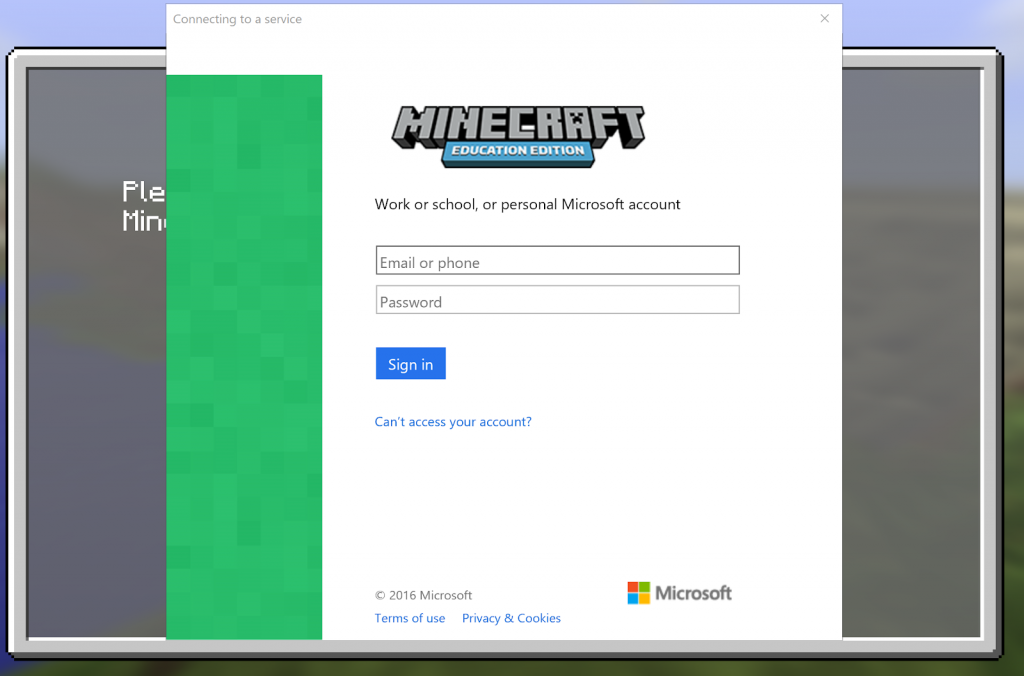
If the password itself is the barrier, the official recovery flow is straightforward. Click “Forgot Your Password?” on the login screen, then enter the email tied to your Microsoft or Mojang account. You’ll receive a reset link that expires after 24 hours, so act promptly. When creating a new password, avoid common phrases and consider a password manager to store it safely.
Dealing with Two‑Factor Authentication (2FA) Issues
Many players enable 2FA for added security, but a lost device or outdated authenticator app can be frustrating. In that case, locate the backup codes you saved when setting up 2FA; they work just like a one‑time password. If you can’t find them, head to the Microsoft account security page, request a new set of codes, and follow the verification steps.
Account Migration: Mojang to Microsoft
Since the migration deadline passed, every legacy Mojang account must now be linked to a Microsoft profile. Failing to complete this link can trigger login blocks. Log in to your Mojang account, navigate to the migration prompt, and follow the guided steps. If you encounter an error, double‑check that your Microsoft email isn’t already attached to another Minecraft profile.
Resolving Account Bans or Suspensions
Violations of the Community Standards—like using disallowed mods or harassing other players—can lead to temporary or permanent bans. The best approach is to review the email notification from Mojang, which outlines the reason and duration. For temporary bans, simply wait out the cooldown. Permanent bans require an appeal through the official support portal; be concise, admit any mistakes, and propose how you’ll comply in the future.
Contacting Mojang Support Effectively
When self‑service options fall short, reaching out to support is inevitable. Provide the following details to speed up the process:
- Exact username (including case sensitivity)
- Associated email address
- Proof of purchase (receipt or transaction ID)
- A clear description of the issue and steps already taken
A well‑structured ticket reduces back‑and‑forth and often yields a quicker resolution.
Preventing Future Login Headaches
Once you regain access, take preventive measures. Enable a reputable password manager, store backup 2FA codes offline, and set up account recovery options such as a secondary email or phone number. Regularly review the security settings in your Microsoft dashboard; a few clicks now can spare hours later.
Quick Checklist Before You Log In
Use this brief rundown whenever you sit down to play:
- Is your internet stable? A flaky connection can time out the authentication request.
- Do you have the latest Minecraft launcher? Outdated software may not communicate correctly with Mojang’s servers.
- Are you logged into the correct Microsoft account? Switching between personal and work accounts is a common slip‑up.
- Have you cleared the launcher’s cache after a major update? This removes stale tokens that cause silent failures.
FAQ
Q: My account says “Incorrect password” even though I’m sure it’s right. What should I do?
A: Double‑check the email address you’re using; many players have multiple Microsoft accounts. If the email is correct, use the “Forgot Password” link to reset it, and make sure you clear the launcher’s cache before trying again.
Q: Can I transfer my Minecraft world to a new account?
A: Yes. Export the world folder from the .minecraft/saves directory, then import it into the new account’s saves folder. The world itself isn’t tied to the login, but achievements and skin data will stay with the original account.
Q: Why does Mojang sometimes ask for my phone number?
A: Phone verification is an optional layer of security for Microsoft accounts. Providing a number can help recover access if you lose your authenticator or forget your password.
Q: My login keeps timing out—could my ISP be the problem?
A: Occasionally, certain ISPs route traffic through servers that block Mojang’s authentication endpoints. Switching to a different network or using a VPN often resolves the timeout.