Trusted Free Proxy Lists for Anonymous Browsing
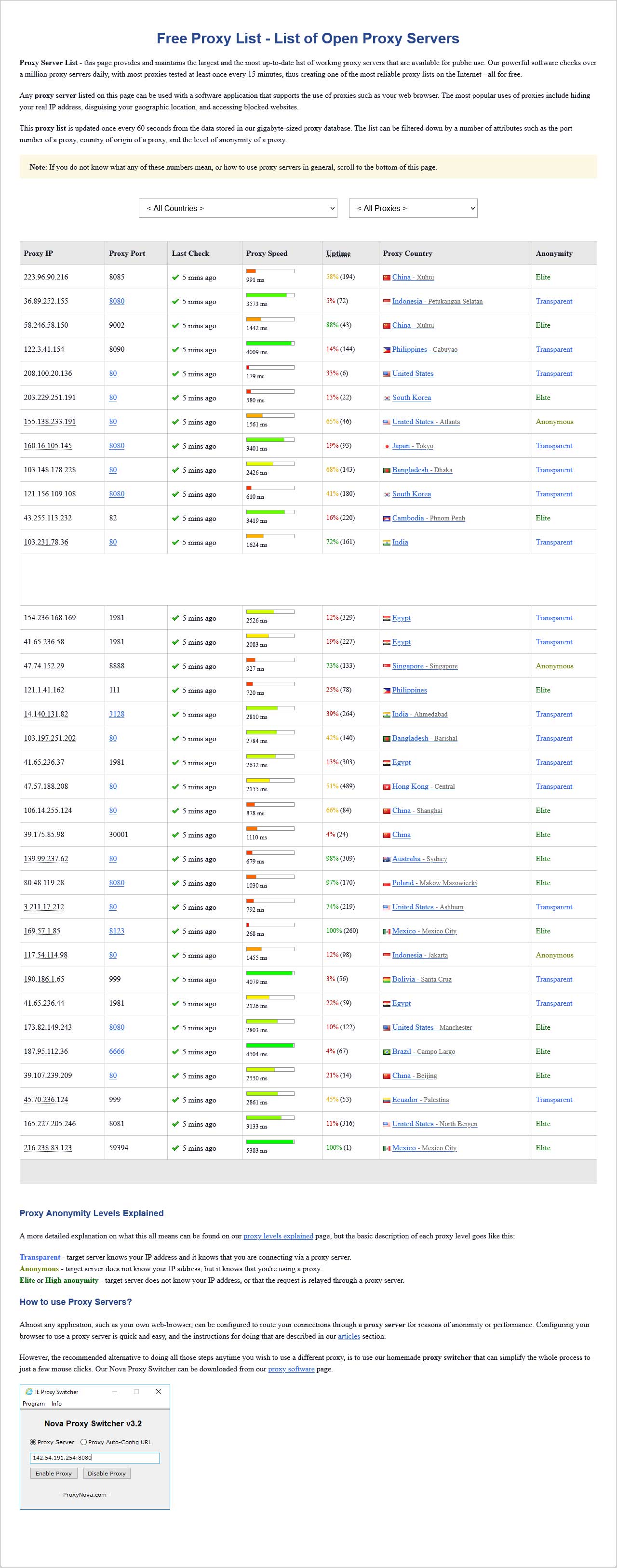
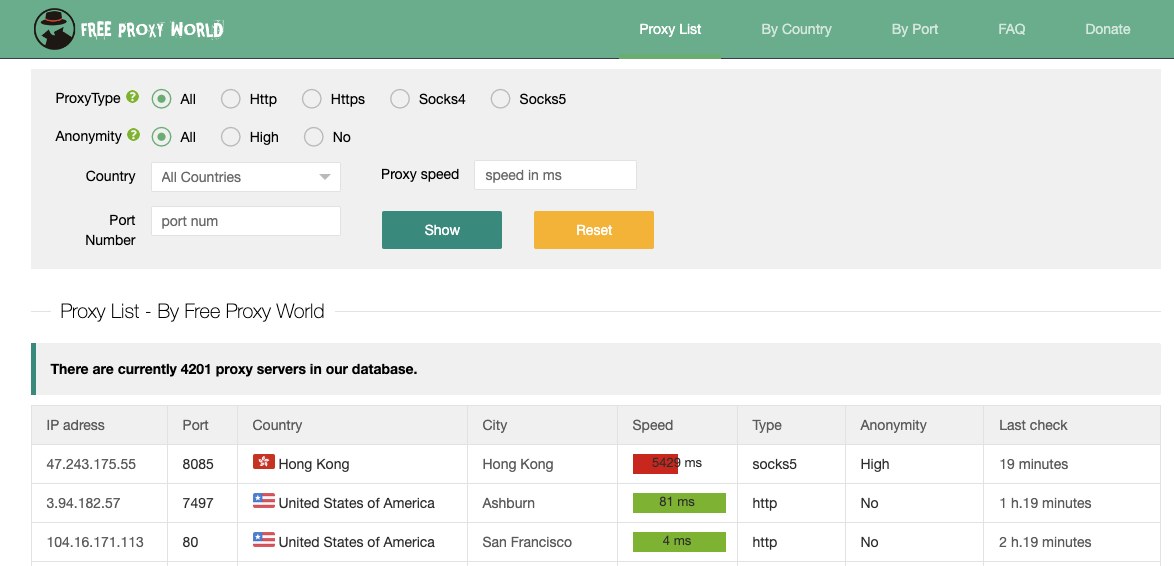
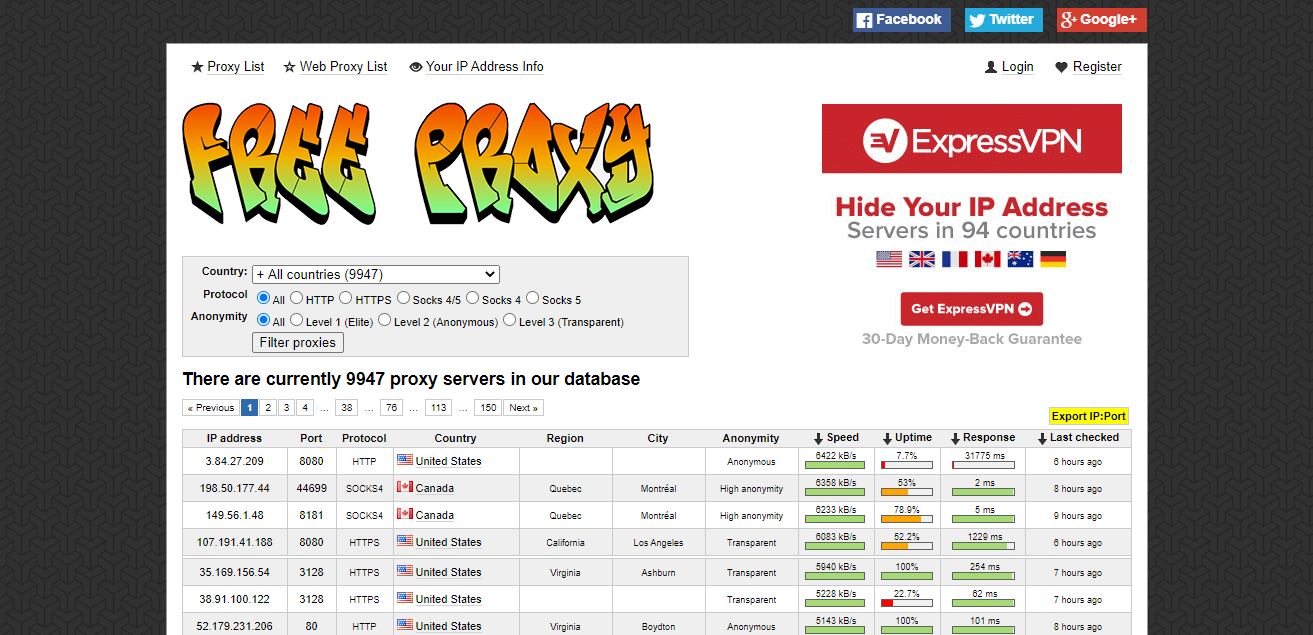
When you’re searching for free proxy list web proxy servers for anonymous browsing, the first thing to remember is that “free” doesn’t always mean safe or reliable. A well‑curated list can open up the web without exposing your IP, while a careless choice can leak data or slow your connection. Below is a practical guide to help you pick, test, and use proxies that truly protect your privacy.
What Makes a Proxy Good for Anonymity?
Proxies sit between you and the destination server. They forward your requests and return responses, but they can also add or remove headers that reveal your identity. A strong anonymous proxy:
- Hides your IP – the remote site only sees the proxy’s address.
- Filters identifying headers – removes or masks
User‑Agent,Accept‑Language, and other hints. - Uses HTTPS – encrypts traffic to the proxy so that local ISPs can’t snoop.
- Offers high uptime – a proxy that goes offline frequently defeats the purpose.
Free lists often include a mix of HTTP, HTTPS, and SOCKS5 proxies. While HTTP proxies are the simplest, SOCKS5 offers better compatibility with modern browsers and applications.
Where to Find Reliable Free Proxy Lists
Several reputable sites publish updated lists. Check for:
- Last‑updated timestamp – a list that hasn’t been refreshed in months is likely stale.
- Connection speed tests – many sites run ping and latency checks.
- User ratings or community votes – community feedback can flag misbehaving proxies.
Examples of trusted sources:
- FreeProxyList.net – provides daily updated IPs with country tags.
- SSLProxies.org – focuses on HTTPS proxies for added security.
- Spys.one – includes proxy type, speed, and anonymity level.
Always download the list in a machine‑readable format (CSV, JSON) so you can automate testing.
How to Test a Proxy Before Using It
Testing saves time and prevents frustration. Follow these quick steps:
- Ping the IP – check latency; a value under 150 ms is usually acceptable for web browsing.
- Verify anonymity – visit
http://httpbin.org/ipvia the proxy; the returned IP should match the proxy’s address. - Check HTTPS support – try accessing a site like
https://www.cloudflare.com/through the proxy. - Look for data leaks – use
https://www.ipqualityscore.com/ip-lookupto confirm no personal data is exposed.
Tools like ProxyBroker can automate these checks across thousands of entries.
Balancing Speed and Privacy
Speed is a common complaint with free proxies. If latency spikes, consider:
- Choosing a proxy closer to your geographic region.
- Using a rotating proxy service that automatically switches IPs when one becomes slow.
- Combining a proxy with a lightweight VPN for the final hop to the destination.
Remember that anonymity often trades off with speed; a low‑latency, high‑bandwidth proxy might still expose certain headers, so weigh your priorities.
Common Pitfalls to Avoid
- Unverified proxies – never trust a list that claims “100% anonymous” without evidence.
- Using proxies for malicious activity – most free lists prohibit that in their terms of service.
- Failing to rotate IPs – staying on a single proxy for an extended period can raise flags.
- Ignoring SSL certificates – connecting to HTTPS sites over an HTTP proxy can lead to man‑in‑the‑middle attacks.
Always read the disclaimer on the source website; some free proxies are actually honeypots set up by malicious actors.
Alternatives: VPNs, Tor, and Residential Proxies
Free proxy lists are great for light, occasional use, but for continuous anonymity, consider:
- VPNs – they encrypt all traffic, not just HTTP, and typically offer better speed.
- Tor Browser – a built‑in anonymity network with multiple layers of encryption.
- Residential proxies – IPs from actual households, less likely to be flagged by sites.
Each solution has its own cost, configuration complexity, and privacy guarantees, so pick based on how you plan to use the internet.
Keeping Your Setup Secure
Once you have a proxy, make sure:
- Your browser or OS respects proxy settings and does not fall back to direct connections.
- Cookies and cache are cleared regularly to prevent cross‑site tracking.
- Security extensions, like uBlock Origin and HTTPS Everywhere, stay enabled.
These steps create a layered defense that complements the anonymity of your proxy.
FAQ
What is the difference between HTTP and HTTPS proxies?
HTTP proxies forward plain text traffic; they can be intercepted by anyone between the client and proxy. HTTPS proxies encrypt traffic to the proxy, preventing local eavesdropping, but the proxy still sees the final destination unless using a VPN.
Can a free proxy list guarantee 100% anonymity?
Not really. Free proxies often have limited resources