Top Budget GPUs for Smooth 1440p Gaming in 2024 Guide
Gaming at 1440p strikes a sweet spot between crisp visuals and manageable performance demands, but the price tag can still feel steep. Fortunately, 2024 brings several graphics cards that deliver respectable frame rates at this resolution without breaking the bank. Below we break down what to look for, highlight the best options across a few price tiers, and give you practical tips to stretch every dollar.
What to Look for in a 1440p‑Ready Budget Card
When hunting for a wallet‑friendly GPU that can handle 1440p, three factors tend to matter most: VRAM capacity, architecture efficiency, and power draw.
- VRAM: At 1440p, 6 GB is the bare minimum for most modern titles; 8 GB or more provides a smoother experience in texture‑heavy games.
- Architecture: Newer generations (e.g., NVIDIA’s Ada Lovelace or AMD’s RDNA 3) offer better performance per watt, meaning you can squeeze more frames out of the same silicon.
- Power & Cooling: Budget cards often use simpler cooling solutions. Look for a card that stays under 150 W if you want to avoid upgrading your PSU.
Balancing these elements usually means choosing a slightly older model that benefits from a price drop, yet still runs on a recent architecture.
Best Picks Under $300
If you’re aiming to keep the total cost under $300, two cards stand out for 1440p play.
AMD Radeon RX 6600 XT
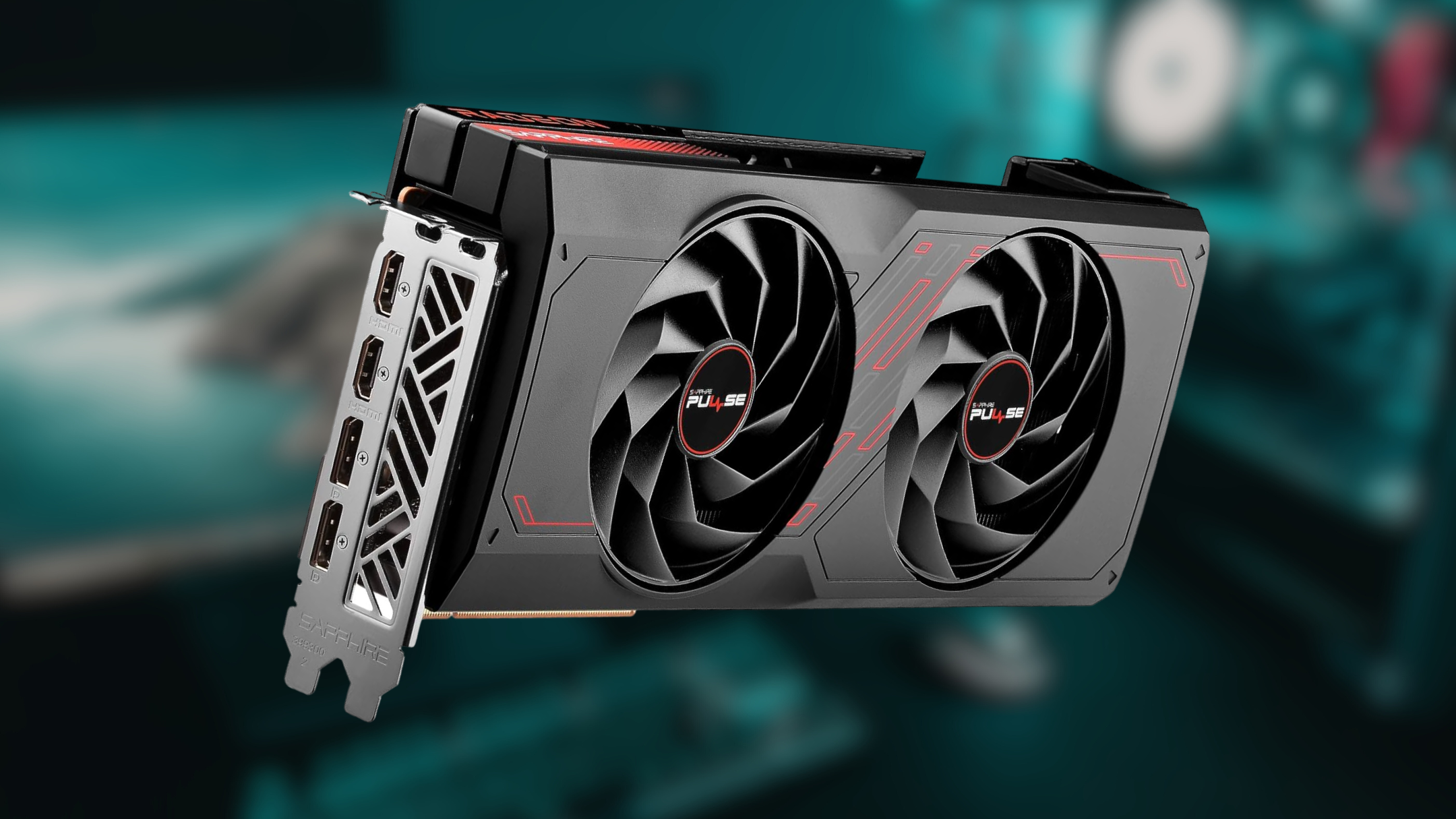
The RX 6600 XT pairs a solid 8 GB GDDR6 pool with AMD’s efficient RDNA 2 design. In titles like Fortnite and Valorant, you can expect 70‑90 fps at 1440p on high settings, while more demanding games such as Cyberpunk 2077 settle around 45‑55 fps on medium‑high presets. Its modest 160 W draw means most 450 W power supplies will cope without issue.
NVIDIA GeForce RTX 3060
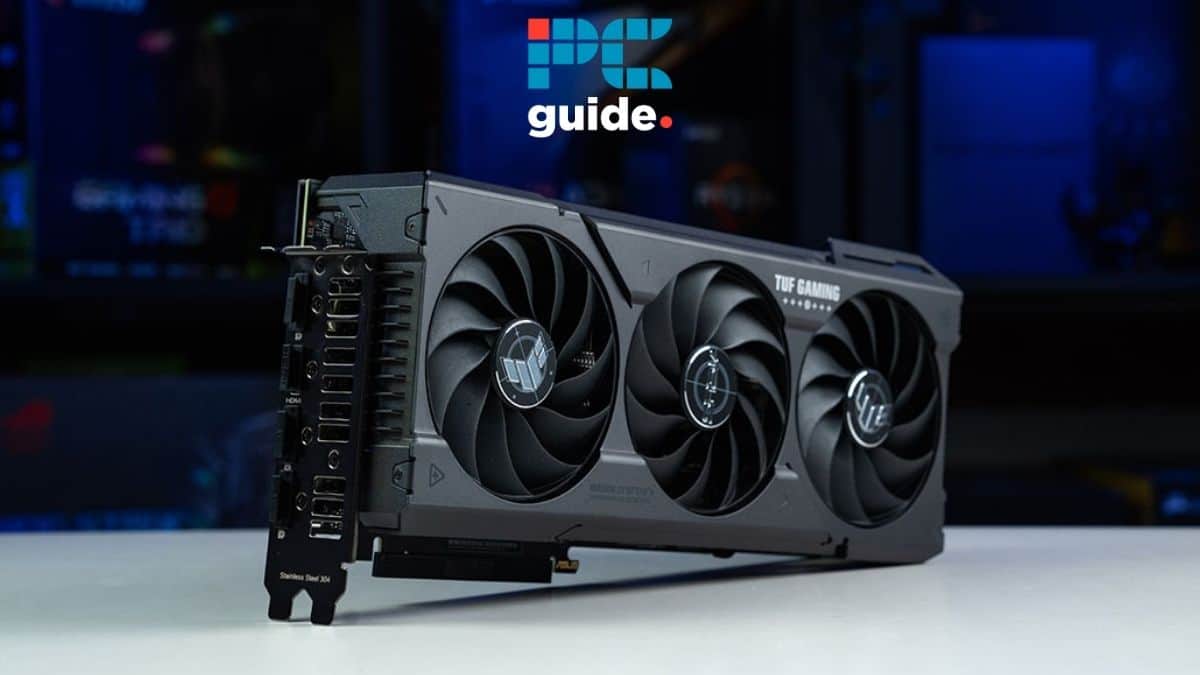
The RTX 3060 remains a strong contender thanks to its 12 GB of GDDR6 memory and access to DLSS 2.0, which can boost frame rates by up to 50 % in supported titles. Expect smooth 60‑80 fps in Resident Evil Village at high settings, and respectable performance in ray‑traced modes when DLSS is enabled.
Best Picks $300‑$500
Spending a bit more opens the door to cards that handle 1440p at higher settings and offer better future‑proofing.
AMD Radeon RX 6700 XT
With 12 GB of VRAM and a higher boost clock, the RX 6700 XT comfortably pushes 90‑110 fps in Assassin’s Creed Valhalla at high settings. It also supports AMD’s FidelityFX Super Resolution (FSR) 2.0, a useful alternative when DLSS isn’t available. Power consumption rises to roughly 230 W, so a 550 W PSU is recommended.
NVIDIA GeForce RTX 3060 Ti
The RTX 3060 Ti delivers a noticeable jump over the non‑Ti variant, often matching the performance of the previous generation’s RTX 2070 Super. In practice, you’ll see 80‑100 fps in Shadow of the Tomb Raider on high‑ultra settings, and DLSS can push demanding ray‑traced titles past the 60 fps mark.
Future‑Proofing and Performance Tips
Even the best budget GPU can feel the strain as games evolve. Here are a few strategies to keep your 1440p experience smooth for longer.
- Enable upscaling technologies (DLSS, FSR, or XeSS) whenever a game supports them. They often add a sizable performance bump with minimal visual loss.
- Turn down the most demanding settings—typically shadows, ambient occlusion, and anti‑aliasing—while keeping texture quality high to leverage the VRAM you have.
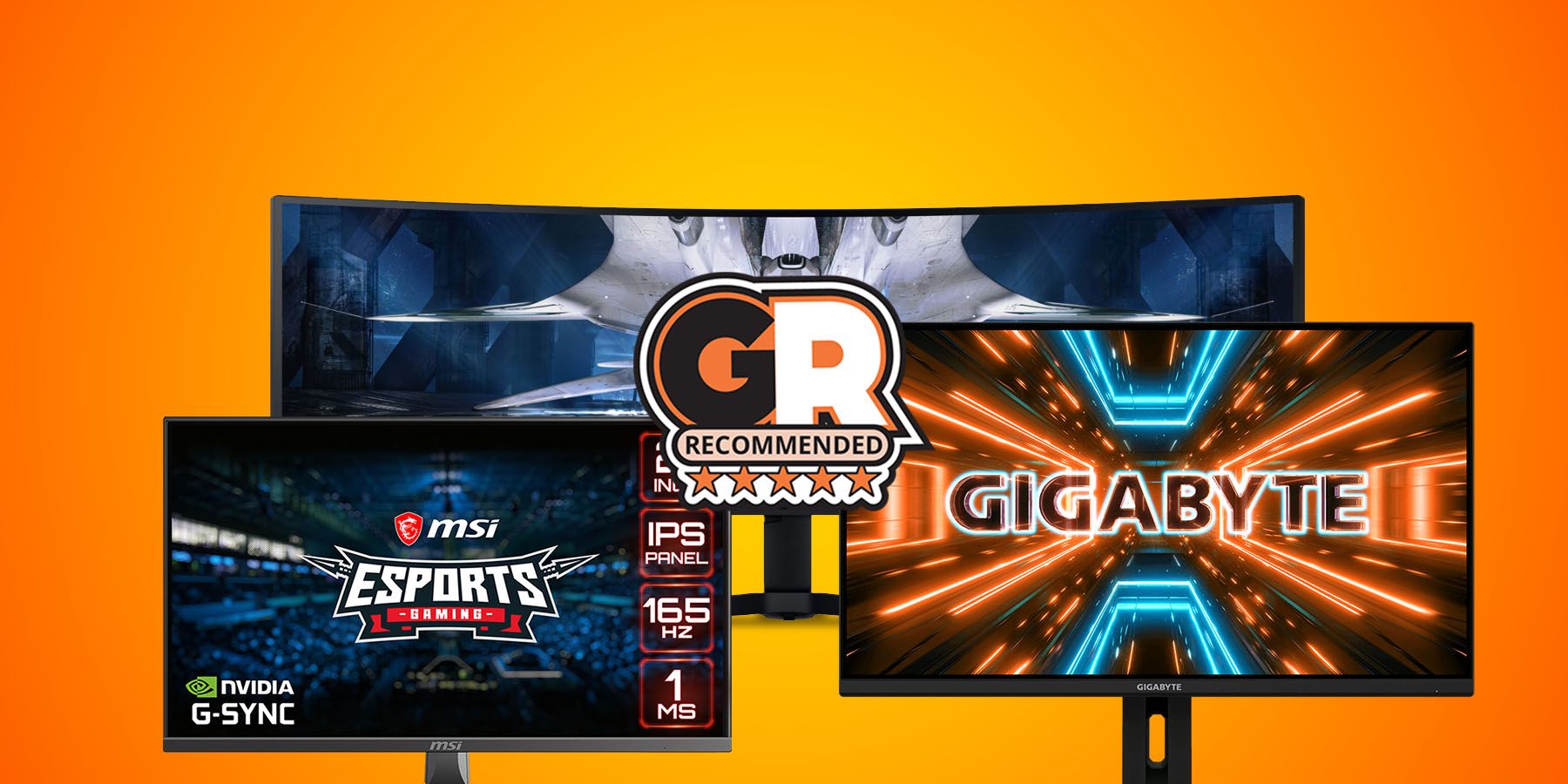
- Pair your GPU with a monitor that offers a 144 Hz refresh rate and supports variable refresh rate (G‑Sync or FreeSync). A higher refresh ceiling helps you notice frame‑rate improvements more clearly.
- Keep drivers up to date. Both NVIDIA and AMD regularly release optimizations that can add a few extra frames without any hardware changes.
FAQ
Q: Is 8 GB of VRAM enough for future 1440p games?
A: It’s sufficient for most current titles, but as texture packs grow, 12 GB or more will become increasingly desirable for the best longevity.
Q: Should I prioritize ray tracing or higher frame rates?
A: On a budget card, higher frame rates usually provide a better overall experience. Use ray tracing sparingly and rely on DLSS/FSR to mitigate the performance hit.
Q: Do I need a new power supply for these GPUs?
A: Most cards under $500 stay below 250 W. A quality 500‑550 W PSU is typically enough, but always check the manufacturer’s recommended wattage.
Q: Can I expect good performance in esports titles?
A: Absolutely. Even the lowest‑priced options listed here can push well over 120 fps in games like League of Legends or Counter‑Strike 2 at 1440p.