Seamless Real‑Time Translation on iOS, Wearables, and Google Translate
When you’re jet‑setting, learning a new language, or simply chatting with a friend who speaks a different tongue, the ability to translate instantly can feel like a lifesaver. Translate On The Go iOS apps have become a staple for travelers, students, and business professionals alike, while wearables bring translation right to your wrist. Coupled with Google Translate’s powerful cross‑platform reach, the modern world is more connected than ever.
Translate On The Go iOS: Popular Apps and Features
Apple’s App Store is filled with translation tools that turn your iPhone into a pocket linguist. These apps differ in focus—some emphasize speech, others text, and a few blend both.
- Google Translate – The flagship app supports 108 languages, offers conversation mode, camera translation, and offline dictionaries.
- Microsoft Translator – Great for business chats, it syncs across devices, supports over 70 languages, and features a “phrasebook” that learns your preferences.
- iTranslate – Known for its elegant UI, it provides voice-to-voice translation in 100+ languages and includes a “glossary” feature for custom terms.
- SayHi Translate – Simple, quick, and free, with a conversational style and support for over 90 languages.
- Waygo – Specializes in Asian scripts, converting images of Chinese, Japanese, or Korean text into readable translations.
Most of these apps share a few core capabilities: real‑time conversation translation, the ability to read text via your camera, and downloadable language packs for offline use. This last feature is especially handy when roaming in areas with spotty internet.
Wearables That Speak Your Language
Smartwatches and fitness trackers are no longer just for step counts. Modern wearables now offer hands‑free translation, letting you focus on the conversation instead of typing. Here’s what the market looks like:
- Apple Watch – While the Apple Watch doesn’t host a native translation app, the watchOS 9 update lets you view translations from your paired iPhone in a quick glance. Some third‑party developers have built watch apps that mirror Google Translate’s conversation mode.
- Google Pixel Watch – Runs Wear OS and offers a dedicated Google Translate widget. Users can tap the watch to activate voice translation, hear the translated phrase, and even tap to send the translation back to the phone.
- Samsung Galaxy Watch Series – With Wear OS, these watches support the same Google Translate app as the Pixel. The watch’s small screen is ideal for quick phrase displays.
- Fitbit Versa and Sense – Although primarily fitness devices, newer Fitbit models have added “Voice Assistant” features that can trigger Google Translate via voice commands.
The key advantage of wearable translation is context: the device’s microphone picks up the speaker, the watch processes the audio, and the translation pops up in a flash—no need to fumble with a phone.
Google Translate: The All‑Rounder
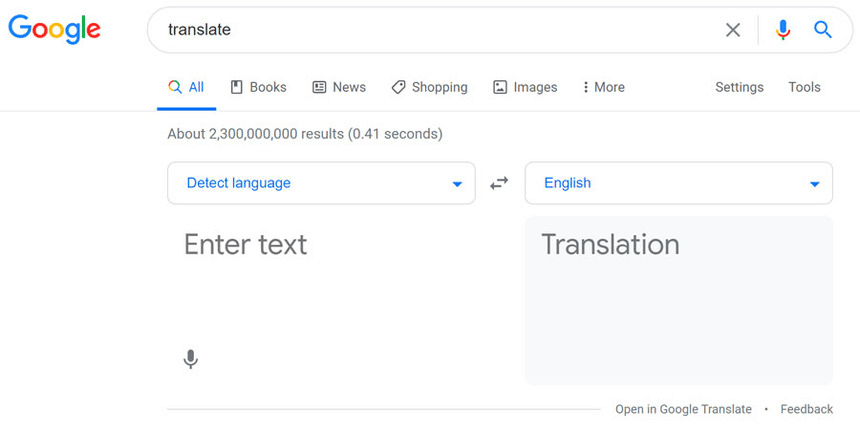
Google Translate remains the cornerstone of on‑the‑go translation for iOS users and wearables alike. Its strengths lie in breadth and integration.
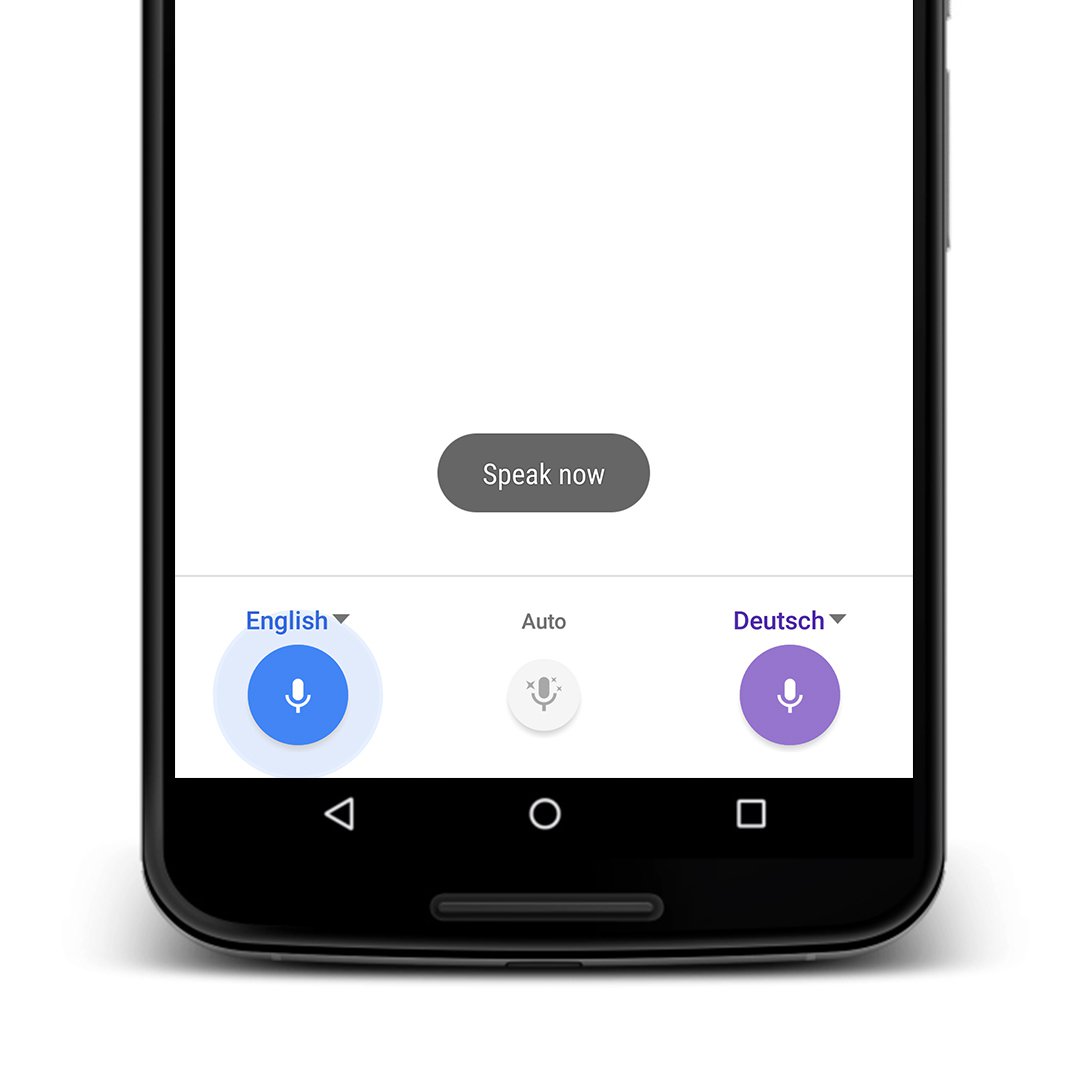
1. Conversation Mode – This feature lets two people speak in their native languages, with each voice instantly translated and spoken back. The app supports 108 languages and can even translate in real time on the watch.
2. Camera & Handwriting Translation – Point your iPhone’s or watch’s camera at a menu, signpost, or handwritten note, and the app displays a translated overlay in seconds.
3. Offline Functionality – Download language packs (usually under 200 MB each) so you can translate even when you’re on a plane or in a remote village.
4. Cross‑Platform Sync – Your recent translations, favorites, and pronunciation guides sync seamlessly across iPhone, iPad, Android, and even the watch, thanks to your Google account.
These features make Google Translate indispensable for anyone who needs reliable translation in multiple formats.
Tips for Optimizing Your Translation Experience
- Keep Your Mic Clean – Background noise can distort speech recognition. A simple microfiber wipe improves clarity.
- Speak Clearly and Slowly – Most translation engines perform best when you enunciate at a moderate pace.
- Use Offline Packs When Possible – This eliminates latency and saves data, especially on international flights.
- Combine Translation with Navigation Apps
:max_bytes(150000):strip_icc()/GoogleTranslate_01-eb34a805c18d49ca86cb8327c10d9176.jpg)
:max_bytes(150000):strip_icc()/GoogleTranslate_05-fb2262f9b6f74369a67ae18e7b0e9f62.jpg)