Oscilloscope Guide: Master the Basics and Beyond
If you’ve ever wondered how engineers peek inside a humming circuit, an oscilloscope guide is your ticket. This instrument turns invisible voltage waves into visual traces you can actually read, making troubleshooting and design a far less mysterious affair. Whether you’re a hobbyist soldering a microcontroller or a seasoned technician calibrating a power converter, the fundamentals covered here will give you confidence to navigate any waveform.
What an Oscilloscope Actually Does
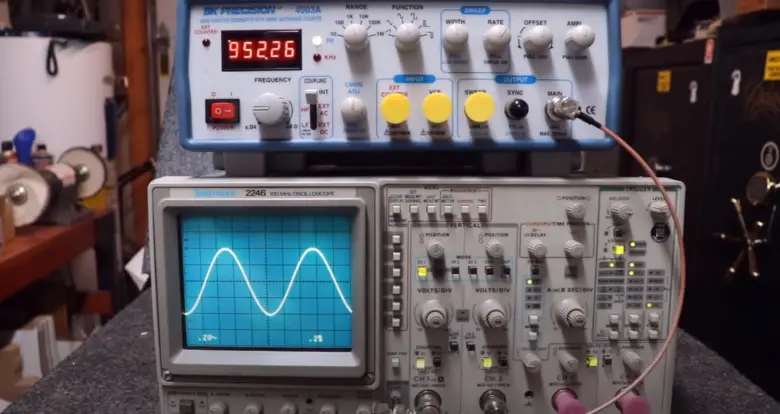
At its core, an oscilloscope samples an electrical signal and plots voltage versus time on a screen. The plot—called a trace—updates many thousands of times per second, letting you watch rapid changes that a multimeter would merely average out. By adjusting scale and trigger settings, you can freeze a single glitch or scroll a continuous stream of data, revealing frequency, amplitude, and timing details in real time.
Key Parts of a Modern Oscilloscope
Display and Controls
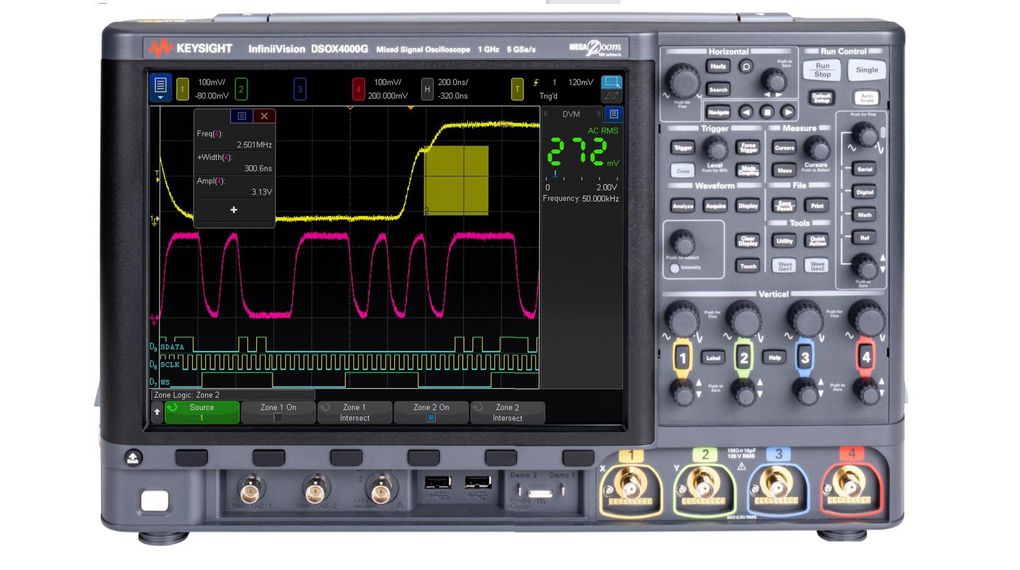
The screen, whether a classic CRT or a bright LCD, is where the story unfolds. Touchscreens and rotary knobs let you zoom, pan, and switch between measurement modes with a few taps. Modern units often bundle a menu hierarchy that feels more like a smartphone than a lab bench relic.
Vertical and Horizontal Systems
Vertical controls set the volts‑per‑division, essentially the height of the trace. Horizontal controls, on the other hand, manage time‑base—the width of the sweep. Together they define the resolution you see; a narrow vertical setting can exaggerate tiny noise, while a fast horizontal sweep reveals high‑frequency edges.
Trigger System
Think of the trigger as the oscilloscope’s “pause button.” It tells the device when to start drawing a new sweep, based on a voltage level, slope, or even a specific pattern. Proper triggering is the difference between a steady, readable waveform and a jittery mess of lines.
Probe Types
Passive probes dominate the hobby market, offering 1:1 or 10:1 attenuation with modest bandwidth. For high‑speed digital work, active probes with built‑in amplifiers extend the usable frequency range. Specialty probes—current clamps, differential, or high‑voltage—let you measure beyond the scope’s input limits safely.
Choosing the Right Oscilloscope for Your Projects
Bandwidth is the usual starting point; a rule of thumb is to select a scope with at least five times the highest frequency you expect to see. Sample rate follows closely—aim for at least ten samples per cycle to avoid aliasing. If you need to compare multiple signals, four‑channel models are common, while eight‑channel units cater to complex mixed‑signal debugging.
Other specs matter too. Memory depth determines how long a waveform can be recorded before the scope overwrites it; deep memory is crucial for capturing rare events. Some scopes offer analog bandwidth limiting, which can clean up noisy signals without sacrificing sample rate. Finally, consider your budget: entry‑level digital scopes around $300 can handle most Arduino projects, whereas high‑end mixed‑signal rigs climb into the thousands for automotive or RF work.
Getting Started: Basic Measurements
With the hardware in hand, here’s a quick workflow to extract useful data:
- Connect the probe tip to the test point and the ground clip to a common reference.
- Set the vertical scale so the waveform fills roughly half the screen height.
- Adjust the time base until one or two cycles are clearly visible.
- Enable the trigger on the channel you’re measuring, selecting a stable edge.
- Use the built‑in cursors to read peak‑to‑peak voltage, frequency, and duty cycle.
Most modern scopes also provide automatic measurements—just press a button and watch values like rise time or RMS voltage appear instantly.
Advanced Features Worth Exploring
Beyond the basics, many digital oscilloscopes pack powerful analysis tools. The Fast Fourier Transform (FFT) converts time‑domain data into a frequency spectrum, letting you spot harmonic distortion without an external spectrum analyzer. Persistence modes blur successive sweeps together, revealing intermittent glitches that would otherwise flicker away.
Math functions let you add, subtract, or multiply channels on the fly—great for calculating differential signals or verifying power equations. Serial decoding is another lifesaver: built‑in protocols decode UART, SPI, I²C, and even CAN bus traffic directly from the waveform, turning raw bits into readable text.
Tips for Accurate Measurements
Even the best scope can mislead if the setup isn’t right. Always perform probe compensation with the oscilloscope’s built‑in calibration signal; a mismatched probe will distort high‑frequency edges. Keep probe ground leads as short as possible to avoid ringing, especially when measuring fast edges.
Bandwidth limiting filters can reduce noise on low‑frequency signals, but don’t forget to turn them off when you need the full picture. Averaging multiple acquisitions smooths random jitter, yet it can also mask short‑lived events—use it judiciously. Lastly, verify the probe’s attenuation factor; a 10:1 probe will display voltages ten times smaller than the actual signal unless the scope knows it’s attached.
Maintaining Your Oscilloscope
Routine care extends the life of an expensive instrument. Dust the front panel with a soft brush and wipe the screen with a microfiber cloth lightly dampened with distilled water. Many manufacturers release firmware updates that improve performance or add new protocol decoders; check the support portal periodically.
Calibration intervals vary, but a yearly check is common in professional labs. If the scope drifts noticeably—e.g., vertical gain changes after a long session—send it back to the factory or an authorized service center. A well‑maintained oscilloscope stays accurate for decades.
Frequently Asked Questions
Do I need a high‑bandwidth scope for hobby electronics?
Not necessarily. Most Arduino‑level projects operate below 10 MHz, so a 100 MHz scope provides ample headroom and a comfortable safety margin.
Can I use a smartphone as an oscilloscope?
There are apps that turn the phone’s audio jack into a low‑speed probe, but they’re limited to a few kilohertz and lack proper isolation. For serious debugging, a dedicated instrument is still the best choice.
What’s the difference between a passive and an active probe?
Passive probes rely on simple resistive/capacitive dividers and are inexpensive, while active probes contain an amplifier that extends usable bandwidth and improves signal integrity at the cost of higher price and power requirements.
How often should I calibrate my oscilloscope?
Professional environments typically schedule calibration annually or after any major impact. For occasional hobby use, a visual check—comparing known reference signals—usually suffices, but keep an eye on drift over time.