Nintendo Switch 2‑Player Co‑Op: Play Together on One Console
When the Nintendo Switch launched, its ability to connect two controllers instantly turned it into a hub for spontaneous co‑op gaming. Whether you’re battling enemies side‑by‑side, racing each other, or exploring shared worlds, the Switch’s design makes two‑player play a natural fit. This guide walks you through the simplest ways to set up local co‑op, pick the best games, and keep the experience smooth.
Why Two‑Player Co‑Op Is a Hit on Switch
At its core, the Switch was built for shared experiences. The detachable Joy‑Cons double as handheld controllers, giving you flexibility: you can sit side‑by‑side or play on the go. The console’s split‑screen support is baked into the engine, meaning developers can create split‑screen modes without extra work. As a result, a wide range of titles—from action to puzzle—offer local multiplayer right out of the box.
Types of Co‑Op Play
- Local Split‑Screen – Both players use the same console and screen.
- Same‑Room Joy‑Con Swap – One player can hop on the other’s Joy‑Con for quick changes.
- Online Co‑Op – Play with friends over the internet; requires a Nintendo Switch Online subscription for many titles.
Understanding the differences helps you choose the right setup for your group.
Setting Up Multiplayer on the Same Console
To play two players on a single Switch, you need at least two input devices:
- Joy‑Con Pairing – Attach a Joy‑Con to each side of the console and press Sync in System Settings → Controllers & Accessories. Both controllers will appear in the same profile.
- Pro Controllers – If you prefer a more traditional feel, connect two Pro Controllers via Bluetooth. Each must be paired separately but can share the same player profile.
- Game‑Specific Accessories – Some games, like “Super Mario Odyssey,” support a “Co‑Op” mode that uses a single controller for two characters; in these cases, one controller can handle both.
Once both devices are synced, launch a game that supports local co‑op, and you should see a prompt to press a button on the second controller.
Game Recommendations for Co‑Op
The Switch’s library is rich with titles that shine in shared play. Below are five games that consistently receive praise for their two‑player modes.
- Mario Kart 8 Deluxe – Classic racing with up to eight local players. Split‑screen works flawlessly, and the “Kart Battle” mode turns any room into a competitive arena.
- New Super Mario Bros. U Deluxe – A side‑scroll adventure that supports up to four local players, making it a great pick for families.
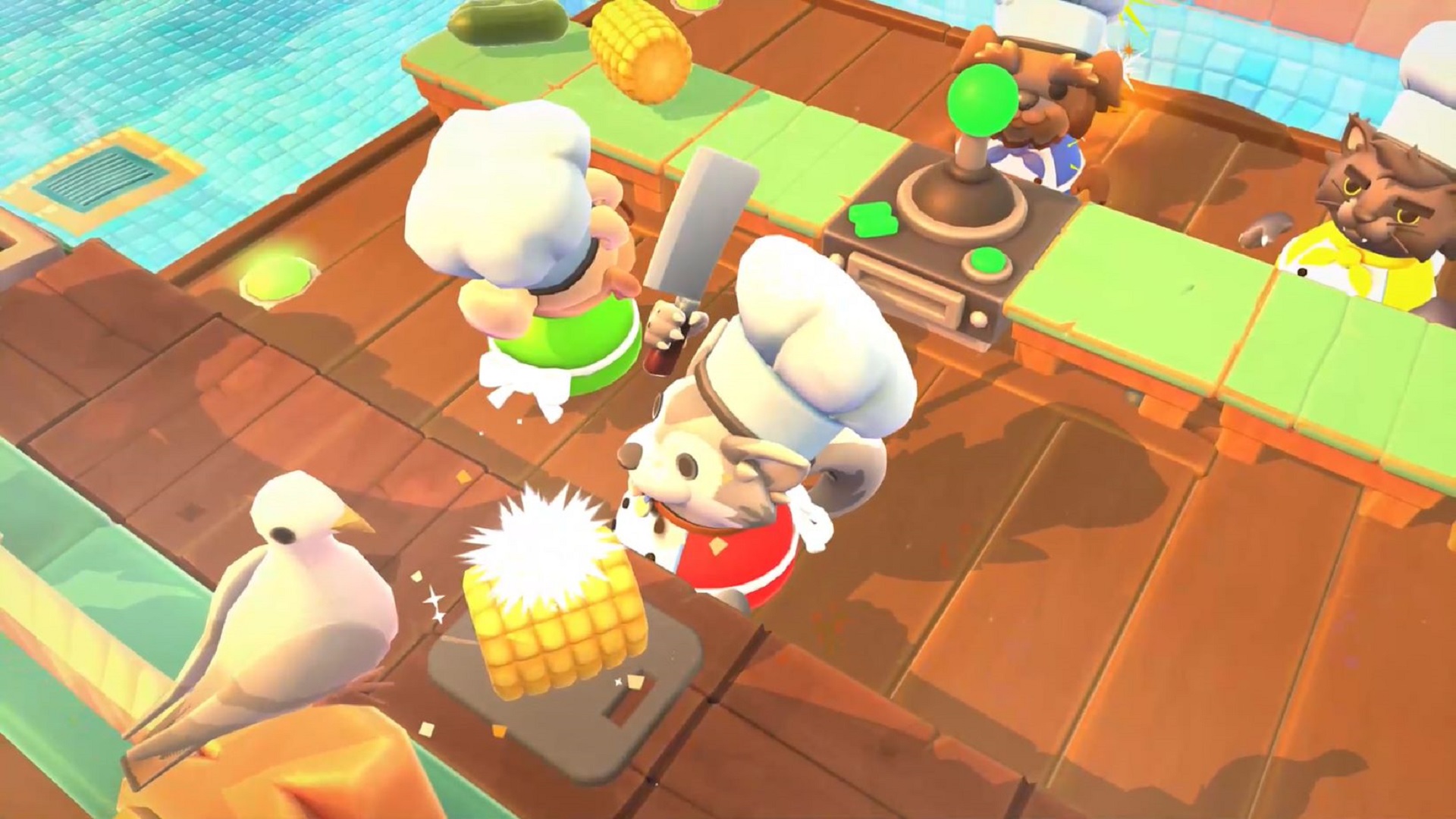
- Overcooked! 2 – A chaotic kitchen simulator that relies on teamwork. Two players can both cook and serve, but the game truly excels with larger groups.
- Luigi’s Mansion 3 – Features a “Co‑Op” mode where one player controls Luigi and the other controls the Poltergust. The split‑screen keeps the action visible to both.
- Ring Fit Adventure – For a more physical co‑op, two players can simultaneously use the Ring-Con and Leg Strap to tackle fitness challenges.
Many other titles—such as “Super Smash Bros. Ultimate” and “The Legend of Zelda: Breath of the Wild”—offer online co‑op, but these games demonstrate how local play can be just as engaging.
Tips to Make Co‑Op Smooth
- Check Battery Levels – Low batteries can kill a session. Keep spare Joy‑Cons or Pro Controllers charged.
- Adjust Display Settings – In System Settings → TV Output, set the resolution to match your TV’s native size to avoid flicker.
- Sync Firmware – Make sure both controllers and the console run the latest firmware to avoid compatibility issues.
- Use a Joy‑Con Grip – For longer sessions, a grip can improve ergonomics and reduce hand fatigue.
Common Issues & Troubleshooting
Even with a straightforward setup, hiccups can happen. Here’s what to check if something goes wrong:
- Controller Not Recognized – Try re‑pairing the controller or resetting the Switch’s Bluetooth cache.
- No Split‑Screen Display – Some older games require a specific split‑screen setting. Check the game’s manual or online forums.
- Audio Gaps – In some co‑op titles, the audio will cut out when the screen splits. Updating the game often resolves this.
- Connection Drops in Online Co‑Op – Switch to a wired internet connection if Wi‑Fi is unstable.
Extending Beyond One Console
While local co‑op is the simplest, the Switch’s online capabilities expand your options. With Nintendo Switch Online, you can play titles like “Mario Kart 8 Deluxe” or “Super Smash Bros. Ultimate” with friends who own their own console. Party Mode, introduced in “Animal Crossing: New Horizons,” allows up to eight friends to visit each other’s islands simultaneously, showcasing the console’s versatility in both local and remote play.
Future of Co‑Op on Switch
Nintendo regularly releases software updates that enhance split‑screen performance and introduce new co‑op features. Developers also continue to design games with local multiplayer in mind, ensuring the Switch remains a premier platform for shared experiences. Keep an eye on upcoming releases, as titles like “Kirby and the Forgotten Land” and “Metroid Dread” already hint at robust co‑op modes.