Mastering BMO Online Banking: A Step‑by‑Step Guide
Whether you’re a long‑time BMO customer or just opened your first account, the digital portal can feel like a maze at first. This guide walks you through everything you need to know about BMO Online Banking, from the initial sign‑up to advanced features that help you stay on top of your finances without ever stepping into a branch.
Getting Started with BMO Online Banking
The first hurdle is enrollment. Head to BMO’s official website, click “Enroll” under the Online Banking banner, and follow the prompts to verify your identity. You’ll need your account number, a government‑issued ID, and a mobile phone to receive a one‑time passcode. After confirming the code, you’ll create a username and a strong password—aim for a mix of letters, numbers, and symbols.
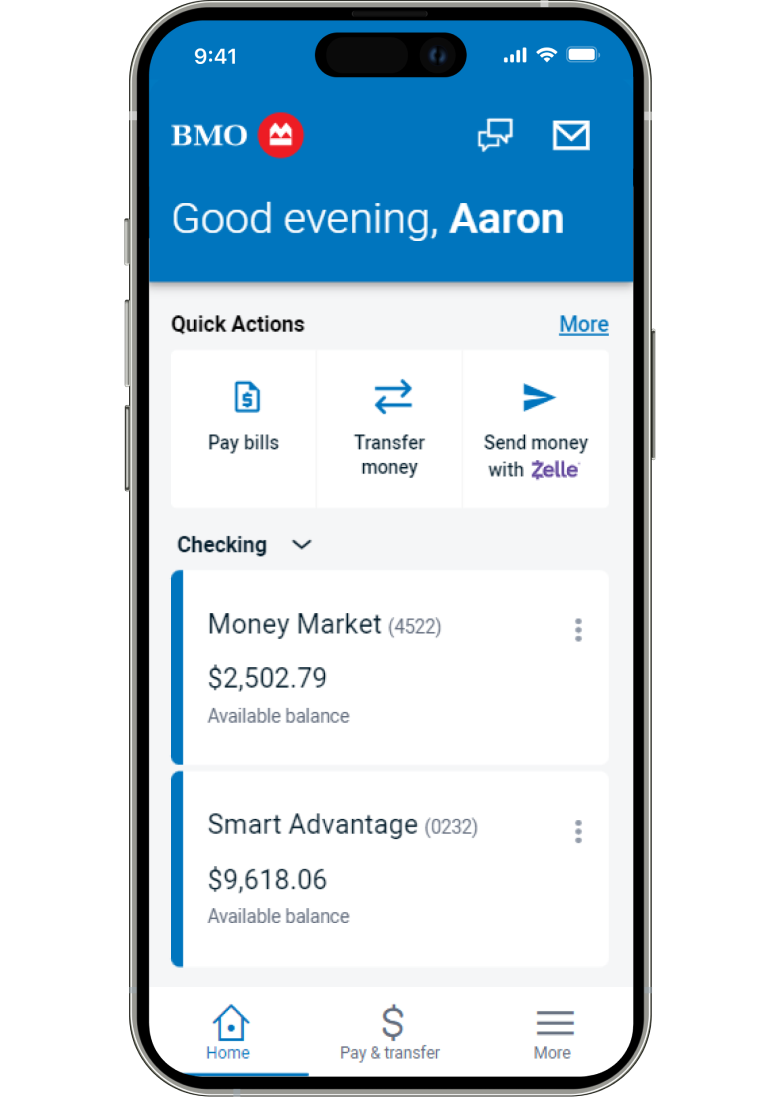
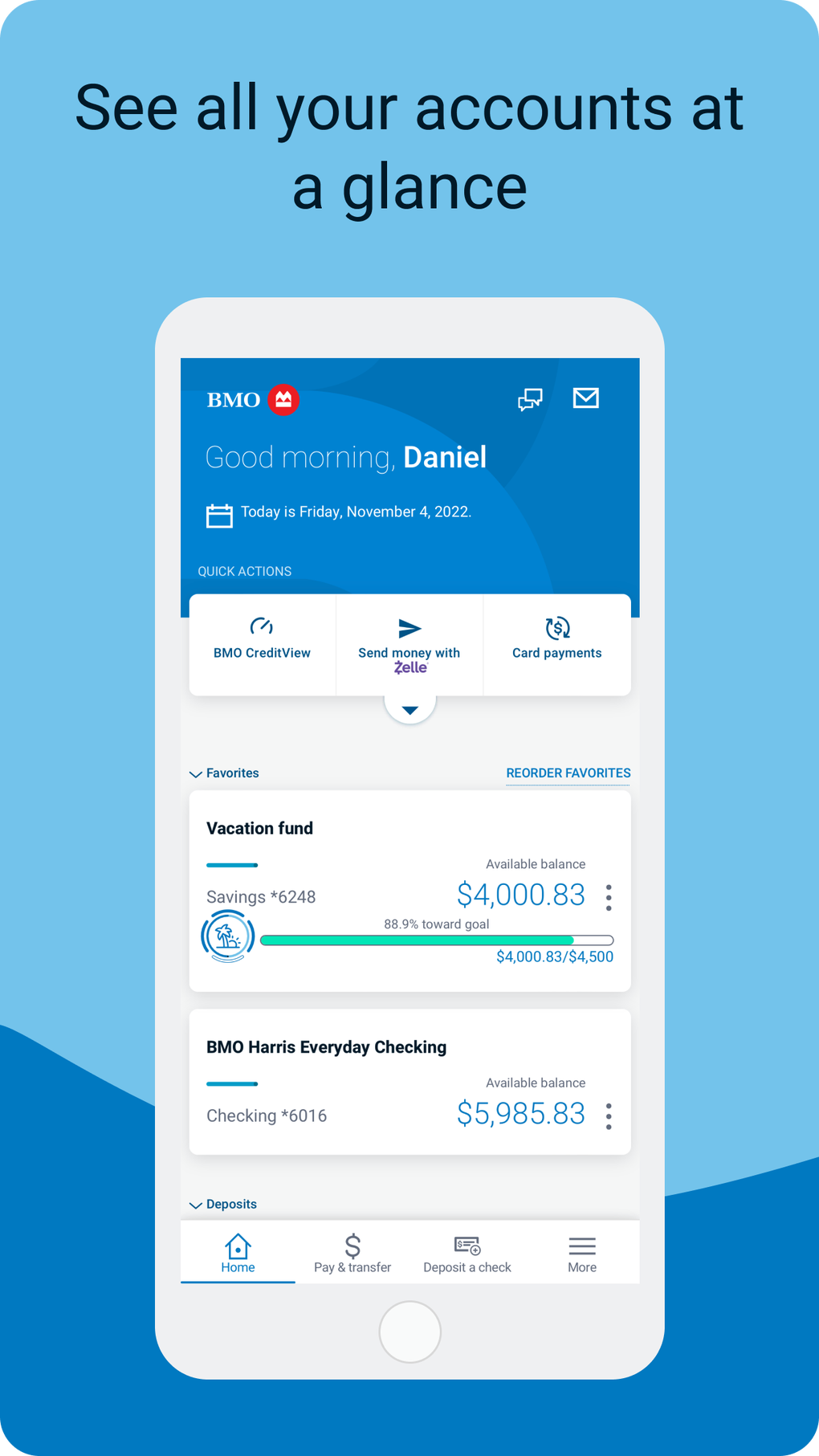
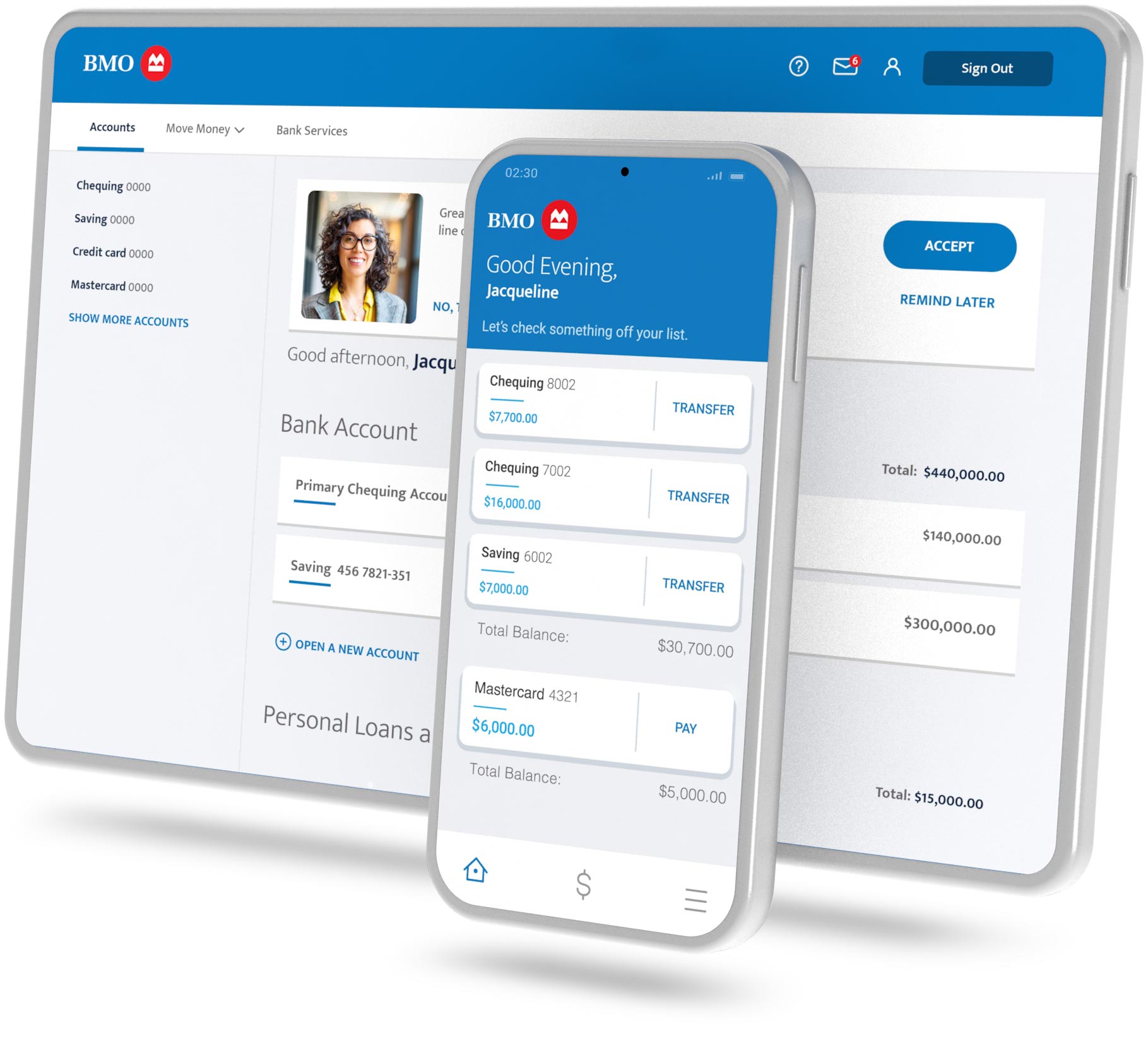
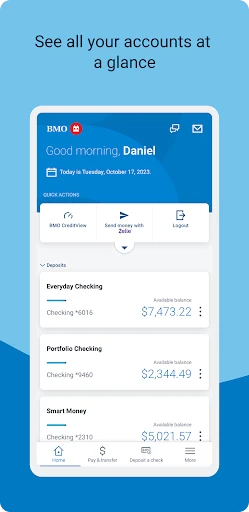
Once logged in, take a moment to explore the dashboard. The layout is intentionally clean: balances sit at the top, recent transactions are listed below, and quick‑access buttons guide you to transfers, bill payments, and account settings. If you’re on a mobile device, the app mirrors this structure, with swipe‑able panels for faster navigation.
Core Features You’ll Use Every Day
Account Overview – The snapshot view shows every linked BMO account—checking, savings, credit cards, and even investment portfolios. You can customize which accounts appear on the home screen, letting you focus on what matters most.
Funds Transfer – Moving money between your own BMO accounts is instantaneous. For external transfers, BMO uses the Interac e‑Transfer system in Canada, which usually arrives within minutes. Remember to set up recipient details once, then you can send future payments with just a few clicks.
Bill Pay – Add utilities, credit card statements, or mortgage payments as “payees.” BMO lets you schedule one‑time or recurring payments, and you’ll receive an email confirmation each time a bill is cleared.
Cheque Deposit – The mobile app’s camera feature captures a clear image of the front and back of a cheque, then uploads it securely. Funds typically appear in your account within one business day.
Security Tips and Best Practices
Security is a top priority for BMO, but you still play a crucial role. Always enable two‑factor authentication (2FA); the app will prompt you to receive a text code or use a security token each time you log in from a new device.
Keep your software up to date. Outdated browsers or operating systems can expose vulnerabilities that hackers exploit. BMO’s site uses SSL encryption, but a secure environment on your end adds an extra layer of protection.
Watch out for phishing emails that mimic BMO’s branding. The bank never asks for your password or personal ID via email. If you receive a suspicious message, forward it to phishing@bmo.com and delete it.
Troubleshooting Common Issues
If you’re locked out after several failed login attempts, use the “Forgot Username/Password” link to reset your credentials. You’ll need to answer security questions or receive a verification code on your registered phone.
Transactions that appear missing are often filtered by date range. Adjust the filter to “All Dates” and refresh the page. For persistent glitches, clear your browser cache or reinstall the mobile app.
When a transfer fails, double‑check the recipient’s account number and the amount. BMO will display a specific error code; a quick search on the bank’s help center usually provides a clear solution.
Making the Most of Advanced Tools
Budgeting widgets let you set spending limits for categories like groceries or entertainment. The system flags overspending with a gentle alert, helping you adjust before the month ends.
For investors, the online portal integrates with BMO’s wealth management services. You can view portfolio performance, rebalance assets, and even place trades without leaving the banking interface.
Finally, explore the “Alerts” tab. Customize notifications for low balances, large withdrawals, or upcoming bill due dates. These real‑time prompts keep you proactive rather than reactive.
FAQ
- Can I access BMO Online Banking from outside Canada? Yes, the portal is globally accessible, though some features—like Interac e‑Transfer—are limited to Canadian banks.
- What should I do if I suspect fraud on my account? Immediately lock your account via the “Security Center,” then call BMO’s fraud hotline. The bank will investigate and guide you through next steps.
- Is there a fee for using the mobile cheque deposit? No, BMO offers this service free of charge for most personal accounts.
- How often are transaction histories updated? In real time for most activities; cheque deposits may take up to 24 hours to reflect.