How to Watch YouTube Safely for Free with CroxyProxy
What is CroxyProxy and why it matters for YouTube
CroxyProxy is a web‑based proxy that routes your traffic through its own servers, masking your real IP address and letting you reach sites that might otherwise be blocked. For users who need CroxyProxy YouTube free access, the service acts like a middleman: you type a YouTube URL into CroxyProxy’s interface, and the proxy fetches the video on your behalf. Because the connection is encrypted (HTTPS), the data that passes between you and CroxyProxy is less likely to be intercepted by snooping networks.
The appeal is simple: bypass school or workplace filters, avoid geographic restrictions, and keep your browsing habits out of the logs that network admins see. That said, using any proxy comes with trade‑offs, so it helps to understand the mechanics before you hit “play.”
Step‑by‑step guide to YouTube free access via CroxyProxy
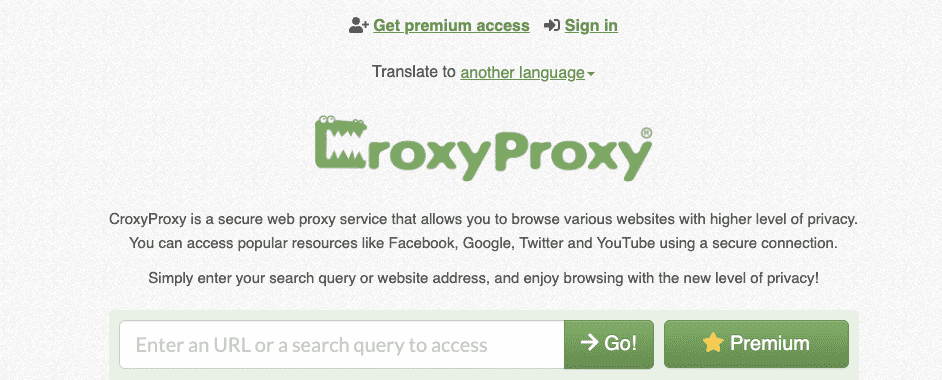
1. Open your preferred browser and navigate to https://www.croxyproxy.com. The homepage presents a clean box where you can paste any URL.
2. Copy the YouTube video link you want to watch and paste it into the proxy’s address field. Click the “Go” button.
3. CroxyProxy loads the YouTube page inside its own frame. From there, you can start the video just as you would on the regular site. The interface may look slightly different—ads might appear in a separate pane, and the player controls can be a bit slower—but the core functionality remains.
4. If you plan to browse YouTube more extensively, consider bookmarking the CroxyProxy homepage. Some users create a shortcut that automatically appends “https://www.croxyproxy.com/” to any YouTube URL they copy, saving a few clicks each time.
Safety considerations when using a web proxy
Even though the connection to CroxyProxy is encrypted, the proxy itself can see the content you request. This means you’re trusting the provider not to log or sell your browsing data. Choose a reputable service—CroxyProxy has been around since 2013 and generally maintains a privacy‑focused policy, but it’s still wise to read the latest terms of service.
Never enter personal credentials (Google account passwords, payment information) while behind a proxy. If you must log in to YouTube, do it on a direct, secure connection instead, then switch back to the proxy for viewing public videos only.
Another practical tip: enable your browser’s built‑in “Do Not Track” setting and consider adding a reputable ad‑blocker. While CroxyProxy strips many ads automatically, some third‑party scripts can slip through, potentially exposing you to unwanted trackers.
Typical limitations you might encounter
- Reduced video quality: Many free proxies cap streaming at 480p to conserve bandwidth.
- Increased load times: Because the request travels through an extra server, you may notice a short delay before the video starts.
- Restricted features: Playlists, live streams, and age‑restricted content often don’t load correctly through CroxyProxy.
- Ads and pop‑ups: Some advertisements are rendered outside the video frame, which can be distracting.
If any of these hurdles become a deal‑breaker, you might explore paid VPNs or dedicated proxy services that guarantee higher bandwidth and full YouTube compatibility.
Alternatives that also protect privacy
For users who want a more robust solution, a reputable VPN (Virtual Private Network) encrypts all traffic from your device, not just the browser window. While VPNs typically require a subscription, many offer a free tier with limited data that still outperforms a web proxy in speed and reliability.
Another option is using the Tor Browser, which routes traffic through multiple relays for anonymity. However, Tor can be noticeably slower, and some streaming sites actively block Tor exit nodes.
If you only need occasional access, browser extensions like “HTTPS Everywhere” combined with a reliable DNS‑over‑HTTPS service can sometimes bypass simple filters without the overhead of a full proxy.
Frequently Asked Questions
Is it legal to use CroxyProxy for watching YouTube?
In most jurisdictions, using a proxy to bypass non‑governmental filters (such as school firewalls) is not illegal, but it may violate the policies of the network you’re on. Always check local regulations and respect the terms of service of the platforms you use.
Can CroxyProxy protect me from malware?
While the HTTPS connection encrypts data in transit, CroxyProxy does not scan the content of the sites you visit. You still need a good anti‑malware solution on your device to guard against malicious downloads that might appear on compromised pages.
Will my YouTube recommendations change when using a proxy?
Because the proxy masks your IP, YouTube sees you as a new visitor from the proxy’s location. This can reset your watch history and recommendation algorithm, leading to a less personalized feed until you log in on a direct connection.
Do I need to install anything to use CroxyProxy?
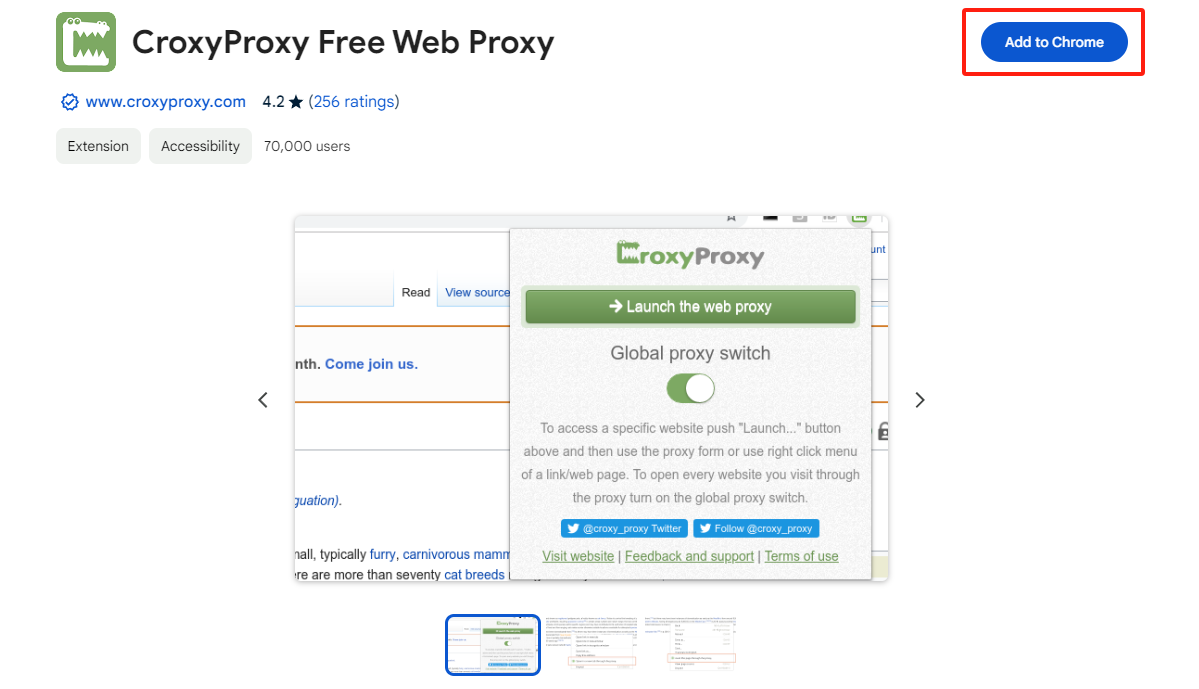
No. The service works entirely in the browser, so there’s no software download or extension required. Just navigate to the site, paste the YouTube link, and you’re good to go.