How to Use the Omron Evolv for Effortless Blood Pressure Monitoring
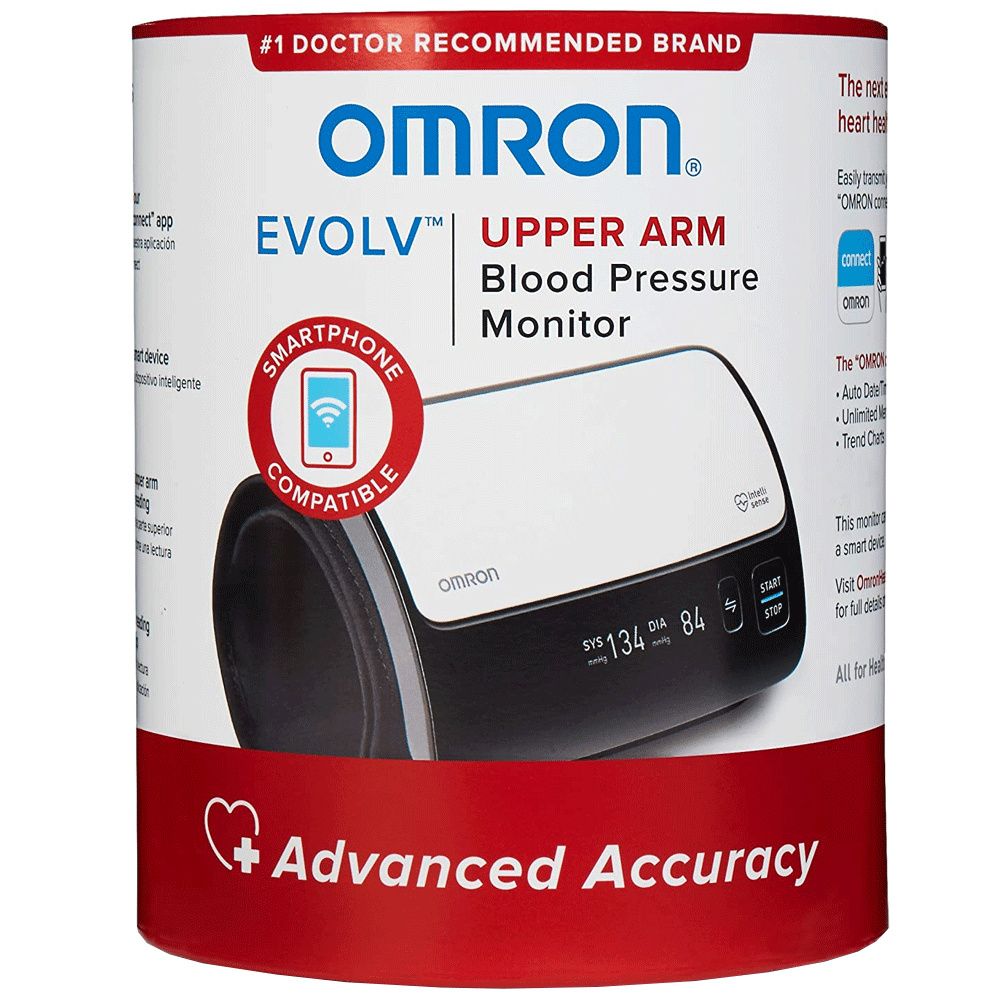
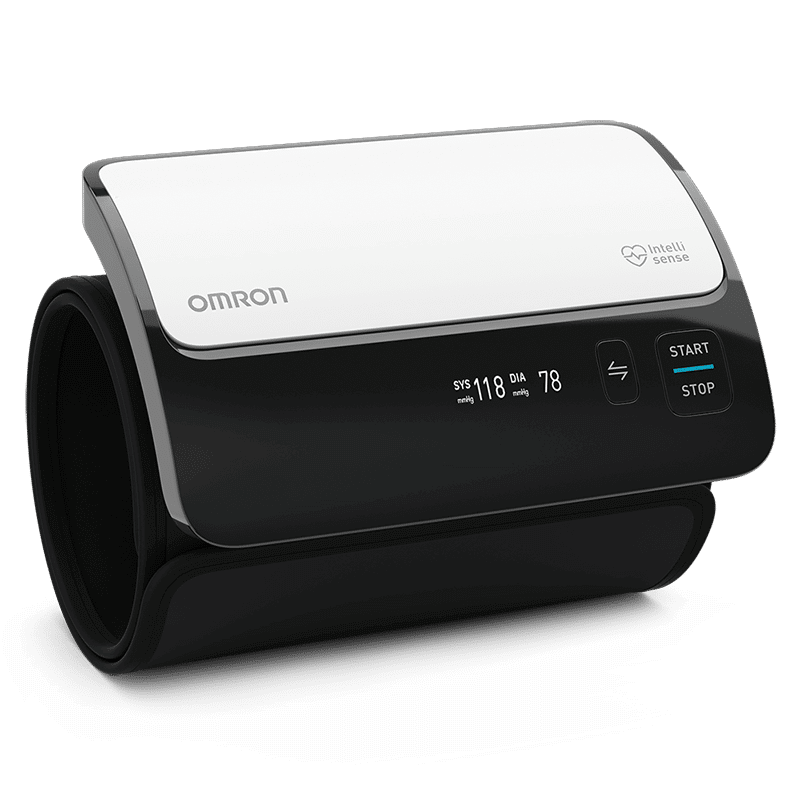
The Omron Evolv has become a go‑to gadget for anyone who wants reliable blood pressure data without the hassle of a traditional cuff. Compact enough to slip into a pocket, it syncs with smartphones and offers a surprisingly thorough picture of your cardiovascular health. If you’ve just unboxed the device or are considering adding it to your routine, this guide walks you through setup, taking accurate readings, and interpreting the numbers—all in plain English.
Getting Started with the Omron Evolv
The first thing to do is charge the unit. Plug the USB‑C cable into a wall adapter or a computer and let the Evolv charge for at least two hours before its initial use. A full charge typically lasts a week of daily readings. Once powered, download the Omron Connect app from the App Store or Google Play; the app is where you’ll store and review your data.
- Open the app, create an account, and follow the on‑screen pairing instructions.
- Place the cuff on the back of your upper arm, ensuring the sensor aligns with the printed arrow.
- Secure the cuff snugly—tight enough that you can slide a finger underneath, but not so loose that it slides down.
Taking Your First Blood Pressure Reading
Before you press “Start,” sit calmly for five minutes. Avoid caffeine, nicotine, or vigorous exercise for at least 30 minutes beforehand. Position your arm on a flat surface, heart level, and rest your elbow against the chair’s armrest if possible.
When you’re ready, press the single button on the Evolv. The cuff inflates automatically, then deflates while the sensor captures systolic, diastolic, and pulse values. The reading appears on the device’s small screen and syncs to the app within seconds.
Step‑by‑step checklist
- Relax for five minutes.
- Place the cuff correctly.
- Keep your arm supported and at heart level.
- Press the button and stay still until the cuff releases.
- Record the reading in your health journal or share it with your clinician.
Understanding the Numbers
Blood pressure is expressed as two numbers: systolic over diastolic (for example, 120/80 mmHg). The systolic figure reflects the pressure when your heart contracts; the diastolic measures pressure while the heart rests between beats. The Evolv also tracks heart rate, giving a quick pulse count alongside the pressure data.
Guidelines from major health organizations categorize readings roughly as:
- Normal: Below 120/80 mmHg
- Elevated: 120‑129 systolic and below 80 diastolic
- Stage 1 Hypertension: 130‑139 systolic or 80‑89 diastolic
- Stage 2 Hypertension: 140 mmHg or higher systolic, or 90 mmHg or higher diastolic
Remember, a single high reading isn’t a diagnosis. Track trends over weeks; the Omron Connect app visualizes this data with easy‑to‑read graphs.
Tips for Consistent Monitoring
Consistency is key to spotting patterns. Aim to measure at the same time each day—morning before coffee or evening after dinner works for most people. Use the same arm each session; the left arm often yields slightly higher values, but the difference is minimal if you stick to one side.
If you’re traveling, the Evolv’s lightweight design shines. Pack it in a carry‑on bag, and you’ll still have accurate readings without lugging around a bulky monitor.
Troubleshooting Common Issues
Occasional hiccups happen, but most are easy to fix. If the cuff won’t inflate, double‑check that the battery is charged and the cuff is snug. A “low battery” icon on the screen signals it’s time to recharge.
Erratic readings—such as wildly different numbers back‑to‑back—often stem from movement during inflation or an incorrectly positioned cuff. Re‑measure after a brief pause, ensuring the arm is still and the cuff sits at heart level.
When to Seek Professional Advice
If you notice a sustained upward trend, especially readings in the hypertension range, schedule an appointment with your doctor. Bring your Omron Connect app data; clinicians appreciate the longitudinal view and can adjust treatment plans more precisely.
For those on medication, the Evolv helps verify that the drug is effective. Record readings before and after doses to discuss any necessary dosage changes.
FAQ
Can the Omron Evolv be used by multiple people?
Yes. The app lets you create separate profiles, each with its own history. Just switch profiles before measuring.
Is the Evolv accurate compared to a clinic‑grade cuff?
Clinical studies show the Evolv’s readings fall within the accepted margin of error for home monitors, making it a reliable tool for everyday tracking.
Do I need an internet connection for the device to work?
The Evolv records readings locally and displays them on its screen without Wi‑Fi. However, syncing to the app does require a Bluetooth connection and occasional internet access to back up data.
How often should I replace the cuff?
Omron recommends replacing the cuff every three to five years, or sooner if you notice wear, loss of elasticity, or frequent error messages.