How to Use Alipay on AliExpress for Global Shopping
Why Alipay and AliExpress Make a Strong Pair
If you’ve ever felt uneasy about paying a Chinese e‑commerce site from abroad, you’re not alone. Alipay, the payment backbone of Alibaba’s ecosystem, offers a familiar checkout experience for millions of shoppers in Asia. When you pair it with AliExpress, the platform that ships to over 200 countries, you get a streamlined way to browse, buy, and track international orders without juggling multiple wallets.
Both services share the same parent company, which means they’re designed to talk to each other. That integration reduces friction, lowers the chance of currency conversion surprises, and often unlocks exclusive discounts for Alipay users.
Getting Started: Set Up Your Alipay Account
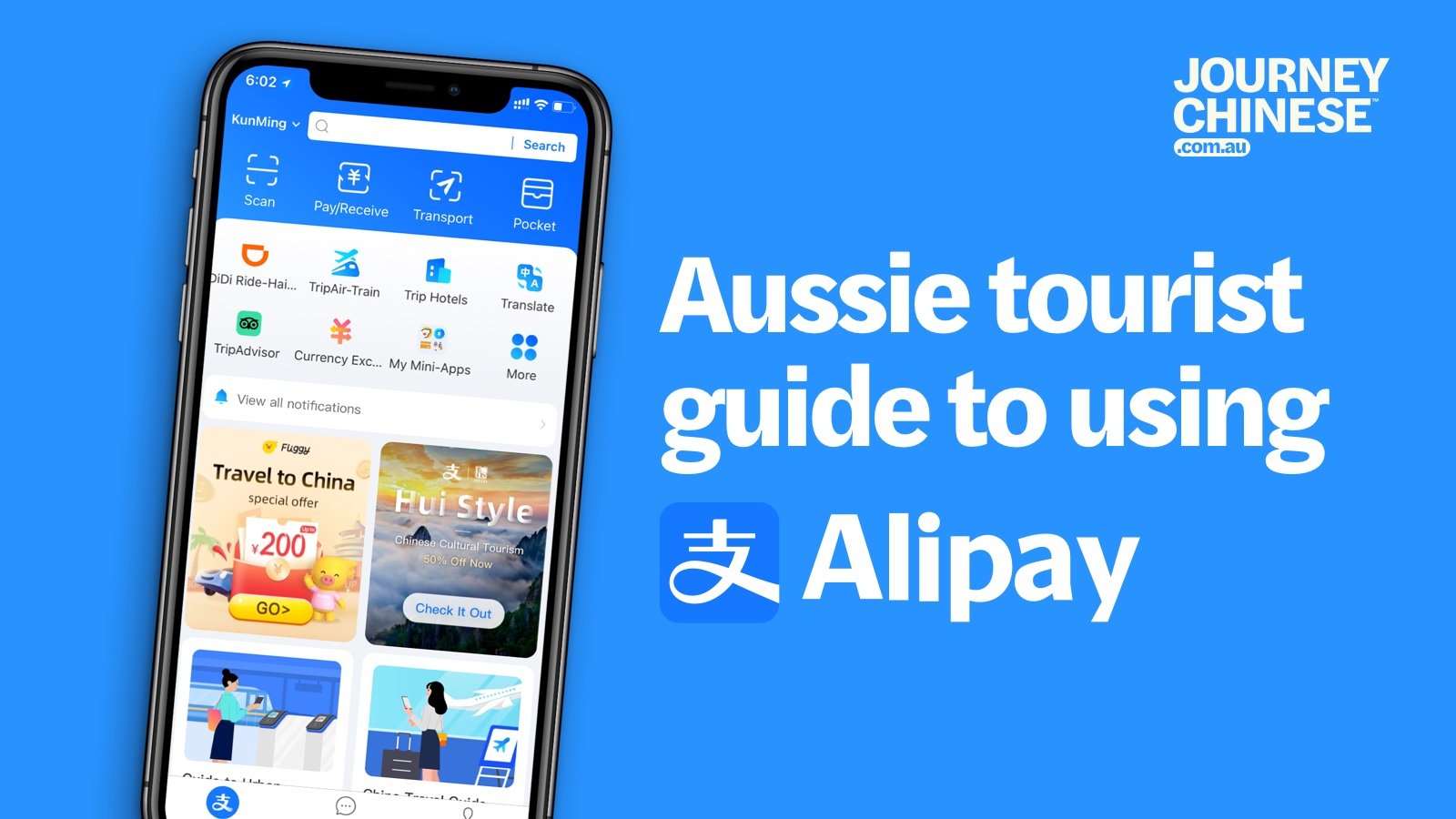
The first step is creating a personal Alipay account if you don’t already have one. The process mirrors signing up for a typical online bank: you’ll need a mobile number, a password, and a form of identification. While Chinese residents can verify with a national ID, international users can often use a passport or a driver’s license.
- Download the Alipay app from the App Store or Google Play.
- Tap “Sign Up” and choose the “International” option if it appears.
- Enter your phone number, receive a verification code, and set a strong password.
- Follow the on‑screen prompts to link a credit card, debit card, or a local bank account.
Verification may take a few minutes to a day, depending on the documents you upload. Once approved, you’ll see a balance screen that displays your local currency, plus a handy “Currency Converter” tool.
Linking Alipay to Your AliExpress Profile
When you log into AliExpress, head to “My Account” → “Payment Methods.” Look for the Alipay logo among the options. If it doesn’t appear immediately, make sure your AliExpress language setting is set to English or a language that supports the Alipay integration.
Select “Add New Payment Method,” then choose “Alipay.” A QR code will pop up on the screen; open your Alipay app, tap the “Scan” button, and point it at the code. The two platforms will sync, and you’ll receive a confirmation message inside Alipay that the link was successful.
How the Checkout Process Works
At checkout, you’ll see Alipay listed alongside credit cards, PayPal, and other local payment options. Choose Alipay, and the app will automatically pull the order total in your preferred currency. If you have a balance in Alipay, it will be used first; otherwise, the linked card or bank account will cover the remainder.
After confirming the amount, you’ll be asked to authorize the payment with a fingerprint, face ID, or a six‑digit PIN. Once approved, AliExpress receives an instant payment notification, and the seller can begin processing your order.
Shipping, Customs, and Delivery Tips
AliExpress offers a range of shipping methods, from free e‑packet to paid express couriers. The choice you make influences both delivery speed and customs handling. Here are a few pointers for a smoother global experience:
- Check the “Estimated Delivery Time.” Free shipping often means 3‑6 weeks; express services usually arrive within 7‑15 days.
- Read the seller’s “Customs Info” section. Some sellers pre‑pay duties for certain countries, which can save you a surprise fee.
- Track every package. Both Alipay and AliExpress provide tracking numbers that you can paste into a universal tracker like 17track.net.
If customs does intervene, you’ll typically receive an email from the carrier with instructions on how to pay any duties. Paying through Alipay at that stage is possible if the carrier supports it, keeping everything in one wallet.
Saving Money While Shopping Globally
Alipay isn’t just a payment method; it’s also a gateway to promotions. Many AliExpress sellers run “Alipay Discount” campaigns that shave off 5‑10 % from the listed price. To catch these deals, keep an eye on the “Flash Deals” page and filter results by “Alipay Discount.”
Another trick is to use Alipay’s “Balance Bonus” feature. Occasionally, Alipay rewards users with a small credit after a certain spend threshold. That credit can be applied to future AliExpress orders, effectively giving you a rebate without any extra effort.
Security and Buyer Protection
Both platforms invest heavily in fraud detection, but it’s wise to add your own layers of safety. Enable two‑factor authentication on Alipay, and consider setting a daily transaction limit that aligns with your budgeting habits.
AliExpress also offers a “Buyer Protection” program. If a seller fails to ship within the promised window or the item arrives damaged, you can open a dispute within 15 days of receipt. Payments made through Alipay are automatically frozen during the dispute, giving you leverage to negotiate a refund or a replacement.
Frequently Asked Questions
Can I use Alipay if I don’t have a Chinese bank account?
Yes. International users can link a Visa, Mastercard, or local debit card to Alipay, which will handle currency conversion on the fly.
Will I be charged extra fees for cross‑border transactions?
Alipay typically adds a modest conversion fee (around 0.5‑1 % depending on your card), but this is often cheaper than the fees charged by some credit cards for foreign purchases.
What if the seller doesn’t accept Alipay for my country?
Most AliExpress sellers support Alipay globally, but a few may restrict it to certain regions. In that case, you can switch to a credit card or use the AliExpress “Pay Later” option if available.
How do I know if a product ships to my country?
Each listing includes a “Ships From” and “Ships To” section. If your country isn’t listed, you can contact the seller directly through the “Chat” button before placing the order.