How to Translate Portuguese to Spanish Using Google Translate
If you’ve ever needed a quick conversion from Portuguese to Spanish, Google Translate is often the first tool that comes to mind. It’s free, instantly accessible from a phone or computer, and handles everything from single words to full documents. While the service isn’t perfect, knowing its quirks can turn a rough draft into a readable paragraph without hiring a professional translator.
Why Google Translate Works for Portuguese‑Spanish
Portuguese and Spanish share a Romance‑language backbone, meaning many roots, conjugations, and idioms overlap. Google’s neural‑machine translation (NMT) models exploit that similarity, allowing the system to predict the most likely Spanish equivalent for a Portuguese input. The engine also draws on massive bilingual corpora—web pages, subtitles, and official documents—so it has a surprisingly solid grasp of everyday phrasing.
That said, the model is trained on publicly available data, not on a specialized legal or medical glossary. When you’re dealing with slang, regional expressions, or highly technical terminology, the output may need a human eye. Understanding when to trust the machine and when to double‑check is the key to getting reliable results.
Step‑by‑Step Guide to Translating Portuguese to Spanish with Google Translate
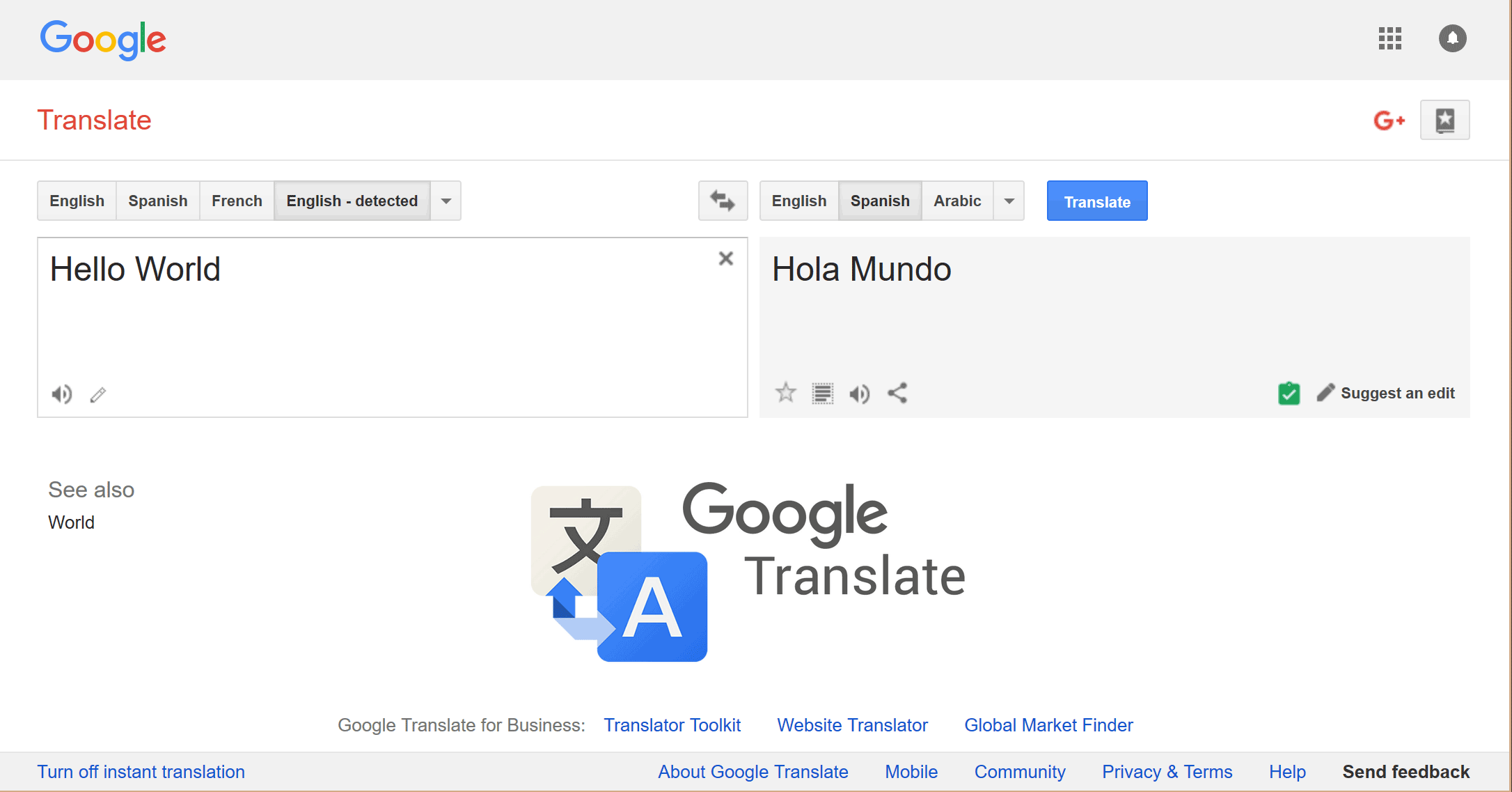
- Open the tool. Go to translate.google.com or launch the app on your mobile device. The interface automatically detects the source language, but you can manually set “Portuguese” as the source and “Spanish” as the target for certainty.
- Enter your text. Paste a sentence, a paragraph, or upload a document. For longer texts, the “Documents” tab supports .docx, .pdf, and .pptx files up to 10 MB.
- Review the translation. Google will display a Spanish version in the right‑hand pane. Pay attention to highlighted words—these often indicate alternative suggestions or phrases that the algorithm found ambiguous.
- Use the “Copy” or “Listen” buttons. You can copy the result directly into your workflow, or click the speaker icon to hear pronunciation, which is handy for checking false cognates.
- Refine if needed. If a phrase looks off, click the pencil icon (available on the web version) to edit the translation manually. The system learns from your corrections, improving future suggestions for similar inputs.
For bulk translations, consider the “Translate a whole webpage” feature. Paste the URL of a Portuguese site, select Spanish as the target, and Google will render the page in the new language, preserving layout and images.
Tips for Better Accuracy
Mind the context. A word like “pasta” means “folder” in Portuguese but “pasta” (as in noodles) in Spanish. Adding a short explanatory note—e.g., “pasta (folder)”—helps the engine choose the right meaning.
Watch for false friends. Portuguese “embarazada” (embarrassed) vs. Spanish “embarazada” (pregnant) is a classic trap. When you suspect a false friend, replace the term with a synonym before translating.
Leverage the “Suggest an edit” feature. If you notice a systematic error—say, the engine consistently misplaces accents—use the feedback link at the bottom of the translation box. While you won’t see immediate changes, collective feedback shapes future model updates.
Combine with a bilingual dictionary. For specialized vocab, glance at a trusted online dictionary after the machine translation. A quick cross‑check can catch technical mismatches that Google’s general model might overlook.
Common Pitfalls to Avoid
One frequent mistake is assuming that a flawless Google Translate output means the text is ready for publication. Even native speakers can spot subtle tone shifts, especially in marketing copy where brand voice matters. Also, Google sometimes drops gender agreement—Portuguese adjectives often match the noun’s gender, and the Spanish version may retain the Portuguese form.
Another issue is the handling of regional variations. Portuguese from Brazil uses “você” for “you,” while European Portuguese favors “tu.” The Spanish translation might default to “tú,” which could feel out of place for a Latin‑American audience. If you know your target region, manually adjust pronouns after the initial translation.
Lastly, don’t rely on Google Translate for legal contracts or official certifications. Those documents usually require a certified translator to ensure precision and compliance with local regulations.
When to Use Google Translate versus a Human Translator
For everyday communication—emails, social media posts, quick explanations—Google’s service saves time and money. It shines when you need a rough sense of meaning rather than a polished final product. However, if the stakes are high—legal terms, medical advice, or brand messaging—invest in a professional bilingual editor. A human can catch nuances, cultural references, and idiomatic expressions that a neural model may miss.
In practice, many professionals adopt a hybrid approach: run the text through Google Translate first, then have a native speaker proofread and fine‑tune the result. This workflow speeds up the drafting phase while still delivering a high‑quality final piece.
Frequently Asked Questions
Can Google Translate handle whole PDFs in Portuguese?
Yes. Upload the PDF via the “Documents” tab, select Spanish as the target language, and the service will translate the text while preserving most of the original layout. Complex formatting or embedded images may not convert perfectly, so a quick visual check is advisable.
Is the translation free for commercial use?
The tool itself is free, but the terms of service restrict large‑scale commercial redistribution of the raw output without proper licensing. If you plan to use translated content in a product or marketing campaign, it’s safer to obtain a commercial license or employ a human translator for the final version.
How does Google Translate handle idiomatic expressions?
Idioms are tricky. The engine often provides a literal translation, which can sound odd in Spanish. For example, “cair na real” (Portuguese slang for “face reality”) might become “caer en la realidad,” which is understandable but not idiomatic. In such cases, replace the phrase with a Spanish equivalent like “volver a la realidad” after reviewing the suggestion.
Does the mobile app work offline?
Yes, you can download the Portuguese‑Spanish language pack in the app’s settings. Once cached, the translation engine works without an internet connection, though offline models may be slightly less accurate than their online counterparts.