How to Transform Your Voice on Calls with a Voice Changer
Ever wondered what it would be like to sound like a cartoon character or simply mask your natural tone during a phone conversation? Modern voice changers make that a reality, letting you tweak pitch, add effects, and even impersonate famous voices—all in real time. In this guide we’ll explore how the technology works, what to look for in an app, and a few practical tips for using a voice changer responsibly on calls.
What Is a Real‑Time Voice Changer?
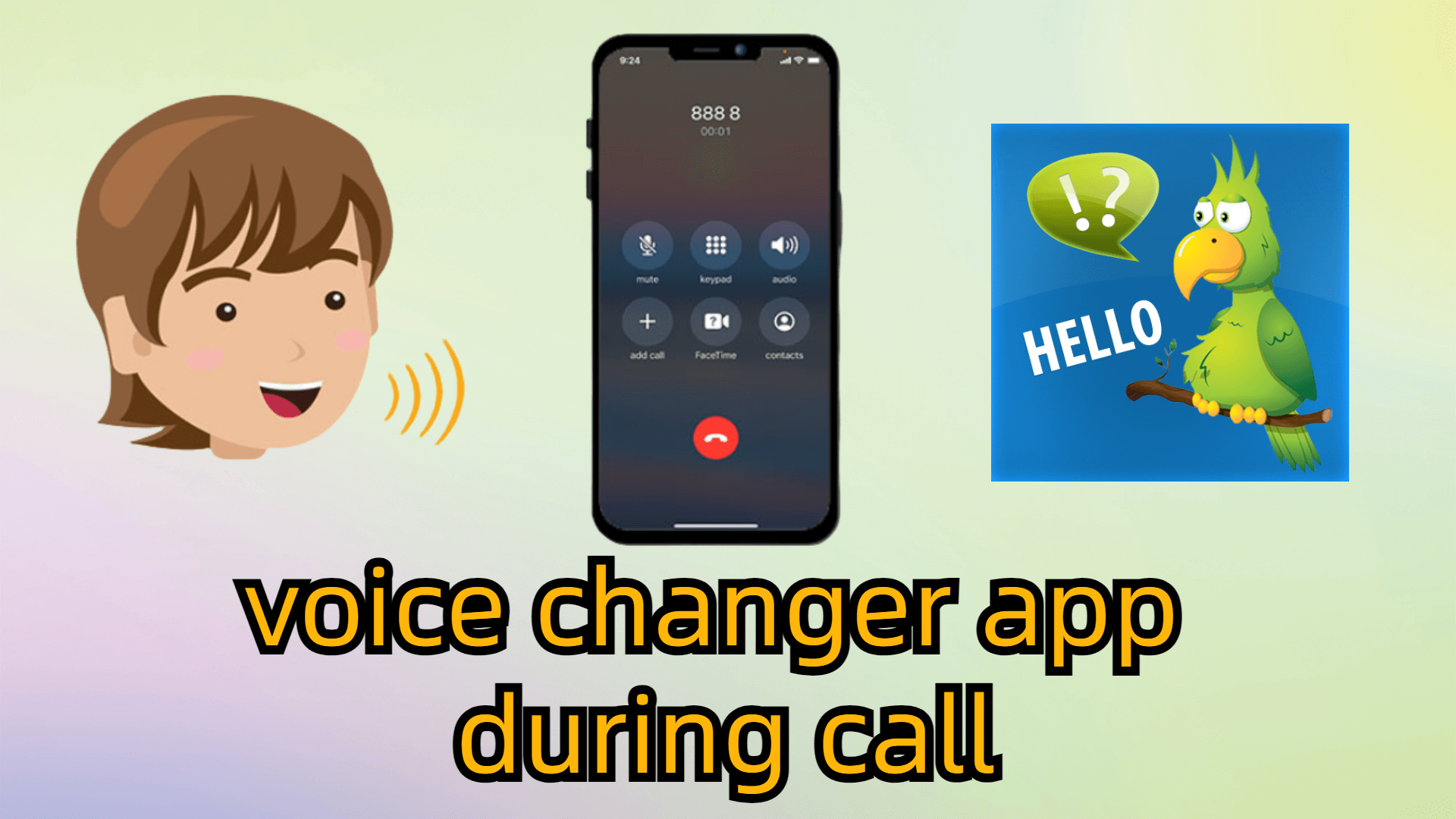
A real‑time voice changer is software that intercepts the audio stream from your microphone, applies digital filters, and then sends the altered signal to the call recipient. Unlike post‑processing tools that edit recordings later, these apps operate on the fly, so you hear the transformed voice as you speak. Most solutions run on smartphones, but desktop versions exist for gamers and podcasters, too.
Core Features to Expect
- Pitch Shifting: Raise or lower your voice by a selectable number of semitones.
- Gender Swap: Flip between masculine and feminine timbres with a single tap.
- Sound Effects: Add echo, robot, alien, or background noises for a playful touch.
- Voice Library: Some apps include pre‑made voices of celebrities or fictional characters.
- Call Integration: Compatibility with popular dialers, VoIP services, and even video‑chat platforms.
How Does the Technology Work?
The magic lies in digital signal processing (DSP). When you speak, the microphone captures an analog waveform, which the app converts to digital data. Algorithms then modify frequency components—shifting them up for a higher pitch or down for a deeper tone. Effects like echo are added by replaying parts of the signal with a delay. Finally, the altered data is sent back to the phone’s audio output, making the other party hear the transformed voice.
Choosing the Right Voice Changer for Calls
Not every voice changer is built for phone use. Here are a few criteria to help you pick a reliable option:
- Latency: Low delay is crucial; a lag of more than a few hundred milliseconds can make conversation feel disjointed.
- Compatibility: Verify that the app works with your device’s default dialer or the VoIP service you prefer, such as WhatsApp or Skype.
- Privacy Policy: Look for clear statements about data handling—ideally the app processes audio locally and does not store recordings in the cloud.
- User Reviews: Real‑world feedback often reveals bugs that the developer’s description might overlook.
Popular Voice Changer Apps (as of 2024)
Below is a quick snapshot of three widely used apps. All offer free tiers, but premium upgrades unlock additional voices and advanced controls.
- Voicemod Mobile: Known for its extensive soundboard and seamless integration with Android’s call system.
- Call Voice Changer – Best Voice Changer: Offers a simple interface, gender‑swap mode, and a modest latency on iOS.
- VoiceFX – Real‑Time Voice Changer: Popular among gamers for its robust effect library and low‑CPU footprint.
Setting Up a Voice Changer on Your Phone
Most apps follow a similar setup process:
- Download the app from the App Store or Google Play.
- Grant microphone and phone permissions when prompted.
- Choose your preferred voice preset or fine‑tune pitch manually.
- Initiate a call through the app’s built‑in dialer, or select “Use with other apps” if you prefer your regular phone app.
- Test the sound by speaking into the mic; adjust settings until the transformed voice feels natural.
Tips for a Smooth Conversational Experience
Even the best voice changer can feel awkward if you don’t use it wisely. Keep these pointers in mind:
- Start with subtle shifts: A slight pitch change is less likely to distract your listener than an extreme robot effect.
- Maintain clear articulation: Some effects can muddy speech; speak a bit slower to preserve intelligibility.
- Check background noise: Excessive ambient sounds may be amplified by certain filters, so find a quiet spot.
- Respect the other party: If the conversation is professional, it’s courteous to disclose that you’re using a voice modifier.
Legal and Ethical Considerations
Using a voice changer is legal in most jurisdictions, but it can cross a line when employed for deception. Fraudulent calls, harassment, or impersonation of law enforcement are illegal in many countries. Always use the technology for fun, privacy, or creative projects, and avoid misleading others for personal gain.
Future Trends: AI‑Powered Voice Morphing
Artificial intelligence is pushing voice modulation beyond simple pitch shifts. Emerging apps now offer deep‑learning models that can mimic a specific person's vocal traits with impressive accuracy. While still in early adoption, this technology promises richer personalization—think turning your voice into a digital twin of a favorite actor during a group call. As AI voices improve, privacy safeguards will become even more essential.
FAQ
Can I use a voice changer with any calling app?
Most voice changers integrate directly with the phone’s native dialer, but many also support popular VoIP services like WhatsApp, Telegram, or Zoom. Check the app’s compatibility list before downloading.
Will a voice changer affect call quality?
Quality depends on latency and the processing power of your device. High‑quality apps aim for under 200 ms delay, which is usually imperceptible. However, using multiple effects simultaneously can increase CPU usage and potentially introduce artifacts.
Is my conversation recorded by the voice changer?
Reputable apps process audio locally and do not store recordings unless you explicitly enable a “save call” feature. Review the privacy policy to confirm where data is handled.
Do voice changers work on both Android and iOS?
Yes, though the feature set may differ slightly. Android often allows deeper system integration, while iOS apps might require you to make calls through the app’s own interface.