How to Track the PSE Stock Live Chart and Today’s Price
When you’re trading on the Philippine Stock Exchange (PSE), having real‑time insight into a company’s performance can make the difference between a good decision and a missed opportunity. The live chart shows the price action as it unfolds, while the today’s price tells you where the stock currently sits in the market. Together they provide a snapshot of market sentiment, liquidity, and potential turning points.
PSE Stock Live Chart & Today's Price
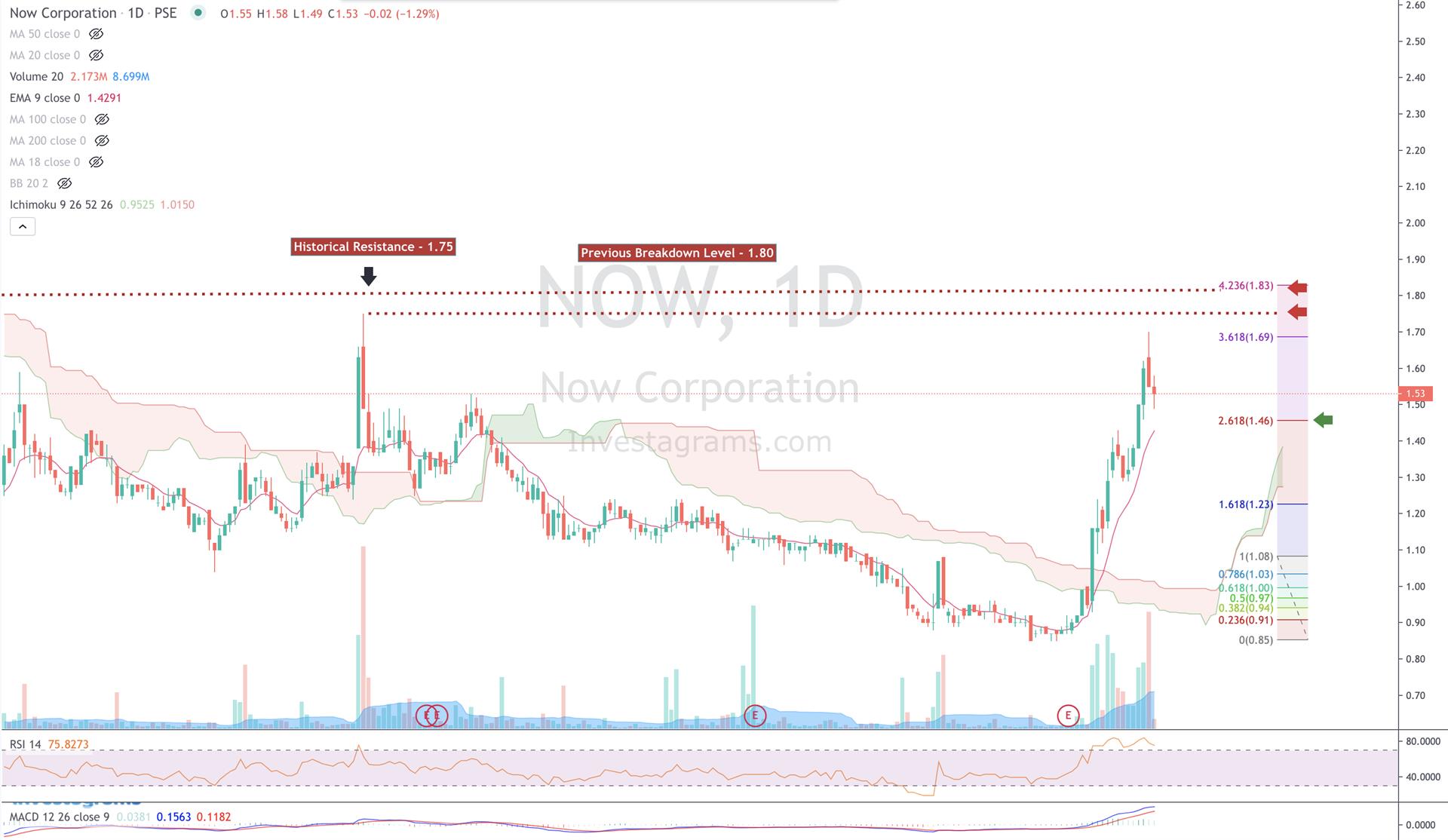
Live charts on the PSE are updated every second during trading hours, reflecting the latest bids, asks, and trades. The chart’s x‑axis moves forward as the session progresses, while the y‑axis displays price levels. You’ll typically see a series of candlesticks or bars that summarize price movement for each time interval—whether that be one minute, five minutes, or ten minutes, depending on the platform.
Today’s price, on the other hand, is a single number that represents the most recent transaction. It’s often displayed as the “Last Traded Price” (LTP) or the closing price of the previous session. While the live chart offers a visual story, the today’s price gives you an exact figure you can quote or compare against your target level.
Where to Find a Reliable Live Chart
- PSE Official Website – The exchange’s site hosts a “Live Market” section that lists real‑time prices for all listed companies. The interface is straightforward but limited in customization.
- Bloomberg Terminal – For professionals, Bloomberg provides detailed charts, advanced technical overlays, and historical data. A subscription is required.
- Investing.com – Offers free live charts with options to adjust time frames, add moving averages, and view volume bars.
- Yahoo Finance – Good for casual investors; it presents a basic live chart and a quick view of the current price.
- Local Brokerage Apps – Most Philippine brokers (e.g., COL Financial, BDO Nomura, Philstocks) provide intraday charts within their trading platforms, often with added analytical tools.
Interpreting Today’s Price: Closing, Opening, Intraday
Knowing how today’s price relates to the session’s opening and closing values helps you assess momentum. If the LTP is higher than the opening price, the stock has gained ground during the day; if lower, it has retreated. Comparing the LTP to the previous close can also signal a breakout or reversal. Volume bars beneath the chart give a sense of how many shares changed hands, indicating strength or weakness behind the price move.
Many traders use the VWAP (Volume‑Weighted Average Price) as a benchmark. If a stock trades above its VWAP, it suggests buying pressure; below VWAP indicates selling pressure. The VWAP line is usually drawn as a straight line across the chart, making it easy to spot.
Common Misconceptions About Live Charts
- “Live charts are always accurate.” While the data is real‑time, brief delays or glitches can occur, especially during high volatility. Cross‑checking with a secondary source is a good habit.
- “The last price is the best indicator of future performance.” A single data point doesn’t capture broader market dynamics. Look at trendlines, support/resistance levels, and volume before acting.
- “Higher volume always means a better trade.” Volume can confirm a trend, but it can also signal a false breakout. Context matters.
Tips for Using Live Charts Effectively
- Set alerts. Most platforms allow you to receive a push or email when a stock hits a predetermined price or volatility threshold.
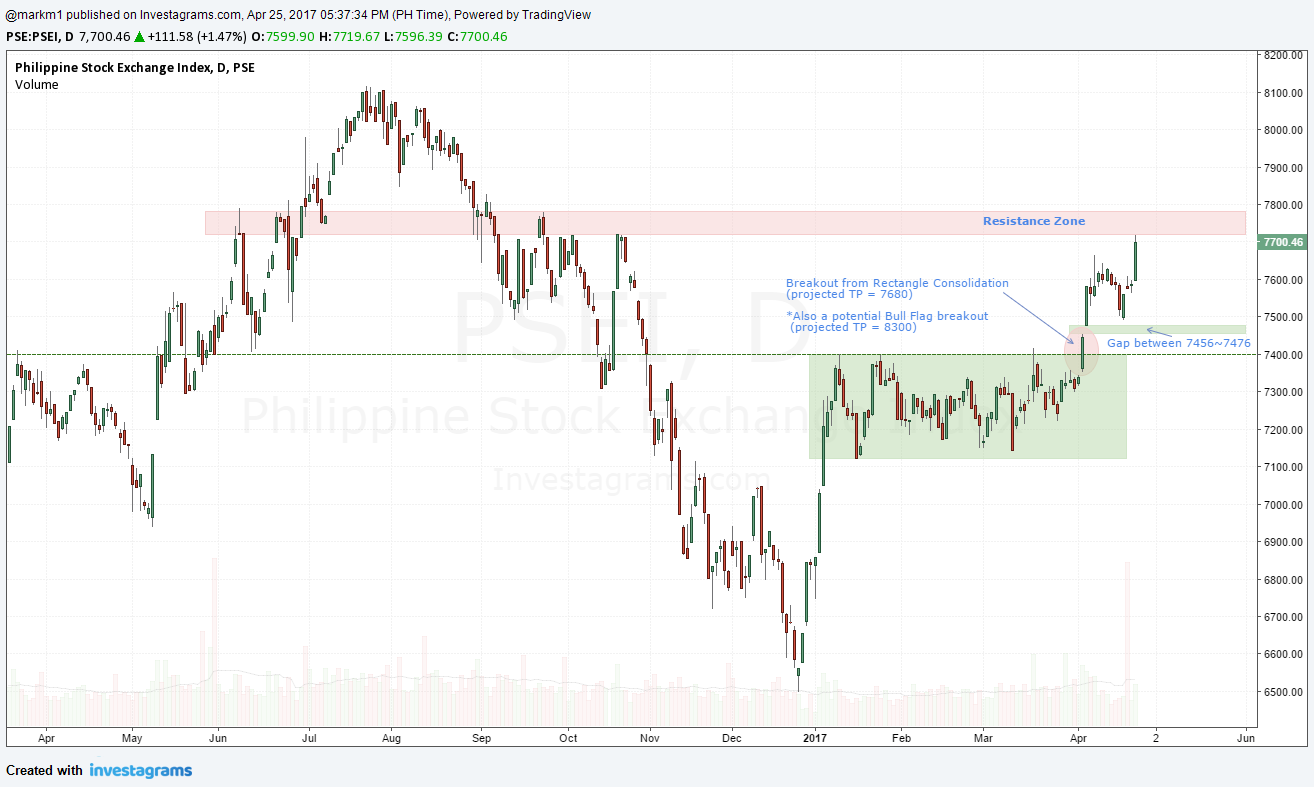
- Watch support and resistance. These horizontal lines show price levels where the stock has historically paused or reversed.
- Pair technical analysis with fundamentals. A bullish chart is more convincing if the company’s earnings or sector outlook are positive.
- Keep an eye on market breadth. If most stocks are moving in the same direction, the overall market trend can validate your choice.
When to Use a Live Chart vs. Historical Data
Live charts are indispensable for day traders who need to react within minutes. If you’re a swing trader or long‑term investor, historical charts (weekly or monthly) might be more relevant, as they show broader patterns. However, even long‑term investors benefit from checking today’s price before making a purchase, ensuring they’re not buying into an overextended rally.
FAQs About PSE Live Charts and Today’s Price
Q1: Where can I see the live chart for PSE stocks without a paid subscription?
A1: Free options include the PSE official website, Yahoo Finance, and Investing.com. Broker apps often provide live charts as part of their basic service.
Q2: How often is the today’s price updated?
A2: During market hours, the price updates every few seconds. Outside of hours, it reflects the last transaction of the previous session.
Q3: Can I use the live chart to set a target price?
A3: Yes, by drawing trendlines or using support and resistance levels, you can estimate realistic entry or exit points. Always validate with