How to Sign Up for PayPal in the Netherlands – Your Easy Step‑by‑Step Guide
Opening a PayPal account in the Netherlands is a straightforward way to shop online, receive payments, and send money without sharing your bank details. Whether you’re a freelancer needing a professional invoicing tool or a shopper after a hassle‑free checkout, the process only takes a few minutes. Below you’ll find everything you need to know to create, verify, and start using your Dutch PayPal account.
Why Choose PayPal in the Netherlands?
PayPal enjoys broad acceptance across Dutch e‑commerce sites, from bol.com to local boutiques. It offers buyer protection that can be reassuring for high‑value purchases, and sellers benefit from quick payouts to a linked bank account. Moreover, the platform supports multiple currencies, which is handy if you deal with customers in euros, pounds, or dollars.
Prerequisites Before You Start
Before you click “Sign up,” gather a few essentials. You’ll need a valid Dutch email address, a mobile phone number that can receive SMS, and a personal ID (passport or Dutch ID card) for identity verification. A Dutch bank account or an internationally accepted credit/debit card is also required to complete the setup.
Step‑by‑Step Sign‑Up Process
1. Visit the PayPal Dutch Homepage
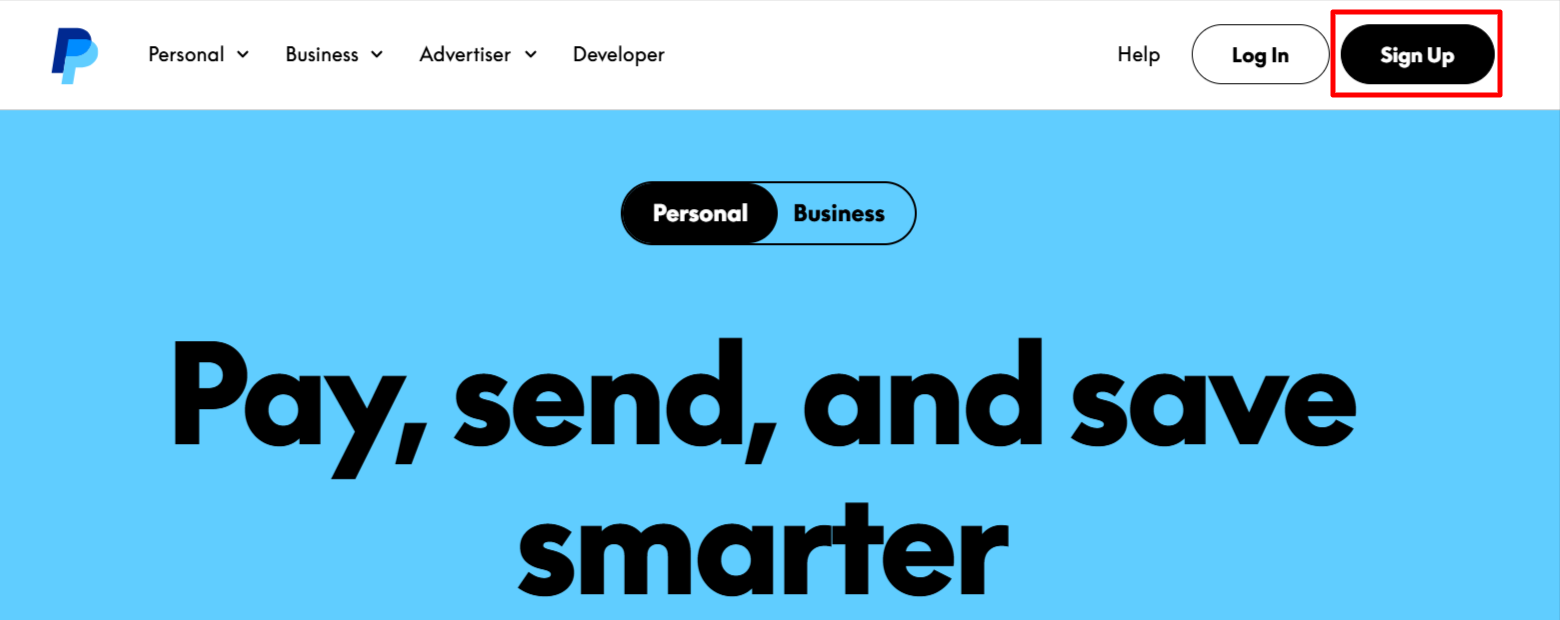
Head to paypal.com/nl and click the “Aanmelden” button. The site will automatically display the Dutch language version, which makes the instructions easier to follow.
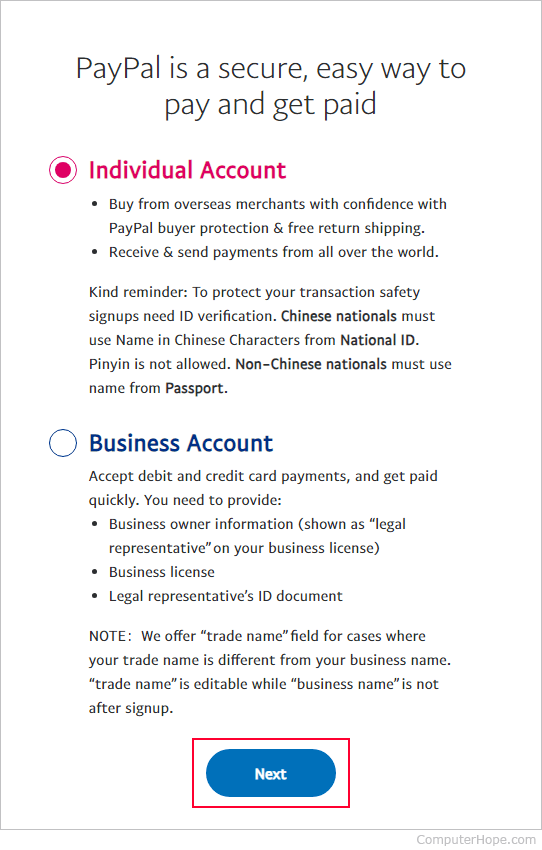
2. Choose the Account Type
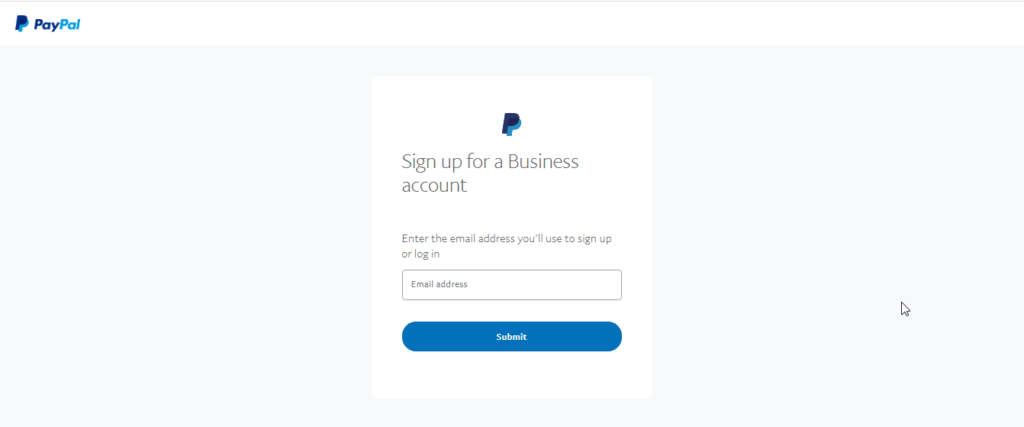
For most users, the “Personal” account is sufficient. If you plan to accept payments for a business, select “Business” and later you can upgrade without losing any data.
3. Enter Your Personal Details
Fill in your name, email, and a strong password. PayPal will prompt you to create security questions – pick answers only you would know.
4. Confirm Your Email
Check your inbox for a verification email from PayPal. Clicking the link inside activates your account and moves you to the next screen.
5. Add a Phone Number
Enter your Dutch mobile number. PayPal sends a six‑digit code via SMS; entering it finalizes the two‑factor authentication step.
6. Link a Bank Account or Card
Navigate to “Bankrekeningen en kaarten” and input your IBAN (e.g., NL91ABNA0417164300). If you prefer a card, you can add a Visa or Mastercard. PayPal will make a small refundable charge to verify the connection.
7. Set Your Preferences
Decide whether you want to receive notifications by email or push alerts. You can also choose a default currency for transactions – euros are pre‑selected for Dutch users.
8. Finish the Setup
After confirming all details, you’ll land on the account dashboard. From here you can start sending money, requesting payments, or making purchases.
Verifying Your Identity
PayPal may ask for a copy of your ID to lift certain limits, such as the amount you can withdraw or receive. Upload a clear photo of your passport or ID card through the “Mijn profiel” → “Identiteitsverificatie” section. The review usually finishes within a day, though occasional delays happen during high‑traffic periods.
Linking a Dutch Bank Account or Card
Using a Dutch IBAN ensures instant transfers to your bank. When you add a card, PayPal performs a temporary €0.01 transaction that you’ll see on your statement; this confirms the card’s validity. If you encounter an “Invalid account” error, double‑check the IBAN format and ensure the account is active for online transactions.
Tips for a Smooth Experience
- Keep your contact details up to date. Changing your phone number or email without notifying PayPal can lock you out of the account.
- Use a strong, unique password. A mix of letters, numbers, and symbols reduces the risk of unauthorized access.
- Enable two‑factor authentication. The SMS code adds an extra layer of security, especially for business accounts.
- Watch out for verification fees. The small charge used to confirm a bank account will be refunded automatically.
Common Issues and How to Resolve Them
Some users report “Bank account not linked” messages. This often stems from an outdated address on the bank’s side; updating your address with the bank usually fixes the problem. If PayPal flags a transaction as suspicious, you’ll receive an email asking for additional documentation – responding promptly will prevent payment holds.
FAQ
Can I use PayPal without a Dutch bank account?
Yes, you can link an international card or a foreign IBAN, but certain features, like instant withdrawals to a Dutch bank, may be unavailable.
What fees apply when I receive money in the Netherlands?
Receiving personal payments from friends or family in euros is free. For commercial transactions, PayPal charges a standard percentage of the amount plus a fixed fee, typically around 3.4% + €0.35 per transaction.
How long does identity verification take?
Most verifications are completed within 24 hours. If PayPal requires extra documentation, the process can extend to a few business days.
Is PayPal accepted by most Dutch online stores?
A large majority of Dutch e‑commerce platforms support PayPal. Look for the PayPal logo at checkout, or check the site’s payment options page.
With these steps in hand, you’re ready to enjoy the convenience of PayPal while shopping, freelancing, or managing a small business in the Netherlands. The platform’s built‑in protections and easy integration make it a solid choice for anyone seeking a reliable digital wallet.