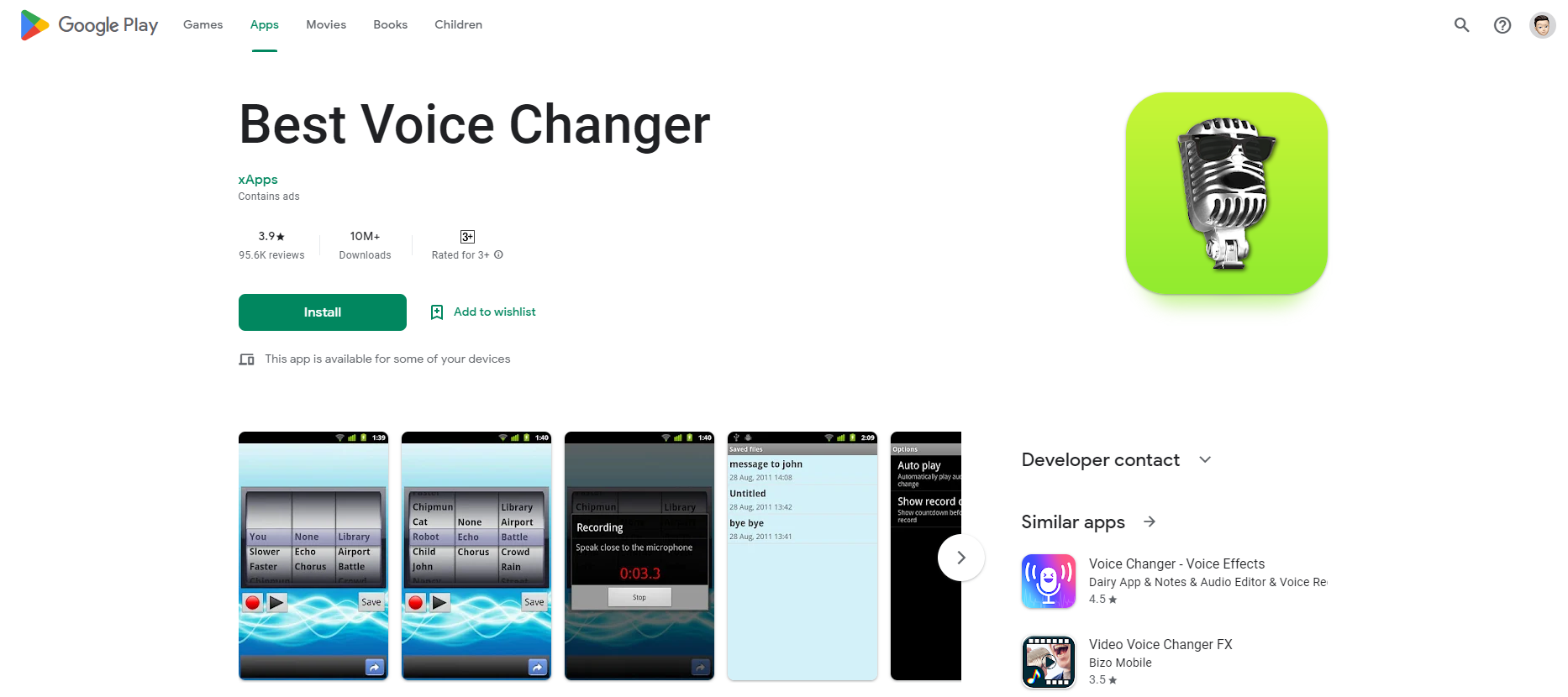
How to Find and Install Voice‑Changer Apps on Your Phone
Ever wanted to prank a friend, create a spooky podcast, or just experiment with your own vocal cords? Voice‑changer apps turn your ordinary phone microphone into a creative laboratory. Whether you’re on iOS or Android, there are plenty of options—both free and paid—to help you shape your voice into anything from a robotic drone to a deep‑throated villain.
What Are Voice‑Changer Apps and Why Do They Matter?
At their core, voice‑changer apps manipulate audio signals in real time or after recording. They adjust pitch, add effects, or layer sounds so your voice sounds different. Popular use cases include:
- Comedic or prank calls
- Character voices for short films or podcasts
- Accessibility tools for users who want a different vocal presentation
- Gaming overlays that give you an in‑game persona
With the proliferation of smartphone audio hardware, the quality of these apps has improved dramatically. A well‑designed voice changer can sound almost indistinguishable from a real, naturally altered voice.
Popular Voice Changer Apps on iOS and Android
1. Voice Changer with Effects (Free) – iOS
This lightweight app offers a range of preset voices—alien, robot, child, and more. Users can tweak pitch and modulation, record, and share directly to social media. The free version includes in‑app purchases for premium presets.
2. Voice Changer – Voice Effects & Sound Recorder (Free/Pro) – Android
Known for its user‑friendly interface, this app lets you record audio, apply over 20 voice effects, and export to MP3. The pro version unlocks additional filters and higher‑resolution exports.
3. MorphVOX Junior (Free) – Windows, but Android and iOS clients exist
Originally a desktop tool, MorphVOX Junior now offers a mobile companion. It’s geared toward gamers, providing real‑time voice modulation for voice chat. The free tier is limited to a handful of voices; the paid upgrade expands the library.
4. AV Voice Changer Software Diamond – iOS & Android (Paid)
AV Voice Changer offers a professional suite, including spectral analysis and voice synthesis. It’s ideal for content creators who need high‑quality voice manipulation. The price reflects its advanced features, but many users find the learning curve worth it.
5. RoboVox Voice Changer – Android (Free with ads)
Designed for quick edits, RoboVox lets you change your voice on the fly during calls or recordings. It features a real‑time preview, making it a favorite for spontaneous humor.
How to Install and Use Voice‑Changer Apps
While the process is similar across platforms, here’s a quick step‑by‑step guide:
- Step 1: Open the App Store (iOS) or Play Store (Android). Search for “voice changer” or the specific app name.
- Step 2: Read the app description and user reviews to confirm it meets your needs—especially if you require certain voice presets or real‑time capabilities.
- Step 3: Tap Get or Install and wait for the download.
- Step 4: Grant microphone permissions. Without these, the app can’t capture your voice.
- Step 5: Open the app, record a test clip, and apply a few effects. Most apps allow you to preview changes before finalizing.
- Step 6: Save or share the edited audio directly to messaging apps, social media, or cloud storage.
Some apps also support voice‑changing during live calls. To use them, enable the app’s overlay or voice‑change mode before opening your phone’s dialer.
Key Features to Look For
- Real‑time processing: Crucial for live calls or streaming.
- Customizable pitch and tempo: Lets you fine‑tune your voice beyond preset categories.
- Export options: MP3, WAV, and sometimes proprietary formats.
- Batch processing: Useful for podcasters editing multiple clips.
- In‑app tutorials: Helpful for beginners.
Privacy and Security Considerations
When granting microphone access, make sure you trust the app’s source. Read the privacy policy to understand whether the recorded audio is stored locally or uploaded to cloud servers. Free versions may include advertising or telemetry, so be mindful of what data they collect.
Costs vs. Value: Free vs. Paid Options
Many voice‑changer apps offer a freemium model. Free tiers typically provide basic presets and limited export options, while paid upgrades unlock:
- More advanced voice profiles
- Higher‑quality audio output
- Ad‑free experiences
- Additional editing tools, like equalization or noise reduction
Consider your primary use—whether you’re a hobbyist or a professional producer—before committing to a purchase. Trying the free version first often reveals whether the paid features justify the cost.
Common Troubleshooting Tips
- App not capturing sound: Check microphone permissions and ensure no other app is using the mic.
- Audio lag: Lower the sample rate or disable real‑time features if the device struggles.
- Voice distortion: Adjust the pitch slider slowly; extreme values can cause clipping.
- App crashes: Update to the latest version; older operating systems may lack required libraries.
Future of Voice‑Changing Technology
With machine learning advancing, future apps may incorporate voice cloning, enabling you to replicate the exact timbre of a celebrity or character. Some developers are also exploring integration with AR/VR platforms, where a user’s voice can be dynamically altered based on the virtual environment. While these developments raise interesting creative possibilities, they also underscore the need for responsible usage and clear consent protocols.
FAQ
- Can I use a voice‑changer app during a phone call? Yes, many apps support live voice alteration, but performance depends on your device’s processing power and the app’s optimization.
- Do voice‑changer apps save my recorded audio? Some do. Always review the app’s privacy policy; most keep files locally unless you choose to upload them.
- Are there legal restrictions on using voice‑changing software for pranks? Generally, it’s legal as long as you don’t misrepresent identity or violate privacy laws. Always use it responsibly.