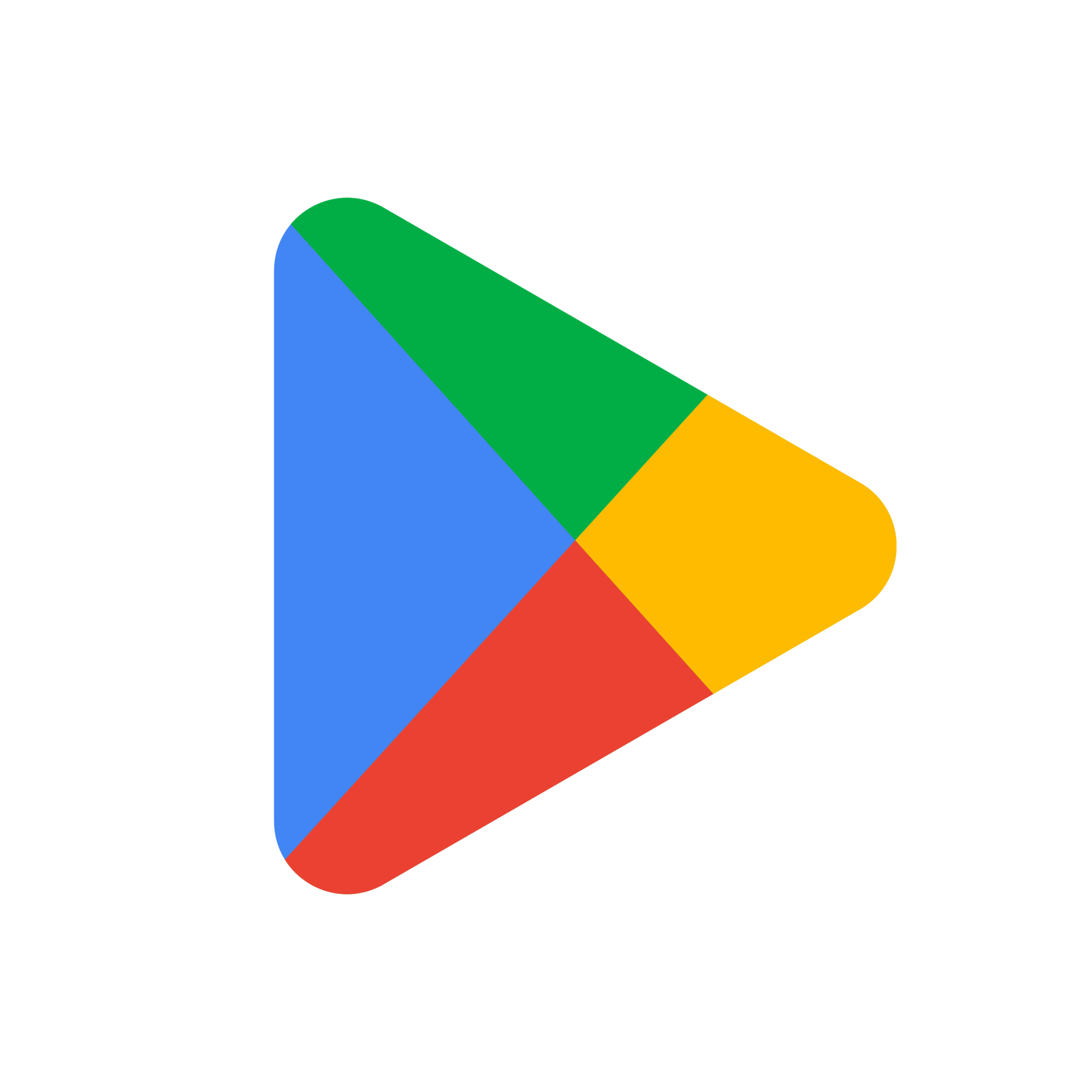
How to Download Google Play Store Logo PNGs for Free
If you need to download Google Play Store logo PNGs for your app, marketing materials, or website, you’ll want the file to be high‑resolution, correctly sized, and legally compliant. This guide walks you through the official sources, the download process, and the rules that govern how the logo can be used.
Where to Find Official Google Play Store Logos
The safest place to get a Google Play logo is through Google’s own brand resources. Google maintains a Brand Permissions page that lists all approved assets, including the Play Store icon in PNG format. Visit the brand permissions portal and search for “Play Store.” The page will list:
- Full‑color PNGs (suitable for light and dark backgrounds)
- Monochrome variants (black or white)
- Vector versions (SVG) for scalability
- File sizes and recommended dimensions
Because this resource is hosted directly by Google, you’re guaranteed that the images are up‑to‑date and free of licensing surprises.
Step‑by‑Step: Downloading the Logo
1. Access the Brand Permissions Page
Navigate to the link above. If you’re not already signed in, you’ll need a Google account. This step ensures that you’re accessing the latest approved assets.
2. Locate the Play Store Icon Section
Scroll until you find the “Play Store” block. It will show thumbnails of the available PNGs and the vector file. Click on the desired size.
3. Choose the Right Format
For most web or print projects, the 48‑pixel PNG is a common choice because it balances quality and file size. If you need a larger icon for a banner or app launch screen, download the 128‑pixel or 256‑pixel options.
4. Save the File
Click “Download” and choose a folder on your computer. Rename the file if you want to keep a clear naming convention, like google-play-logo-48.png.
5. Verify the File
Open the PNG in an image editor or preview it in a browser. Check the resolution (e.g., 48×48 px) and transparency (PNG supports an alpha channel). Make sure there’s no extra border or background.
Legal Considerations and Usage Guidelines
Google’s brand guidelines are strict. The key points:
- No Alterations: The logo’s shape, colors, and proportions must remain unchanged.
- Clear Space: Maintain a minimum margin equal to the height of the “P” in “Play.” This prevents other graphics from crowding the icon.
- Background Compatibility: Use the provided black or white variants to ensure contrast against light or dark backgrounds.
- Contextual Use: The icon is intended for links, download buttons, or promotional materials that direct users to the Play Store. Avoid using it on unrelated services.
- No Trademark Infringement: Do not combine the logo with other trademarks or suggest affiliation where none exists.
Failure to follow these rules can lead to legal notices or removal of your content. For full details, read Google’s terms of use.
Best Practices for Different Platforms
Web Sites and Landing Pages
Use the 48‑pixel PNG with a 1:1 aspect ratio. Place it within an <a> tag that links to https://play.google.com/. Add an accessible alt attribute like “Download on Google Play.”
Mobile Apps
Embed the 128‑pixel PNG in your app’s launch screen or store listing. Ensure the image is included in your asset catalog and that the clear space rule is respected when overlaying text.
Print Materials
For printed flyers or posters, download the SVG version instead of PNG. Vectors scale without losing fidelity. Convert to PNG only when required for a specific print workflow.
Social Media
When posting on platforms that support image uploads, use the 48‑pixel PNG. Keep the background transparent so it blends with various social media themes.
FAQ
Can I use the Play Store logo on a paid app’s website?
Yes, but only if the site genuinely links to the app’s Play Store page. The logo should not imply endorsement or sponsorship beyond the standard link function.
What if I need a larger icon than the sizes Google offers?
Start with the largest PNG (e.g., 256×256 px) and upscale if necessary using a vector source or by applying a scaling algorithm. Avoid stretching a small PNG, which will create pixelation.
Is it okay to change the color of the Play Store icon?
No. Altering the hue or saturation violates Google’s brand guidelines. Stick to the original colors provided.
How often should I check for updated logos?
Google occasionally releases new brand assets. Review the brand permissions page annually or when launching a major marketing campaign to ensure you’re using the current version.