How to Craft an Effective English CV: Format Templates & Tips
Why the Right Format Matters
Employers skim dozens of applications in a single morning, and a clean, logical layout can be the difference between a callback and a trash‑bin fate. An effective English CV format not only showcases your achievements but also signals professionalism and attention to detail. When the structure guides the reader’s eye, the content gets the space it deserves.
Core Elements Every English CV Should Include
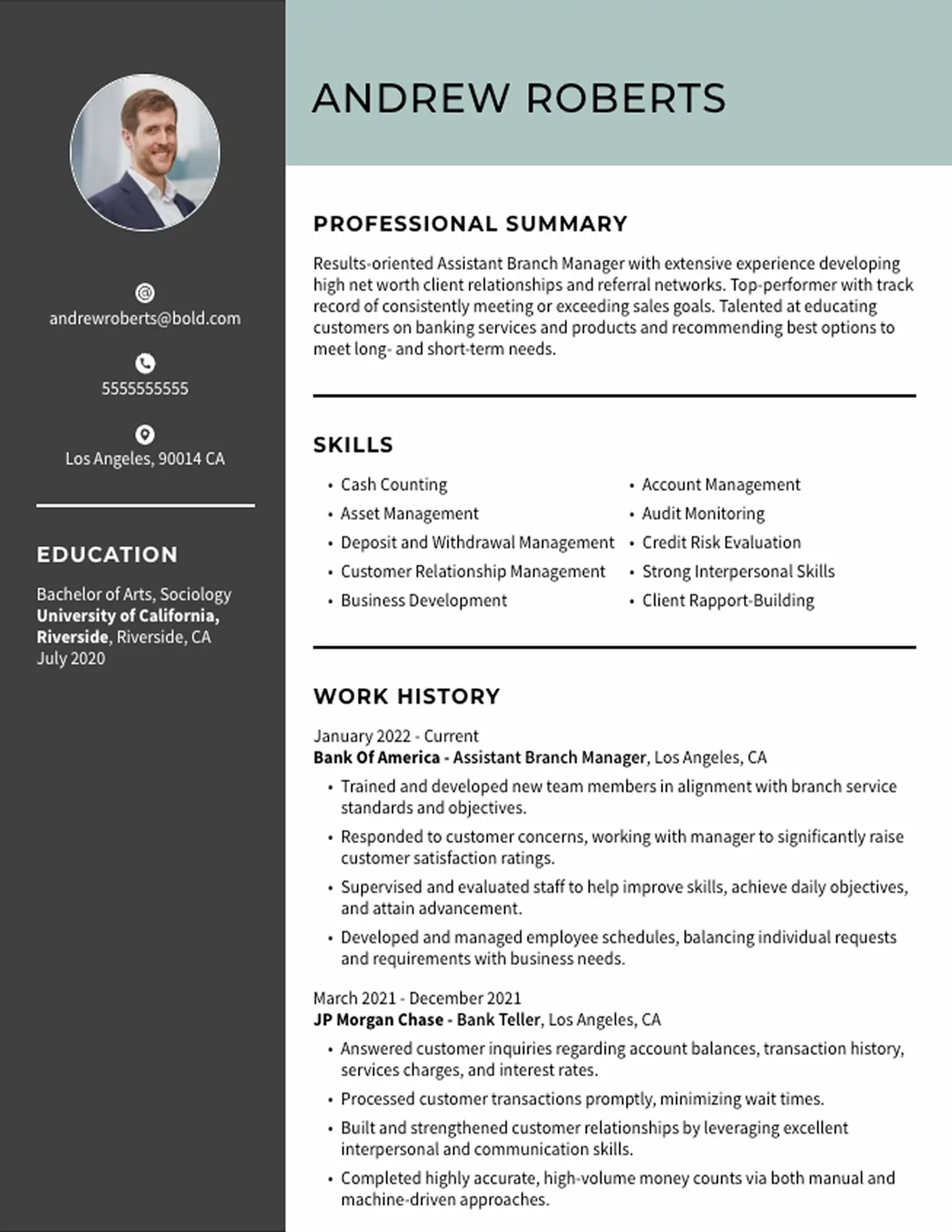
Regardless of industry, most recruiters expect to see the same backbone. Arrange these sections in a logical order and you’ll have a solid foundation.
- Header – Name, phone number, email, and a LinkedIn URL (optional but recommended).
- Professional Summary – Two to three concise sentences that capture your career focus and key value proposition.
- Core Competencies – A bullet list of hard and soft skills tailored to the target role.
- Work Experience – Reverse‑chronological entries with clear action verbs, measurable outcomes, and relevant keywords.
- Education – Degrees, institutions, dates, and any honors or relevant coursework.
- Additional Sections – Certifications, languages, publications, or volunteer work, depending on what supports your narrative.
Choosing a Template That Fits Your Career Stage
Templates are more than aesthetic choices; they convey the level of seniority you’re aiming for.
Entry‑Level Candidates
Opt for a single‑page design with generous white space. Emphasise education, internships, and project work. A clean, modern sans‑serif font (like Calibri or Arial) keeps the document readable.
Mid‑Career Professionals
Two pages are acceptable if you have ten or more years of experience. Balance the visual weight by grouping similar roles and highlighting promotions. Consider a subtle colour accent—perhaps a muted navy bar for section headings—to add personality without distraction.
Executive Profiles
Executives often use a three‑column layout: a narrow left column for contact details and skills, a wider centre for career narrative, and a right column for achievements and affiliations. This format showcases strategic impact at a glance.
Formatting Tips That Make a Real Difference
Even the best content can be lost in a chaotic layout. Apply these practical tweaks.
- Consistent Font Size: Keep headings at 12‑14 pt and body text at 10‑11 pt.
- Bullet Points Over Paragraphs: Recruiters prefer concise, scannable points.
- One‑Inch Margins: Preserve enough white space for a professional look.
- File Type: Submit PDFs unless the job ad explicitly requests a .docx.
- File Naming: Use “Firstname_Lastname_CV.pdf” for easy reference.
Tailoring Content for Different Industries
While the overall structure stays constant, the emphasis shifts.
Creative Fields
Showcase a portfolio link near the top and sprinkle design‑related keywords (e.g., “Adobe Creative Suite,” “UX research”). A splash of colour in headings can reinforce a design‑savvy brand.
Tech and IT
Lead with a technical skills matrix—languages, frameworks, tools. Quantify achievements (“Reduced page load time by 30 %”) to demonstrate impact.
Finance and Consulting
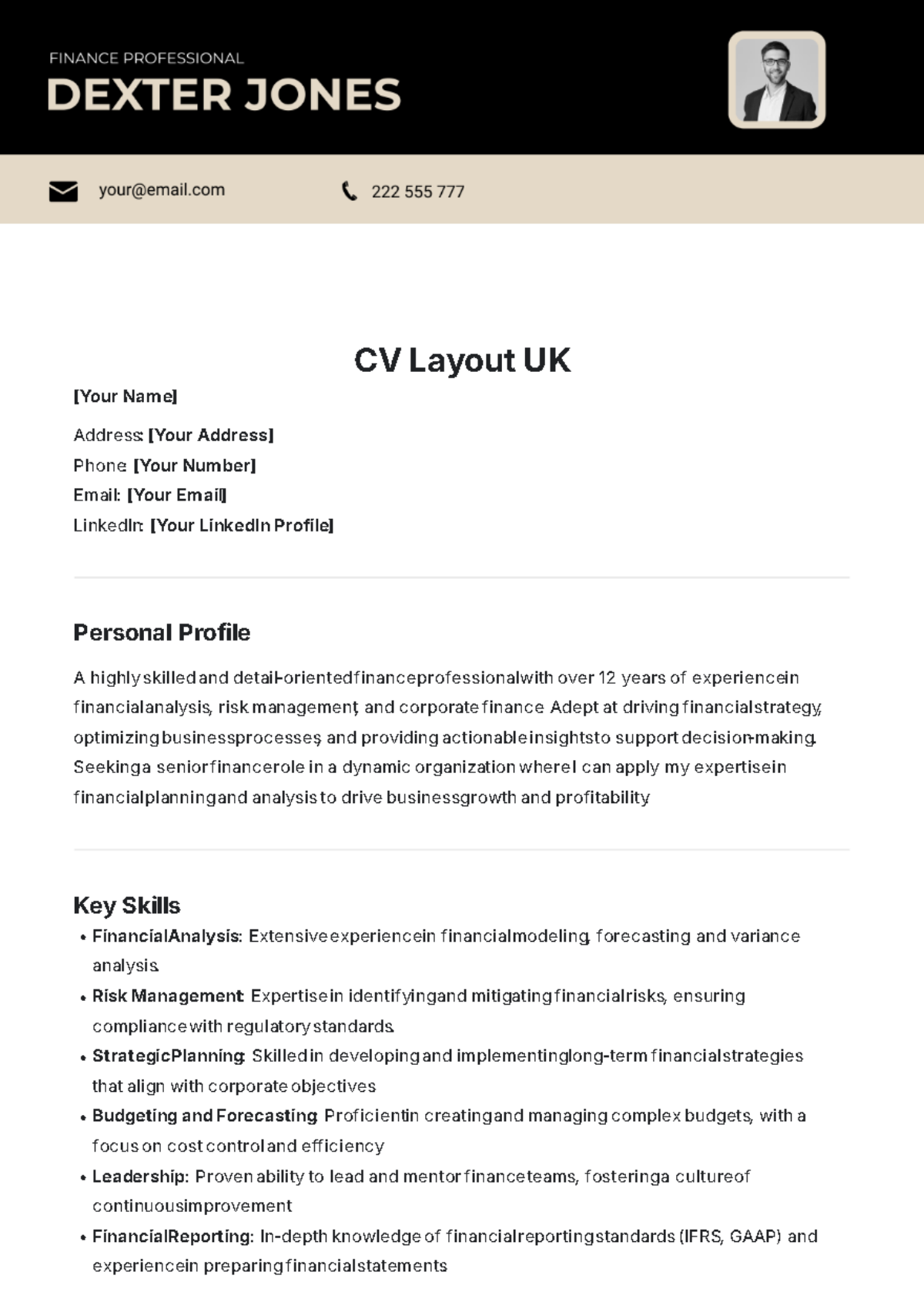
Highlight analytical achievements, certifications (CFA, ACCA), and client‑facing results. Use a clean, conservative layout with subtle lines separating sections.
Common Mistakes to Avoid
Even seasoned job‑seekers slip up. Spotting these pitfalls early saves you from costly revisions.
- Using an outdated template that looks like a 1990s Word document.
- Including every job you ever held—focus on relevance.
- Overloading the CV with jargon or buzzwords without proof.
- Leaving gaps in employment dates without explanation.
- Embedding images or graphics that cause parsing errors in applicant‑tracking systems (ATS).
How to Test Your CV Before Sending
Give your CV a trial run with these quick checks.
- ATS Scan: Paste the text into a plain‑text editor; if the formatting disappears, an ATS may misread it.
- Peer Review: Ask a colleague in the same industry to read it aloud and note any confusing phrasing.
- Print Test: A printed version should look just as tidy; if it looks cramped, adjust spacing.
FAQ
What is the ideal length for an English CV?
One page for recent graduates or those with under ten years of experience; two pages are acceptable for mid‑career professionals with substantial achievements. Executives may stretch to three pages if the content remains targeted and concise.
Should I include a photo on my English CV?
In most English‑speaking markets, photos are discouraged because they can introduce bias. Only add a photo if the employer explicitly requests it or if you’re applying for a role where a visual presentation is standard (e.g., modeling).
How can I make my CV stand out without looking flashy?
Focus on quantifiable results, clear headings, and a subtle design element—like a thin colour bar or a professional‑typeface. Consistency and relevance trump flamboyance.
Is it okay to use first‑person pronouns?
Traditional CVs omit “I” and “my,” relying on action verbs (“Managed a team of 10”). However, if a job posting encourages a more personal tone, a brief first‑person sentence in the summary is acceptable.