How to Craft a Breaking‑News Edit: A Step‑by‑Step Guide
What makes a breaking news edit stand out?
When a story erupts, the clock starts ticking and every second counts. A solid breaking news edit captures the urgency without sacrificing clarity, and that balance is what separates a frantic scramble from a professional package. In this guide we’ll walk through the mindset, tools, and exact workflow that help you turn raw footage into a crisp, broadcast‑ready piece—all while keeping the pressure manageable.
Understanding the pace of breaking news
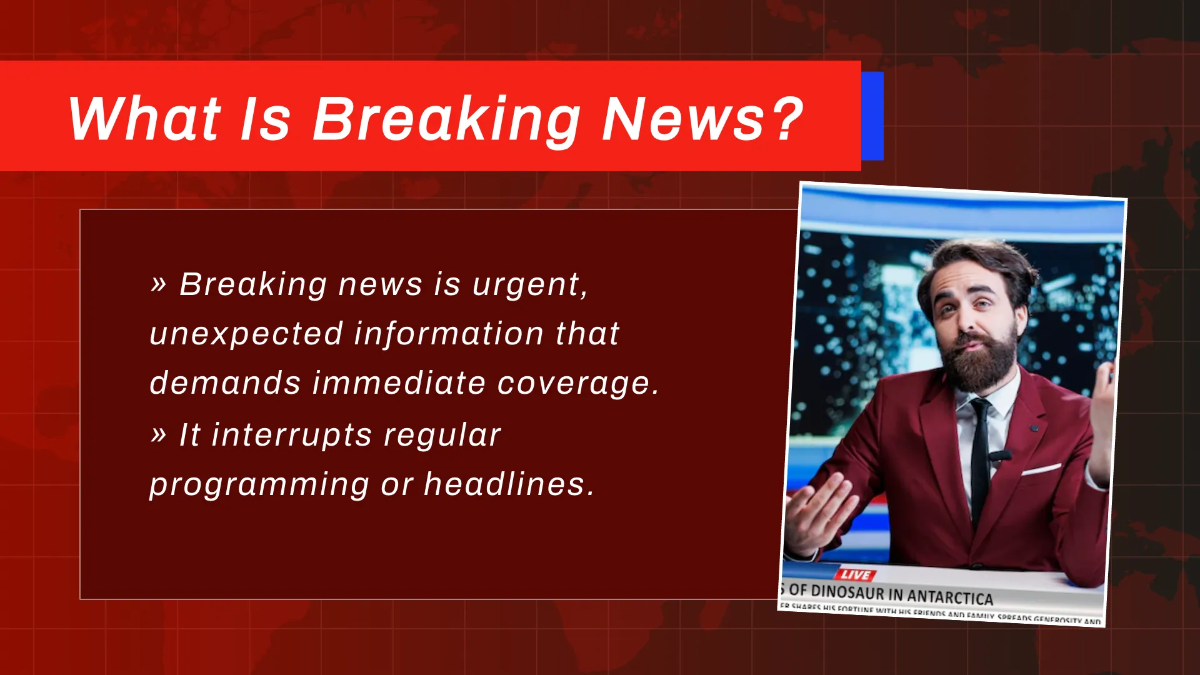
First, recognize that a breaking news edit isn’t just about speed; it’s about relevance. Audiences need the essential facts fast, but they also expect a coherent narrative. That means you’ll prioritize the most recent, verified information and trim anything that feels speculative. In practice, this often translates to a three‑part structure: the headline hook, the core details, and a brief outlook.
Because the story can evolve while you’re editing, stay ready to swap in new clips or voice‑overs on the fly. A flexible timeline and clearly labeled tracks in your editing software make those last‑minute changes less painful.
Pre‑production checklist
- Verify sources. Confirm that each video clip, photo, or soundbite comes from a reliable outlet before you even import it.
- Gather assets. Pull together all raw footage, B‑roll, graphics, and any pre‑written scripts. Having everything in one folder cuts down on hunting time.
- Set up a template. Create a project file with preset sequences, lower‑third placeholders, and audio levels. A good template can shave minutes off every edit.
- Plan the rundown. Sketch a quick outline of the story arc on a whiteboard or in a notes app. Even a rough sketch helps keep the edit focused.
The edit suite workflow
Once you’ve got the assets, it’s time to shape the story. Start by laying down the anchor or voice‑over track; this becomes the spine of your edit. Next, insert the most compelling visual—often a live‑feed shot or a striking piece of B‑roll—right after the opening line. From there, alternate between footage and graphics to reinforce the key points.
Keep these practical tips in mind:
- Use cut‑aways sparingly. A well‑placed exterior shot can break up talking heads, but too many will dilute the message.
- Maintain a consistent audio level. Aim for -24 LKFS as a rough benchmark, adjusting for any dramatic music or ambient sound that needs emphasis.
- Label every track with descriptive names (e.g., “Anchor_VO_1” or “B‑Roll_Fire”). Clear labeling prevents confusion when you’re racing against the clock.
When the story updates, simply replace the outdated clip, adjust the timing, and re‑render. Because the structure remains the same, you won’t need to rebuild the whole piece.
Polishing for broadcast
Before you hit “export,” run a quick quality check. Verify that all text graphics follow your network’s style guide—font, color, and positioning matter just as much as the content. Double‑check that any lower‑thirds display the correct name spelling and title; a typo in a breaking story feels especially sloppy.
Finally, choose an export setting that balances speed and quality. For most broadcast pipelines, a 1080p H.264 file at 5 Mbps is acceptable, but if you’re feeding a streaming platform, a higher bitrate may be warranted. Save a short “preview” version to share with producers for a rapid sign‑off.
Common pitfalls and how to avoid them
One frequent mistake is over‑loading the edit with too much background information. Remember, viewers already have a limited attention span during fast‑moving events. Stick to the core facts and leave deeper analysis for later segments.
Another trap is ignoring legal clearances. Even in a rush, you must ensure you have the rights to use each clip, especially user‑generated content sourced from social media. A quick check with the rights team can prevent embarrassing retractions later.
FAQ
How long should a breaking news edit be?
Typically, a concise package runs between 30 seconds and two minutes, depending on the outlet’s format and the story’s complexity. The goal is to deliver the essentials without lingering.
Can I use automated captions for a breaking news edit?
Automated captions can be a useful safety net, but they often miss industry‑specific terminology. If time allows, have a producer give the captions a quick review before airing.
What software is best for rapid news editing?
Most newsrooms rely on Adobe Premiere Pro or Avid Media Composer because of their robust media management and customizable keyboard shortcuts. However, newer tools like DaVinci Resolve also offer strong real‑time color grading and are gaining popularity.
How do I handle breaking news that keeps evolving?
Maintain a “living edit” mindset: keep the timeline flexible, use placeholders for uncertain elements, and schedule brief check‑ins with the editorial team to incorporate fresh information as it arrives.
![Free AI Newspaper Generator, Free AI Newspaper Maker [ No Signup ]](https://images.template.net/511306/Breaking-News-Newspaper-Template-edit-online.png)