How to Boost Sales on Yandex Market: A Practical Guide
Yandex Market has become a go‑to destination for Russian‑speaking shoppers, and many merchants are still figuring out how to turn that traffic into steady revenue. If you’re wondering how to boost your business on Yandex Market, you’re not alone. This guide walks you through everything from storefront setup to data‑driven advertising, with plenty of real‑world tips you can apply today.
Getting Started: Setting Up a Winning Storefront
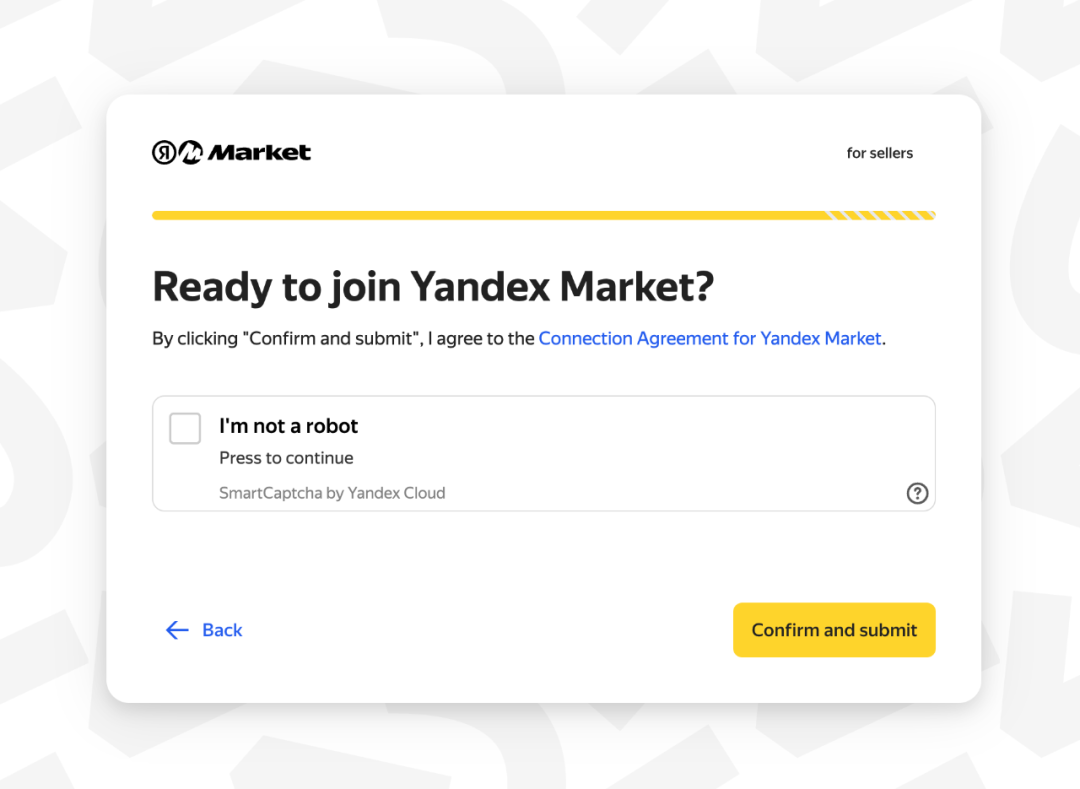
Before you can start selling, you need a fully registered Yandex Market account. The registration process is straightforward, but a few details can make a big difference later on.
- Legal entity verification: Yandex requires a valid INN (tax ID) and official company documents. Skipping this step will pause your listings.
- Business profile: Fill out the “About the seller” section with clear, concise information. Buyers trust stores that look professional.
- Banking details: Link a Russian bank account or an international account that supports RUB settlements to avoid payment delays.
Once approved, you’ll gain access to the “Partner Cabinet,” where you’ll manage inventory, pricing, and promotions.
Optimizing Product Listings for Visibility
Yandex Market’s algorithm rewards listings that combine relevance with quality. Here are the key ingredients.
Title and Description
Use the primary keyword early—think “Bluetooth headphones for running” rather than just “headphones.” Keep titles under 80 characters, and sprinkle unique selling points (USPs) in the first 150‑200 characters of the description.
Attributes and Categories
Accurate categorization is non‑negotiable. Choose the most specific subcategory available; a mis‑placed product can disappear from relevant searches. Fill in all mandatory attributes (brand, model, color) and add optional ones (battery life, warranty) to improve filter match.
High‑Quality Images
Yandex recommends at least three images per item, each at a minimum of 800 × 800 px. Show the product from multiple angles, include a lifestyle shot, and don’t forget a clear price tag overlay for quick scanning.
Pricing Strategies That Convert
Competitive pricing is vital, but the cheapest option isn’t always the best. Yandex Market provides a “Price Index” that shows how your price stacks up against similar offers.
- Dynamic pricing: Use the API to adjust prices in real time based on competitor moves and stock levels.
- Bundling: Offer related accessories together at a slight discount; it raises average order value without a steep price cut.
- Promotional codes: Seasonal coupons (e.g., “SPRING10”) can be limited to Yandex Market users, driving both traffic and repeat purchases.
Remember to factor in Yandex’s commission—usually 5‑12 % depending on the category—when setting your margins.
Leveraging Yandex.Direct for Targeted Advertising
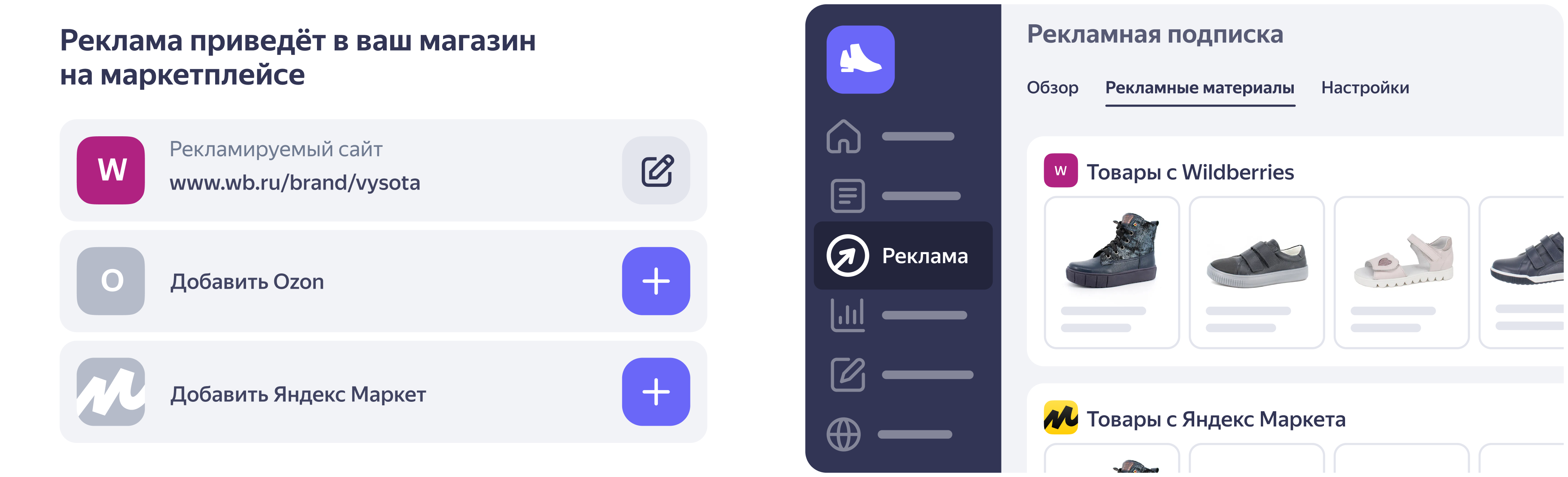
Organic reach gets you on the shelf; paid campaigns push you to the front of the line. Yandex.Direct integrates seamlessly with Market, allowing you to create product ads that appear in search results and on partner sites.
- Smart bidding: Enable the “maximizing clicks” mode for new products, then switch to “ROAS” once you have conversion data.
- Retargeting: Show ads to users who visited your product page but didn’t purchase, offering a limited‑time discount.
- Geographic targeting: If you ship only to certain regions, exclude others to avoid wasted spend.
Start with a modest daily budget, monitor the “Cost‑per‑Acquisition” (CPA), and scale only when CPA stays below your profit margin.
Managing Reviews and Building Trust
Customer feedback is a major ranking factor on Yandex Market. Positive reviews boost visibility, while negative ones can sink a product.
Encourage buyers to leave a review by sending a polite follow‑up email after delivery. Offer a small incentive—like a discount on the next purchase—but stay within Yandex’s policy to avoid “review manipulation.” Respond to each review, thanking happy customers and addressing concerns for negative ones. Transparency signals reliability to both the algorithm and prospective buyers.
Analytics: Turning Data into Action
The “Analytics” tab in the Partner Cabinet gives you a dashboard of impressions, clicks, conversion rates, and average order value. Use these metrics to identify bottlenecks.
- Low click‑through rate (CTR): Revisit titles and images; a more compelling main image often lifts CTR by 10‑15 %.
- High bounce, low conversion: Check product page load speed and ensure the “Buy” button is prominent.
- Seasonal spikes: Align inventory and promotions with holidays—New Year, Victory Day, and the “Black Friday”‑style “Cyber Monday” sales in Russia.
Regularly export the data to a spreadsheet or BI tool, segment by product family, and test small changes (A/B testing) to see what drives the biggest lift.
Common Pitfalls to Avoid
Even seasoned sellers trip up on a few recurring issues.
- Incomplete attribute data: Missing specs can cause your listing to be filtered out of searches.
- Ignoring commission changes: Yandex periodically updates fee structures; stay informed to keep margins intact.
- Over‑reliance on a single price point: Market dynamics shift quickly; a flexible pricing model keeps you competitive.
FAQ
What is the best way to start advertising on Yandex Market?
Begin with Yandex.Direct’s “Smart Campaign” feature, which automatically selects keywords based on your product catalog. Set a modest daily budget, track CPA, and adjust bids as data accumulates.
How do I handle returns on Yandex Market?
Yandex requires a clear return policy displayed on your storefront. Offer a 14‑day return window, provide a prepaid return label for Russian customers, and process refunds promptly to maintain a high seller rating.
Can I sell internationally through Yandex Market?
Yandex primarily serves the Russian market, but you can list products with international shipping options. Ensure you list prices in RUB and clarify any customs fees in the product description.
Do product reviews affect my ranking?
Yes. Positive reviews improve ranking, while a high volume of low‑rating feedback can demote your listings. Actively solicit reviews and address negative feedback to protect your visibility.