How Samsung Digital Signage Transforms Business Displays
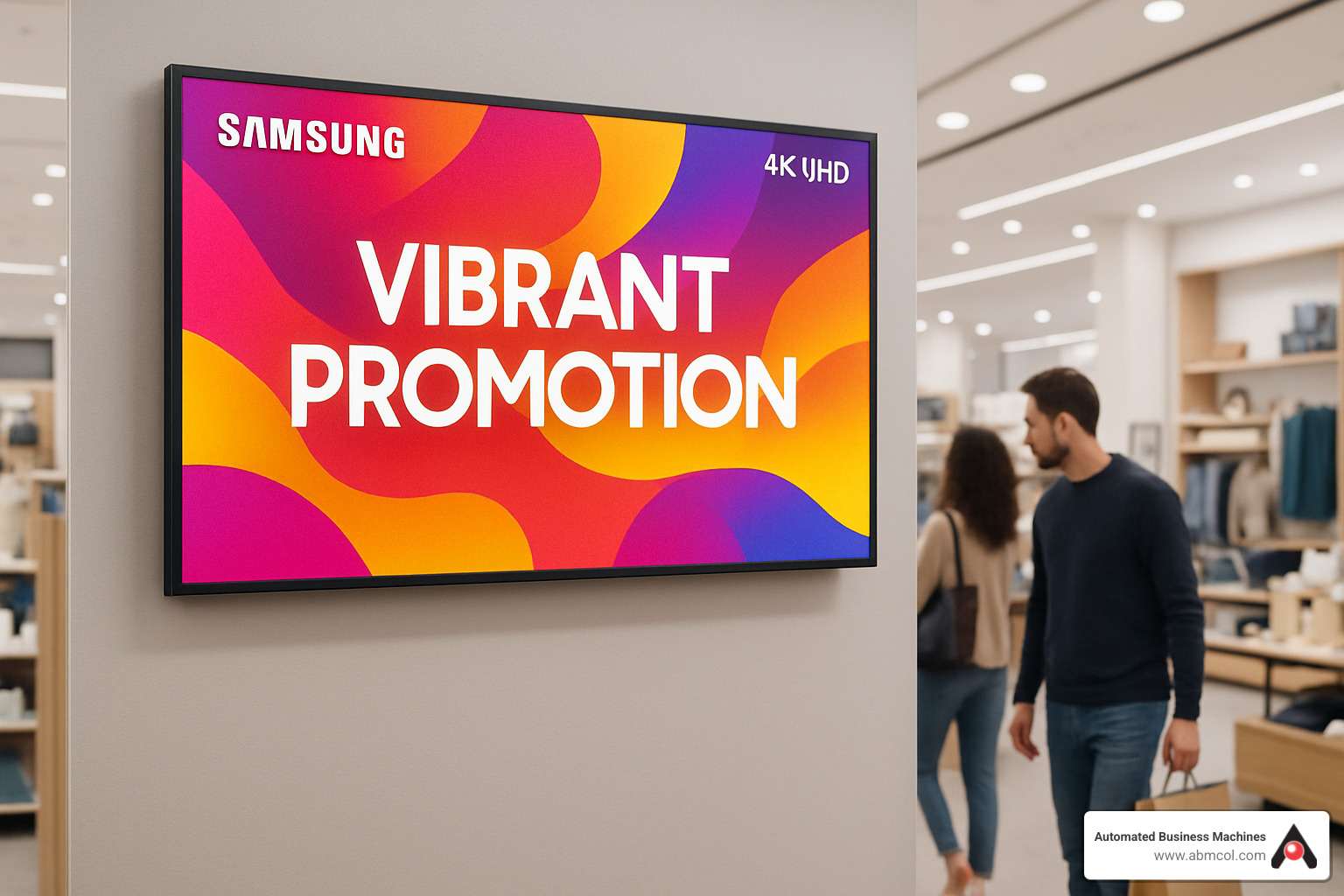
When you walk into a modern lobby or a bustling retail aisle, chances are a bright, dynamic screen is catching your eye. That’s Samsung digital signage at work – a blend of high‑resolution panels, smart software, and sleek design that turns ordinary walls into engaging communication hubs. For businesses looking to boost brand presence, guide customer flow, or simply modernize their visual messaging, Samsung’s lineup offers a surprisingly versatile set of tools.
Why Brilliant Displays Matter for Modern Brands
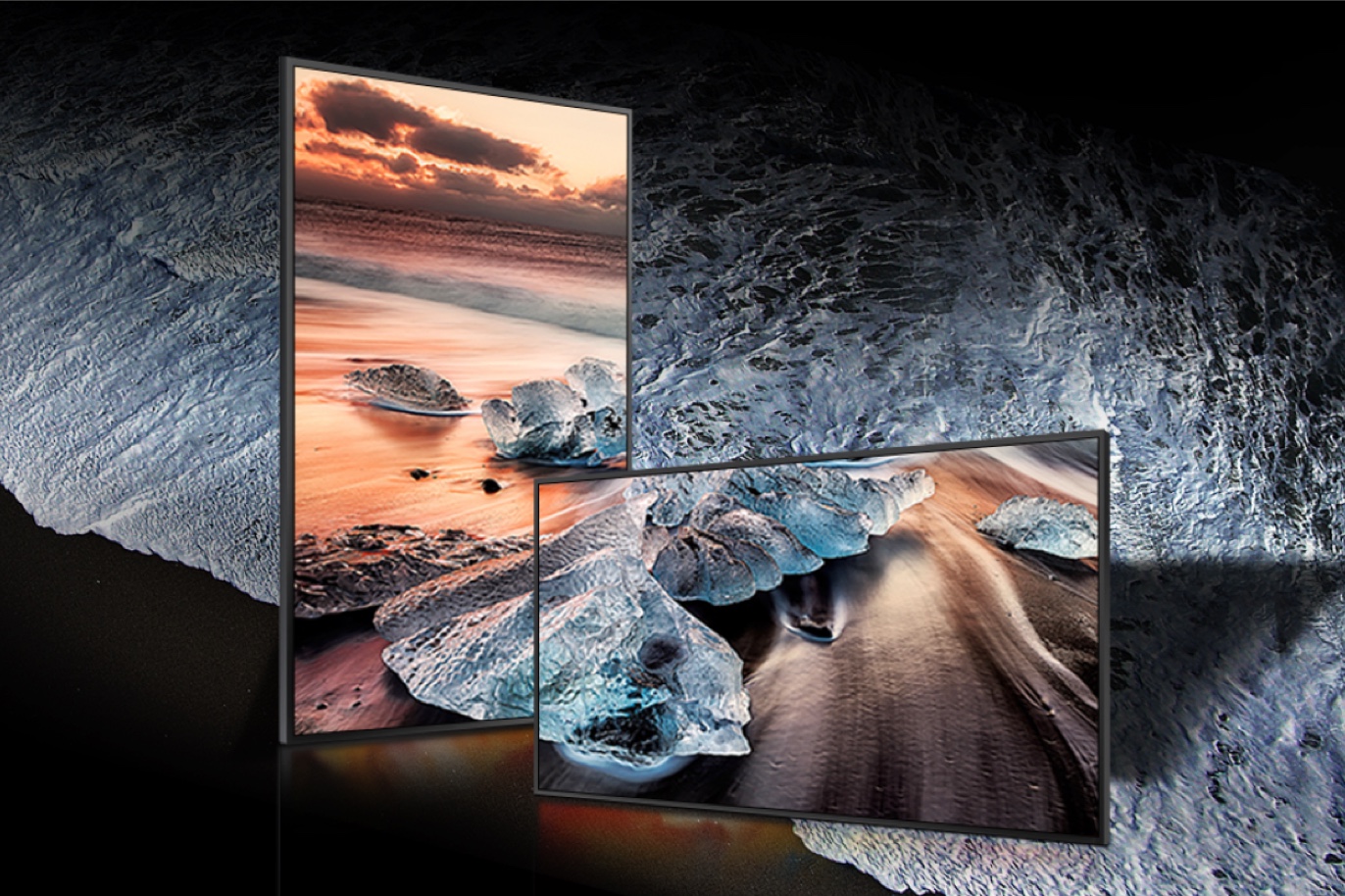
First impressions happen in seconds, and a crisp, vivid screen can convey professionalism faster than any static poster. Samsung’s QLED and LED technologies deliver deeper blacks and richer colors, making product visuals pop and video content feel almost tactile. Beyond aesthetics, these displays support real‑time updates, so promotions or safety notices can be pushed instantly across multiple locations. That agility reduces the lag between marketing decisions and on‑ground execution, a crucial edge in fast‑moving retail or hospitality environments.
Samsung Digital Signage: Key Features
What sets Samsung’s signage apart isn’t just the hardware; it’s the ecosystem that surrounds it. Below are the most compelling attributes you’ll encounter:
- Ultra‑bright panels – Up to 2,500 nits, ensuring readability even in sunlit atriums.
- Smart Control Center – A cloud‑based platform that lets you schedule, monitor, and analyze content from any browser.
- Modular designs – Frames that can be swapped or re‑oriented without replacing the entire screen.
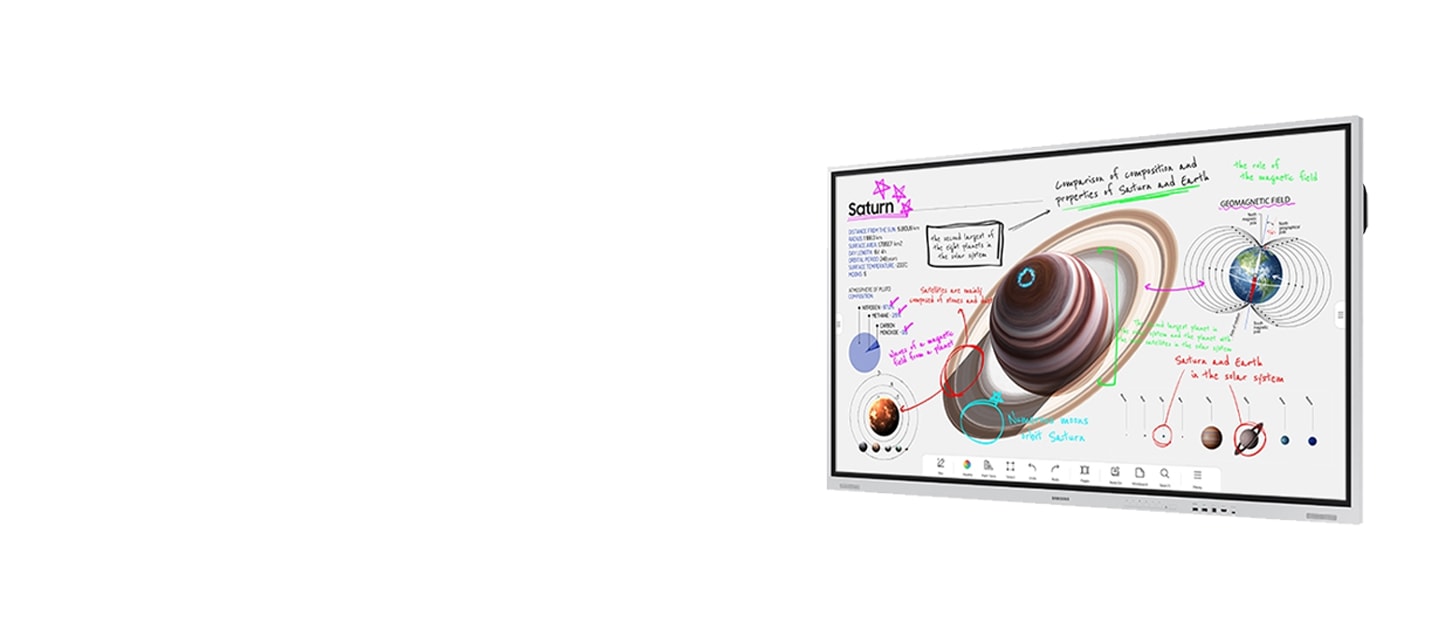
- Interactive touch layers – Optional overlays for wayfinding kiosks or product catalogs.
- Energy‑efficient operation – Auto‑brightness and standby modes cut power use without sacrificing performance.
Choosing the Right Screen Size and Form Factor
Size matters, but “bigger is better” isn’t a universal rule. A boutique coffee shop may benefit from a 55‑inch portrait display that showcases menu items, while a corporate campus could deploy 75‑inch landscape panels for corporate news feeds. Samsung’s Tizen‑based signage series offers both wall‑mounted and freestanding models, as well as curved screens that add a subtle sense of depth to large‑format installations. When selecting a unit, consider viewing distance, ambient lighting, and the type of content you’ll display most often.
Integrating Content Management and Interactivity
Even the brightest screen can fall flat without compelling content. Samsung’s MagicInfo software integrates with popular content management systems, allowing you to pull data from social feeds, inventory databases, or even weather APIs. For interactive experiences, the TouchView series pairs with motion sensors to trigger animations as passersby approach. This kind of context‑aware behavior not only captures attention but also encourages longer dwell times, which can translate into higher conversion rates for retail promotions.
Real‑World ROI: What Businesses Report
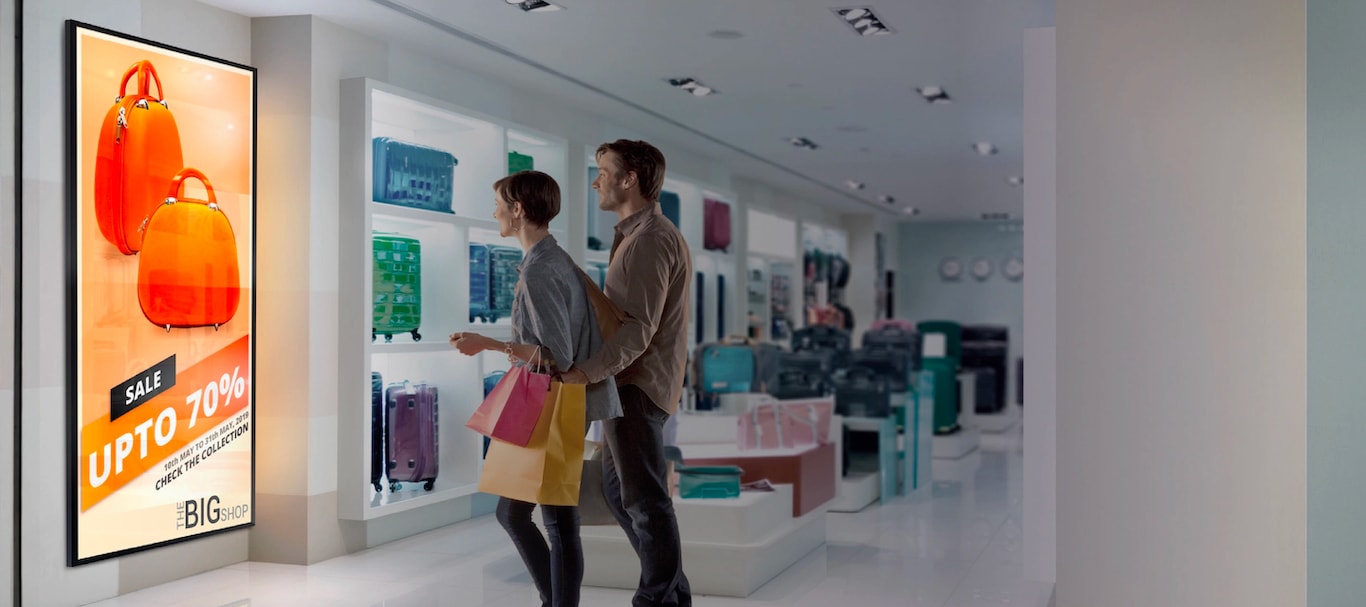
While exact numbers vary, many enterprises cite measurable improvements after upgrading to Samsung signage. Retail chains often see foot traffic increase by 10‑15 % in areas where dynamic video loops replace static signage. Hospitality venues report shorter check‑in queues when wayfinding screens provide clear directions. Moreover, the remote management capabilities cut labor hours spent updating displays, freeing staff to focus on customer service. These qualitative gains, combined with lower energy consumption, make a compelling business case for investment.
FAQ
What’s the difference between QLED and LED models?
QLED panels use quantum dot technology for a broader color gamut and higher brightness, while standard LED models are typically more budget‑friendly and still deliver solid performance for most indoor settings.
Can I run Samsung signage on existing hardware?
Samsung’s Tizen OS is built into the display, so you don’t need an external media player. However, you can connect external devices via HDMI or USB if you prefer a separate content server.
How secure are the cloud management tools?
The Smart Control Center employs end‑to‑end encryption and role‑based access controls, aligning with common enterprise security standards.
Is it easy to update content across multiple locations?
Yes. With a single dashboard, you can schedule playlists, push emergency alerts, or tailor messages to specific regions, all without physically accessing each screen.