How Proxy Servers Fortify Cybersecurity: A Digital Shield Guide
In today’s hyperconnected world, protecting data is as much about controlling traffic as it is about encrypting it. Proxy servers sit quietly in the network, acting as an intermediary between users and the internet. They offer a range of security functions—filtering malicious content, masking user identities, and providing a single point for logging and monitoring. Understanding how these digital shields work can help IT teams design more resilient defenses.
Proxy Servers in Cybersecurity: What They Are
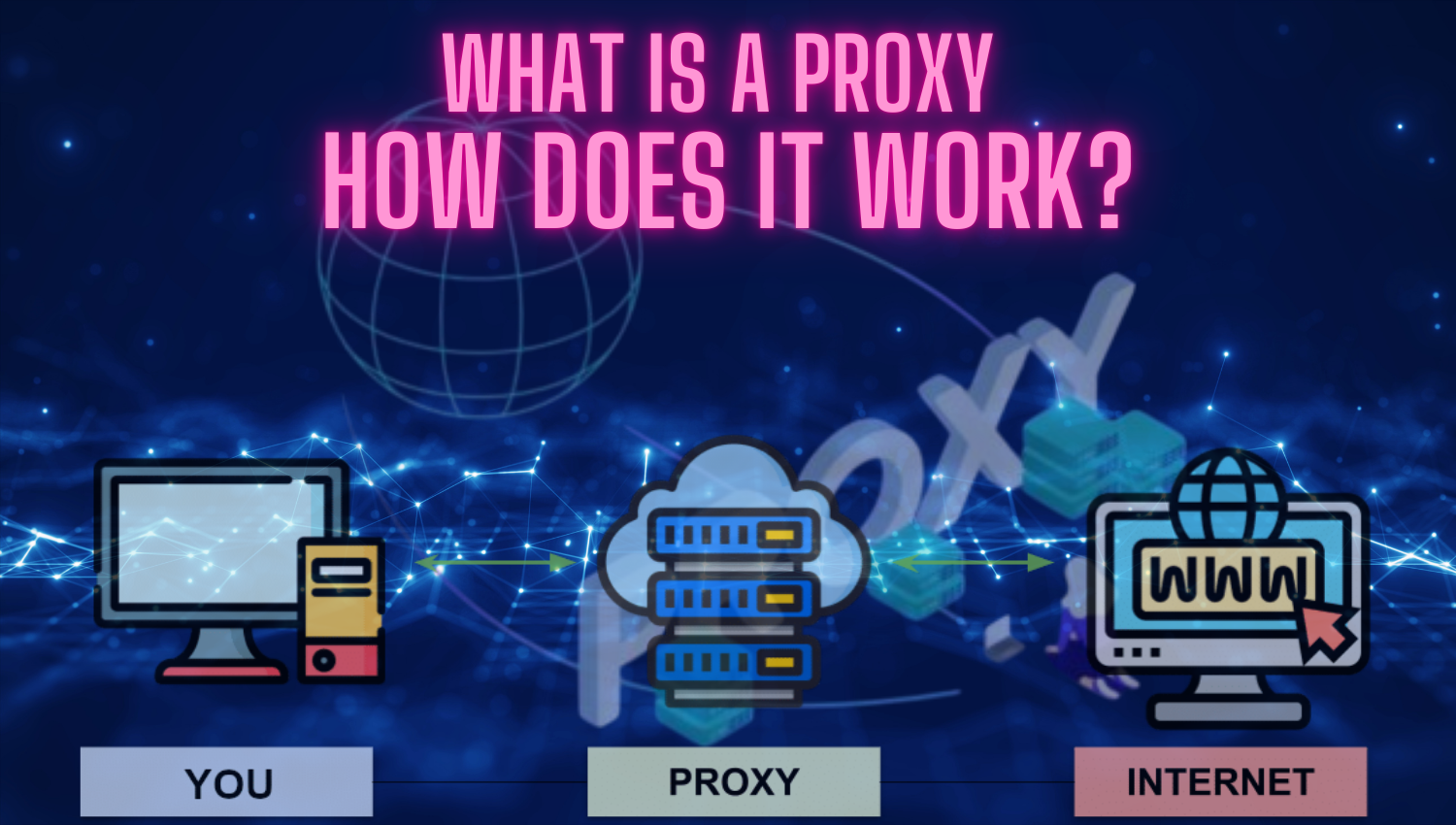
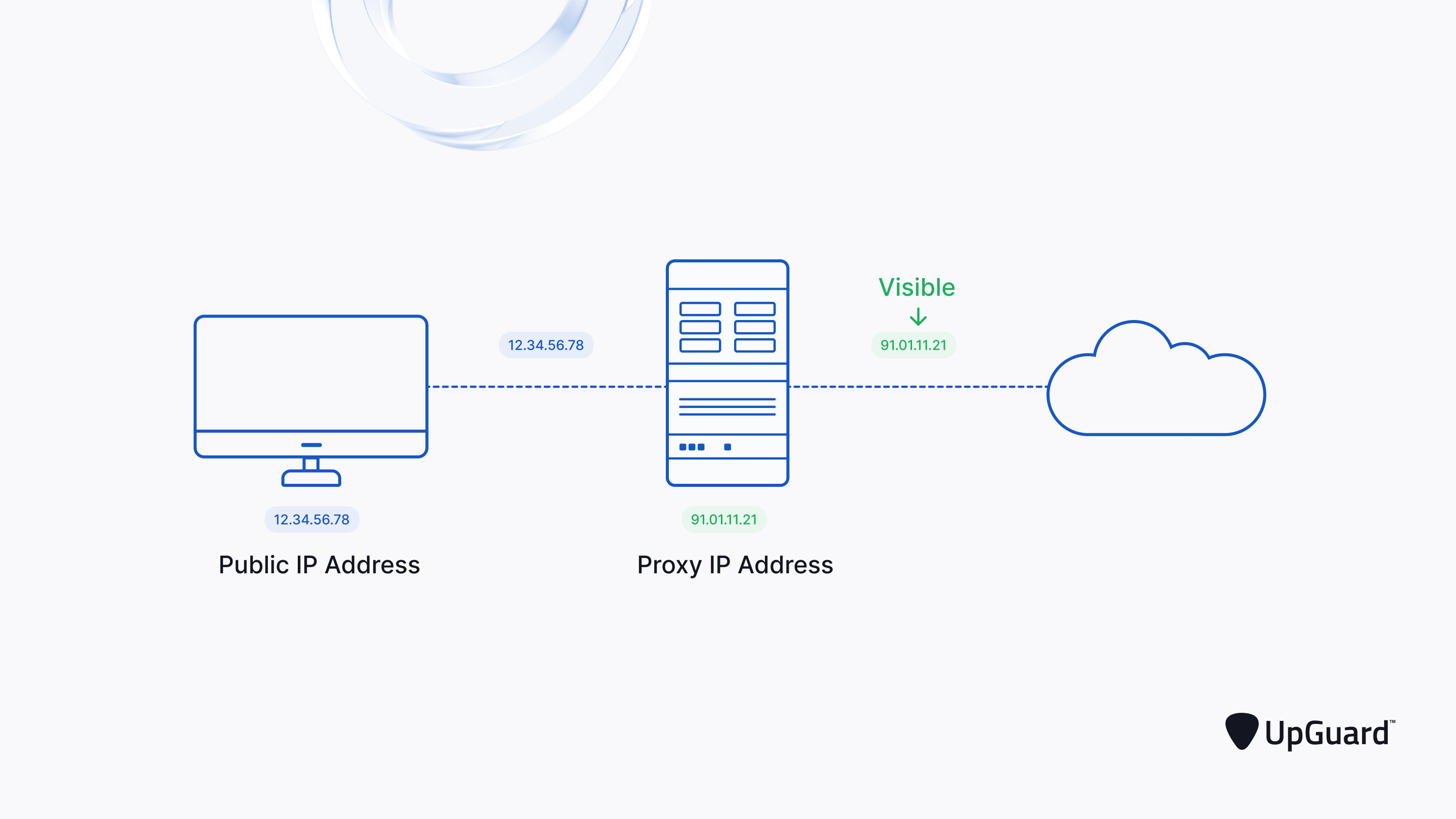
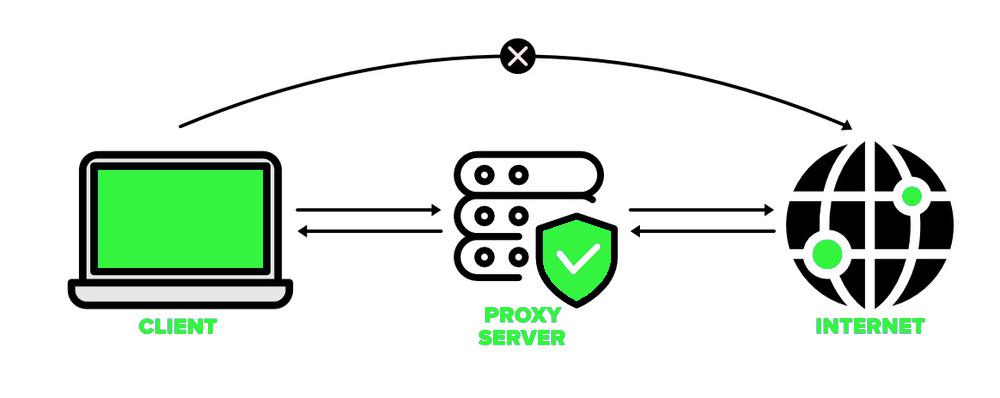
A proxy server receives requests from client devices, forwards them to the target destination, then returns the response. In this relay, the proxy can inspect, block, or modify traffic before it ever reaches the client or the external host. The same mechanism applies in reverse for reverse proxies, which present internal services to the outside world while keeping the backend architecture hidden.
How a Proxy Server Works
The flow starts when a user’s browser sends a request to a proxy. The proxy checks its rules—whitelists, blacklists, authentication tokens—then forwards the request to the intended web server. When the server responds, the proxy again evaluates the data, possibly caching it or filtering malware signatures before relaying it back to the user. This double‑handshake creates a natural checkpoint for security checks.
Key Benefits for Security Teams
- Content Filtering: Block phishing sites, ransomware download hubs, or adult content.
- IP Masking: Conceal the internal network topology from external attackers.
- Traffic Logging: Capture detailed logs for forensic analysis and compliance.
- Rate Limiting: Throttle requests to protect against DDoS or brute‑force attacks.
- Policy Enforcement: Apply granular access controls per user, device, or application.
Choosing the Right Proxy: Types and Use Cases
Not all proxies are created equal. Selecting the appropriate type depends on the threat landscape, network design, and performance requirements. Below is a quick guide to the most common options.
Transparent vs. Anonymous vs. Elite
- Transparent (Non‑Anonymous): Passes user IP through. Useful for basic filtering but offers little privacy.
- Anonymous: Hides user IP but may reveal proxy usage. Adequate for internal monitoring.
- Elite (High Anonymity): Conceals both IP and proxy identity, ideal for privacy‑centric applications.
When to Use a Forward Proxy vs. a Reverse Proxy
- Forward Proxy: Positioned in front of client devices; best for outbound traffic control, such as corporate web browsing.
- Reverse Proxy: Sits in front of servers; protects web applications, balances load, and hides server details from the world.
Implementing Proxy Servers Safely
Deploying a proxy is not a one‑time setup; it requires continuous management to stay effective. Security teams should follow these best practices.
Logging and Monitoring
- Enable comprehensive logging of request/response headers, status codes, and error messages.
- Integrate logs with SIEM platforms for real‑time alerting.
- Archive logs for at least 90 days to support investigations.
Authentication and Access Control
- Require user authentication before traffic is allowed, preferably using SSO or MFA.
- Apply role‑based access lists to restrict sensitive resources.
- Rotate credentials regularly and enforce strong password policies.
Encryption and Secure Channels
- For HTTPS traffic, use SSL‑termination or TLS‑inspection to detect encrypted threats.
- Employ certificates signed by trusted authorities to avoid man‑in‑the‑middle attacks.
- Ensure that the proxy itself is hardened against brute‑force attempts.
Common Pitfalls and How to Avoid Them
- Over‑Caching: Stale content can expose sensitive data; set appropriate cache control headers.
- Insufficient Bandwidth: A slow proxy can become a bottleneck; scale horizontally as traffic grows.
- Misconfigured Rules: A single miswritten ACL can block legitimate traffic; test changes in a staging environment.
- Ignoring HTTPS: Failing to inspect TLS can let malware slip through; enable SSL inspection where permitted.
Integrating Proxies with Modern Security Architectures
Modern organizations adopt Zero Trust, Software‑Defined WAN (SD‑WAN), and cloud‑native stacks. Proxies fit naturally into these ecosystems, acting as gatekeepers and policy enforcers.
Proxy in Cloud‑Native Environments
In Kubernetes, Ingress controllers often double as reverse proxies, routing external traffic to services while applying rate limits and authentication. Service meshes like Istio add sidecar proxies that handle traffic encryption, observability, and traffic shaping between microservices.
Using Proxies for API Security
APIs expose critical business logic. A proxy can enforce rate limits