How Cloud Computing Service Providers Power Modern Workflows
In today’s digital landscape, most businesses rely on a handful of online services to run applications, store data, and deliver content at scale. These backbone services are supplied by cloud computing service providers, which offer everything from virtual servers to managed databases and AI platforms. Whether a startup is launching its first app or a Fortune 500 company is migrating its legacy systems, the right provider can mean faster deployment, lower costs, and fewer headaches. Conversely, a poor choice can lead to downtime, security breaches, or runaway bills. This guide cuts through the jargon and shows you what to look for when selecting a cloud partner.
What Are Cloud Computing Service Providers?
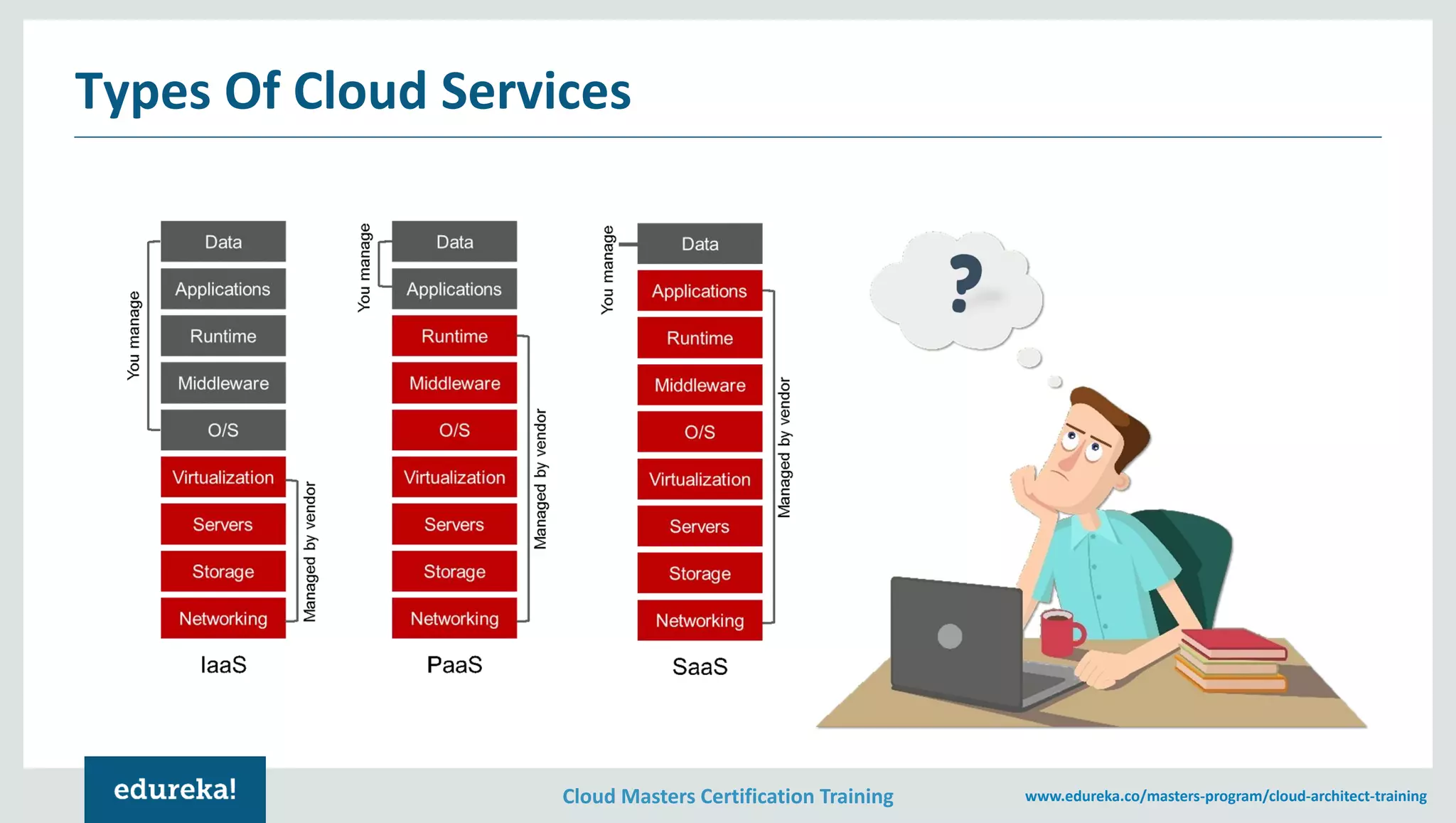
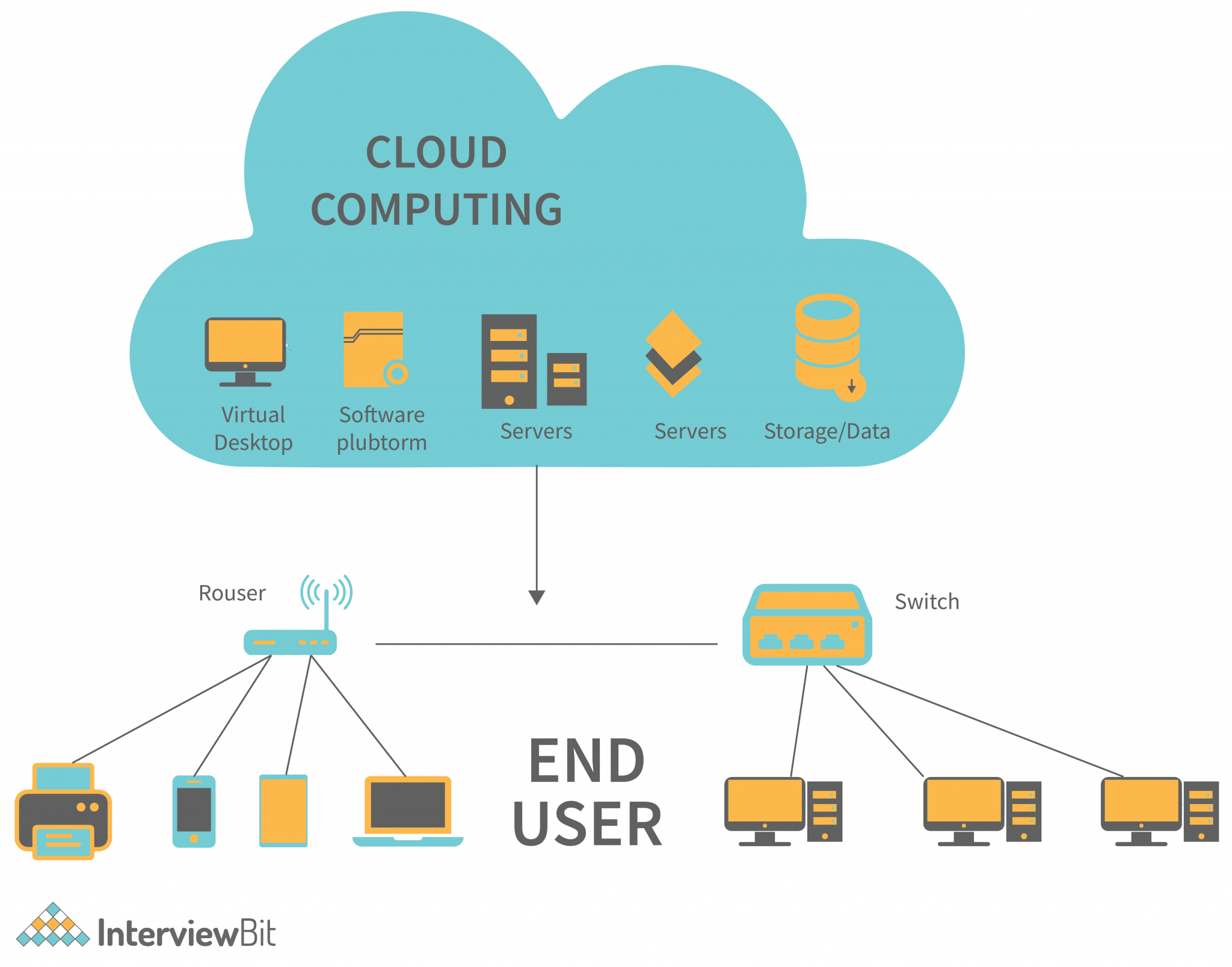
At its core, a cloud computing service provider is a company that hosts infrastructure, platform, or software resources on a pay‑as‑you‑go basis. The services are typically grouped into three layers:
- IaaS (Infrastructure as a Service) – virtual machines, storage, and networking that you manage like an on‑premises data center.
- PaaS (Platform as a Service) – managed runtimes and services (e.g., databases, message queues) that let developers focus on code.
- SaaS (Software as a Service) – ready‑to‑use applications delivered over the Internet.
Most big names offer a mix of all three, allowing teams to mix and match as needed.
Choosing the Right Cloud Computing Service Providers
Picking a provider is less about technical specs and more about fit. Here are the top criteria:
- Cost predictability – Transparent pricing, cost‑management tools, and the ability to lock in rates with reserved instances.
- Scalability and performance – Low‑latency edge locations and auto‑scaling capabilities.
- Security posture – End‑to‑end encryption, identity management, and compliance certifications.
- Support & ecosystem – 24/7 support, community forums, and partner integrations.
- Vendor lock‑in risk – Availability of open‑source tools or APIs that ease migration.
Start with a clear ROI model: estimate your expected usage, then map it against provider pricing tiers and feature sets.
Big Three vs Emerging Players
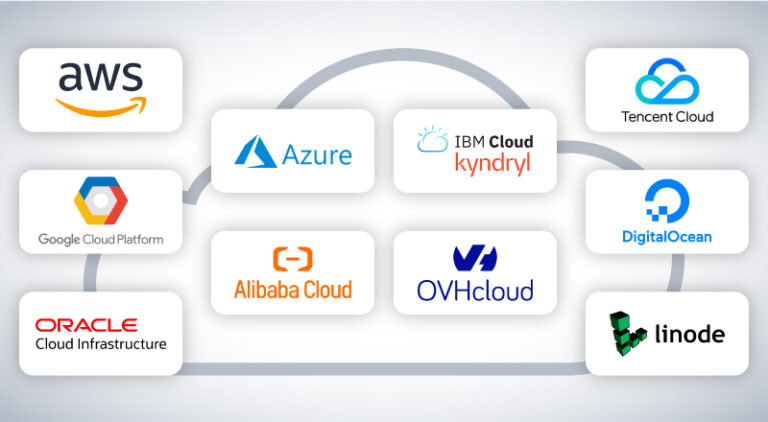
While Amazon Web Services (AWS), Microsoft Azure, and Google Cloud Platform (GCP) dominate the market, several other companies are carving out niches:
- DigitalOcean & Linode – Ideal for small to medium‑sized workloads; simpler pricing and developer‑friendly interfaces.
- OVHcloud – Strong in European data centers, competitive for bandwidth‑heavy use.
- Alibaba Cloud – Growing presence in Asia; offers unique services like Intelligent Search.
- IBM Cloud & Oracle Cloud – Focus on hybrid, enterprise workloads, especially for mainframe integration.
Each provider has trade‑offs. For example, AWS’s breadth can be overwhelming, whereas DigitalOcean’s simplicity might limit advanced analytics features.
Pricing and Hidden Costs
Cloud bills can look tidy at first glance, but several factors inflate the total cost of ownership:
- Data egress fees – Moving data out of a provider’s network often triggers per‑gig charges.
- Overprovisioning – Allocating more CPU or memory than needed wastes money.
- Snapshot and backup storage – Frequent snapshots can accumulate significant fees.
- Network traffic between regions – Cross‑region replication or multi‑cloud setups add unexpected charges.
Use budgeting tools like AWS Cost Explorer, Azure Cost Management, or GCP’s Cost Management to spot anomalies before they balloon.
Security and Compliance in the Cloud
Security in the cloud follows a shared‑responsibility model: the provider secures the infrastructure; you secure the data and applications. Key practices include:
- Encrypt data at rest and in transit with strong keys.
- Implement role‑based access control (RBAC) and multi‑factor authentication.
- Regularly patch operating systems, runtimes, and third‑party libraries.
- Maintain compliance with frameworks relevant to your industry: PCI‑DSS, HIPAA, GDPR, ISO 27001.
Regular security assessments and penetration testing help catch misconfigurations before they become liabilities.
Migration Best Practices
Moving to the cloud is rarely a “lift‑and‑shift” exercise. A structured approach reduces risk:
- Audit & inventory – Catalog every application, database, and dependency.
- Prioritize workloads – Start with low‑risk, high‑value services to gain confidence.
- Test in a sandbox – Recreate production workloads in a staging environment to catch performance bottlenecks.
- Monitor and optimize – Use native monitoring (CloudWatch, Azure Monitor, Cloud Monitoring) to identify idle resources.
- Plan for data sovereignty – Ensure data residency requirements are met by selecting appropriate regions.
FAQ
What is the difference between IaaS, PaaS, and SaaS?
IaaS gives you raw compute, storage, and networking to build your stack from the ground