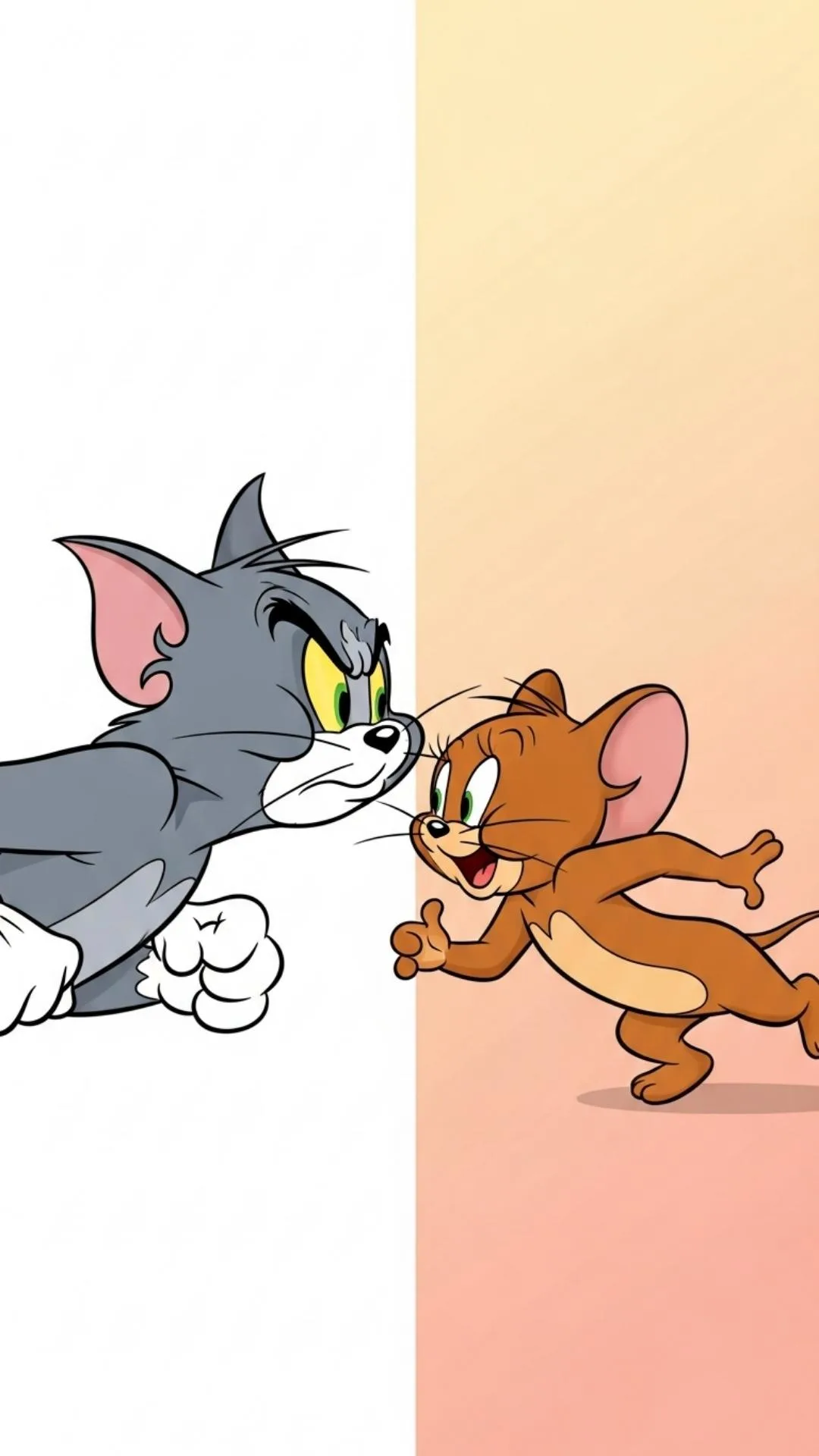
Creative Tom & Jerry Couple Profile Picture Ideas for Lovers
If you and your partner share a love for classic cartoons, a Tom & Jerry‑themed profile picture can be a playful way to showcase that bond. The mischievous cat and clever mouse have been chasing each other for decades, but when you flip the script and pair them as a duo, the result is both nostalgic and romantic. Below are practical ideas, styling tips, and a few technical pointers to help you create a memorable couple portrait that feels as timeless as the cartoon itself.
Why Tom & Jerry Works as a Couple Theme
The charm of Tom & Jerry lies in their endless chase, slap‑stick humor, and occasional moments of unexpected teamwork. Those fleeting scenes where the cat and mouse join forces—whether to outwit a common foe or share a snack—mirror the ups and downs of real‑life relationships. By channeling that dynamic, you get a visual shorthand that says, “We’re playful, we’re resilient, and we know how to have fun together.”
Five Fresh Photo Concepts
- The Classic Chase: Pose back‑to‑back, one of you mimicking Tom’s sleek silhouette while the other adopts Jerry’s cheeky stance. A blurred background can suggest motion, echoing the perpetual pursuit.
- Snack‑Time Sweetheart: Recreate the iconic cheese‑theft scene—one partner holding a piece of cheese (or a modern snack) while the other pretends to snatch it. It’s a lighthearted nod to shared treats and occasional “stealing” moments.
- Cartoon‑Style Silhouettes: Use a solid‑color backdrop and edit your outlines into the recognizable shapes of Tom and Jerry. The simplicity makes the image instantly recognizable, even at small avatar sizes.
- Co‑Op Chaos: Capture a moment of teamwork, like both of you holding a prop (a fishing rod, a toy, or even a remote control) as if you’re planning the next mischievous caper. This emphasizes unity over rivalry.
- Retro TV Frame: Place your photo inside an old‑school television set graphic, complete with static lines. It adds a nostalgic filter and instantly tells the viewer the vibe you’re going for.
Styling Details to Consider
While the concept is cartoon‑centric, the execution can be as polished or as goofy as you like. Here are a few style cues that help the theme shine without looking forced:
Costume Elements
Don’t feel obliged to wear full‑body costumes. Simple accessories—like a cat‑ear headband for the “Tom” side, or a tiny mouse‑tail pin for “Jerry”—can convey the character without overwhelming the shot. Matching colors (gray for Tom, brown for Jerry) also reinforce the reference.
Color Palette
Stick to the classic cartoon colors: soft grays, warm browns, and muted yellows. If you want a modern twist, swap in pastel versions of those hues; they still read as Tom & Jerry but feel fresh.
Background Choices
A plain wall works best for a clean avatar, but you can also opt for a subtle pattern that hints at a cartoon setting—think a faint checkerboard floor or a stylized kitchen tile reminiscent of the series’ settings.
Technical Tips for a Sharp Avatar
Profile pictures are often viewed at tiny sizes, so clarity is key. Follow these quick guidelines:
- High‑Resolution Capture: Shoot in at least 1080p; you can always downsize later without losing detail.
- Focus on the Faces: Ensure both faces are in sharp focus; eyes should be crisp because they draw the viewer’s attention.
- Crop Smartly: Leave a little breathing room around the heads. A square crop works for most platforms, but a slight circle‑crop can look more natural on apps that display avatars that way.
- Lighting: Soft, diffused light—like that from an overcast window or a ring light—reduces harsh shadows and keeps the cartoon vibe light‑hearted.
Personalizing the Theme
Make the image uniquely yours by adding subtle personal touches. Perhaps incorporate a shared hobby—a guitar, a book, or a travel souvenir—into the scene. Or embed a short phrase in a cartoon‑style speech bubble, like “Caught in love” or “Our never‑ending chase.” These details turn a generic reference into a private love token.
Where to Use Your Tom & Jerry Couple Profile Pic
Once you’ve nailed the perfect shot, you can sprinkle it across a variety of platforms: Instagram couple posts, WhatsApp status, shared gaming accounts, or even as a custom avatar on a private forum. Because the image is recognizable yet personalized, it serves as a conversation starter wherever you share it.
FAQ
Q: Do I need professional photo‑editing software to create a Tom & Jerry avatar?
A: Not necessarily. Free tools like Canva or GIMP offer enough features to add simple cartoon elements, adjust colors, and crop the image for profile use.
Q: Can I use actual screenshots from the cartoon?
A: It’s best to avoid direct screenshots due to copyright. Instead, recreate the vibe with your own poses, props, and minimal graphic overlays.
Q: What if my partner isn’t a fan of the cartoon?
A: Focus on the broader theme of playful partnership—use the chase metaphor without literal costume pieces, or choose a different duo that both of you enjoy.
Q: How often should I update the profile picture?
A: There’s no hard rule, but many couples refresh their avatar for special occasions—anniversaries, holidays, or simply when they try a new creative concept.