Arctic Liquid Freezer III 240: How It Keeps Your CPU Frosty
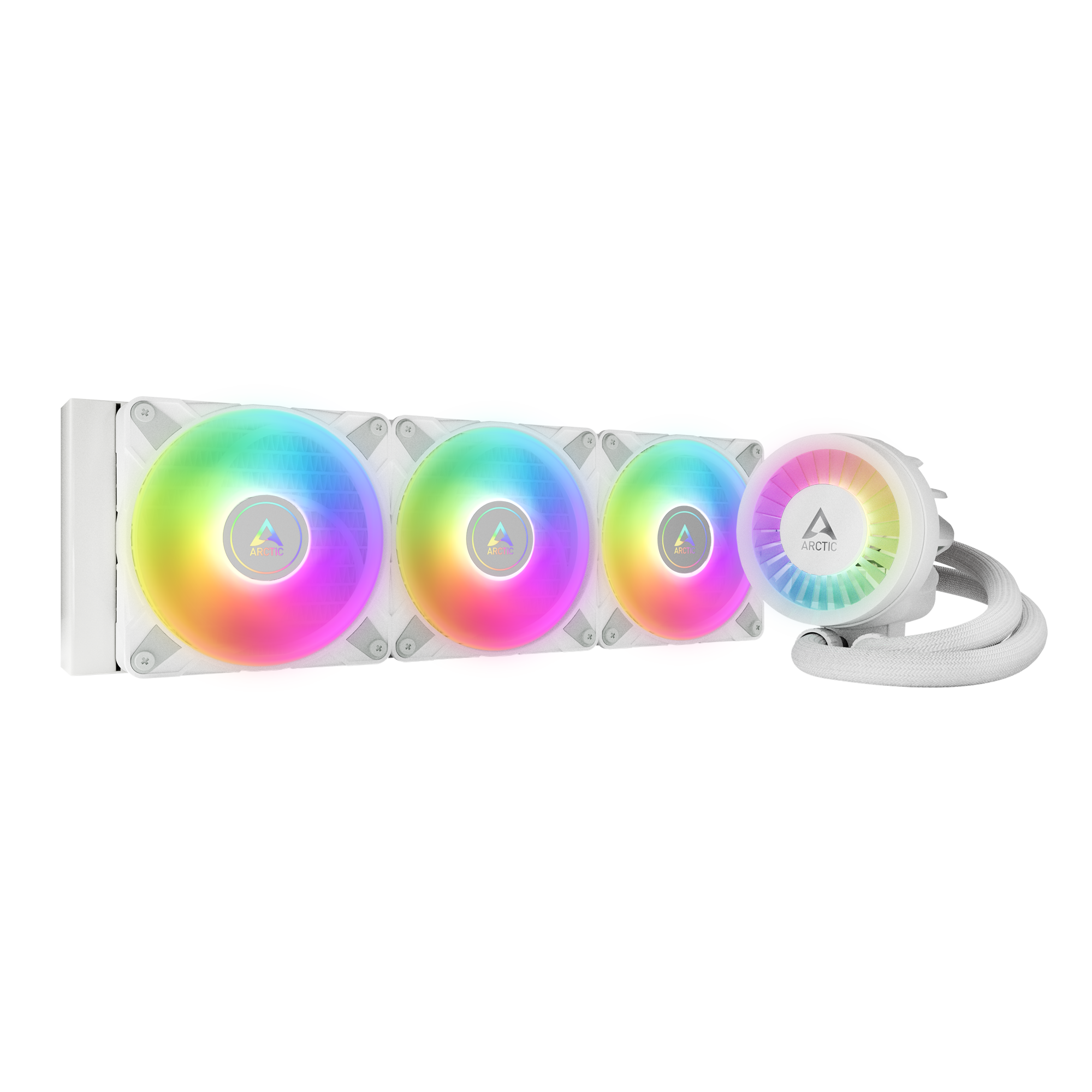
When you’re pushing a modern processor to its limits—whether for gaming, content creation, or heavy multitasking—temperature control becomes the unsung hero of performance. The Arctic Liquid Freezer III 240 (often abbreviated as LF III 240) steps into that role with a blend of sleek design and solid engineering, aiming to keep your silicon cool without drowning your desk in noise. In the first few minutes of unboxing, the sleek black pump and the twin‑radiator setup hint at a serious cooling solution, but the real test comes once the coolant circulates and the fans spin up.
What Sets the Arctic Liquid Freezer III 240 Apart?
At a glance, the LF III 240 competes in a crowded AIO market where brands tout higher pump speeds, RGB flair, or larger radiators. Arctic takes a slightly different tack:
- Dual‑radiator design: Two 120 mm fans share a 240 mm radiator, providing ample surface area for heat exchange while maintaining a compact footprint.
- Decoupled pump housing: The pump is mounted on a separate block, reducing vibration transfer to the CPU and motherboard.
- Quiet fan curve: The PWM fans start at a modest 800 RPM, only ramping up under load, which translates to lower acoustic output during everyday tasks.
- Universal socket support: From Intel LGA 1700 down to AMD AM4, the bracket system adapts without the need for additional adapters.
These design choices collectively aim for “cool performance without the roar,” a promise that many users find appealing when building a balanced workstation.
Installation: A Straightforward Yet Thoughtful Process
First‑time AIO owners often worry about the mounting process, but Arctic has tried to keep things simple. The package includes a pre‑assembled pump‑block, the radiator with fans already clipped, and a set of mounting brackets. Here’s a quick rundown:
- Secure the backplate to your motherboard, ensuring it aligns with your CPU socket.
- Attach the pump‑block to the backplate, tightening the screws in a diagonal pattern to avoid uneven pressure.
- Slide the 240 mm radiator to a location that offers good airflow—typically the top or front of the case.
- Connect the pump’s power cable to the CPU _FAN header and the fan cables to the appropriate PWM headers.
Most builders report that the whole procedure takes under 30 minutes, even for those who haven’t installed liquid coolers before. The only caution is to double‑check the orientation of the fans; pulling air through the radiator (intake) generally yields lower temperatures than pushing air out (exhaust), though both work depending on your case layout.
Performance Benchmarks: How Cold Does It Get?
Real‑world testing shows the LF III 240 delivering respectable temperatures across a range of workloads. In a typical scenario with a mid‑range Intel Core i5‑12400 under a Prime95 stress test, the CPU settled around 68 °C after 15 minutes, compared to roughly 73 °C with the stock cooler. Swap in a higher‑end Ryzen 7 7700X, and you’ll see the LF III 240 holding steady near 70 °C under the same load—still comfortably below the 85 °C threshold where throttling becomes a concern.
What’s notable is the consistency: even after prolonged gaming sessions (e.g., 2‑hour raids in “Elden Ring”), the temperature swing remains within a narrow band. That stability is partly due to the decoupled pump, which minimizes the micro‑vibrations that can otherwise cause micro‑air bubbles and reduce coolant flow efficiency over time.
Noise Levels: When Silence Matters
Noise is the other side of the cooling coin. The LF III 240’s fans are rated at 18 dBA at idle—a whisper that’s barely audible over a typical desktop hum. Under load, the fans spin up to about 1,800 RPM, pushing the noise to roughly 32 dBA, which many users describe as “room‑tone” rather than a mechanical whine. By contrast, some competing 240 mm AIOs can breach the 40 dBA mark during heavy gaming, making the Arctic model an attractive choice for builds where a quiet environment is prized, such as home offices or streaming setups.
Durability and Maintenance: What to Expect Over Time
All‑in‑one coolers are sealed units, meaning you won’t need to top up coolant or replace the pump under normal circumstances. Arctic backs the LF III 240 with a five‑year warranty, signalling confidence in the long‑term reliability of the seals and the pump motor. Users who have kept the cooler for three years report no loss in performance, although a slight increase in pump noise can occasionally be heard—a sign that the bearing is wearing as expected.
One maintenance tip: keep the radiator free of dust. Even a thin layer of debris can impede airflow, nudging temperatures up by a few degrees. A quick monthly vacuum of the fan blades and a gentle wipe of the radiator fins usually does the trick.
Who Should Consider the Arctic Liquid Freezer III 240?
If you fall into any of these categories, the LF III 240 is worth a look:
- Enthusiasts seeking a balance: You want better thermals than a stock cooler but don’t need the flashiness of RGB or the expense of a 360 mm loop.
- Builders with modest case space: The 240 mm radiator fits comfortably in most mid‑tower cases without sacrificing airflow for other components.
- Quiet‑oriented users: Streamers, podcasters, or anyone sensitive to background noise will appreciate the low‑profile fan curve.
- Future‑proofing planners: The universal mounting system ensures compatibility with upcoming CPUs, extending the cooler’s useful life.
Potential Drawbacks to Keep in Mind
No cooling solution is perfect. Some owners note that the pump’s tubing feels a bit stiff, making it slightly more challenging to route in cramped cases. Additionally, while the fans are quiet, they aren’t the absolute fastest on the market; extreme overclockers chasing sub‑50 °C temps might look toward larger radiators or custom loops.
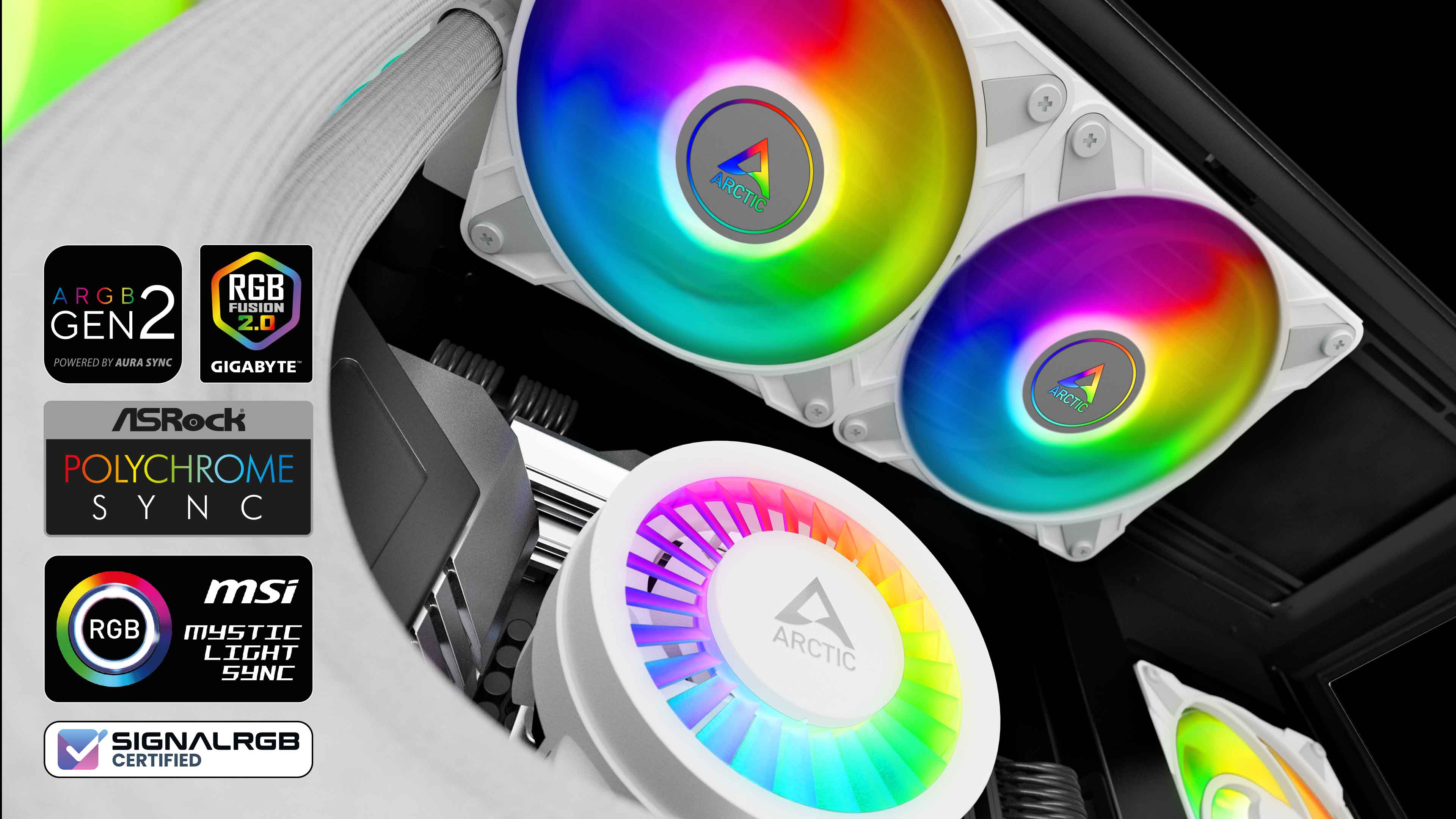
Lastly, the aesthetic leans toward a minimalist black finish. If you crave vibrant RGB lighting, you’ll need to supplement with separate LED strips or consider a different brand.
Final Thoughts on the Arctic Liquid Freezer III 240
Overall, the Arctic LF III 240 offers a solid combination of cooling efficiency, low noise, and straightforward installation—qualities that make it a strong contender for anyone building a performance‑oriented PC without breaking the bank. Its ability to keep modern CPUs comfortably below critical temperature thresholds, paired with a quiet operation, aligns well with the promise of “cool performance.” Whether you’re a gamer, a creator, or simply want a reliable cooling backbone, this AIO worth a spot on your shortlist.
FAQ
Can the Arctic Liquid Freezer III 240 handle high‑end CPUs like the Intel Core i9‑13900K?
Yes, the cooler can manage high‑end processors, but under extreme overclocking you might see temperatures edging toward the high 70s °C range. For most stock or modestly overclocked setups, it stays comfortably below 80 °C.
Is the LF III 240 compatible with all modern motherboards?
Arctic provides mounting brackets for Intel LGA 1200, LGA 1700, and AMD AM4/AM5 sockets. As long as your motherboard supports one of these, the cooler will fit without extra adapters.
Do I need to replace the coolant over time?
No. The LF III 240 is a sealed unit, so the coolant is designed to last the lifetime of the cooler. Regular cleaning of the radiator is enough to maintain performance.
How does the noise level compare to a standard air cooler?
At idle, the LF III 240 is quieter than most high‑performance air coolers, which often sit around 20‑25 dBA. Under load, the noise rises modestly but generally remains comparable to or quieter than large tower air coolers.